








PANGOLIN.technology, back to top

Personalised software that fits how you live and work, then disappears.

We design, build and run private software for homes and small businesses. Our own products run our days first, and yours are built the same way.

Led by Johannes van der Merwe, a lead software engineer, with the AI agents he directs.

What we do

Most software asks you to change your habits or hand over your data. We build software that fits around how you already live and work, keeps what is private private, and stops asking for attention once it works.

That means connected devices in the home, private services, sites you edit from a spreadsheet, and tooling for teams who work alongside AI agents.

When we hit a chore with no good answer, we build the tool ourselves and use it every day before we offer it to anyone.

Systems you do not control

Your work calendar can mirror its meetings into your personal diary and protect your private time, even when your employer locks down the account. You get the coordination you need across systems that refuse to talk to each other.

Private by construction

A recorder on your desk transcribes spoken notes on local hardware, so the audio never leaves the room. Calendars share whether you are busy and nothing else. Privacy is the starting premise, not a setting.

An attention budget

A household board keeps the tally of shared chores in the background and only interrupts when it has to. Nothing we build adds another app to check or another inbox to clear.

What we have built

Each of these started as a chore of our own. Every card's label says where it stands: live, in use, a demo, in development or planned.

Fairshare

Live

Fairshare: Share the work of running a home, and see the split stay fair.

A shared list of household jobs that keeps the tally for you. Log a job in a tap and get on with your day. It only speaks up when something is due.

  • In daily use at home.
  • A short morning email, so nobody has to open the app.
  • Effort counts, not just the number of jobs.

Open Fairshare

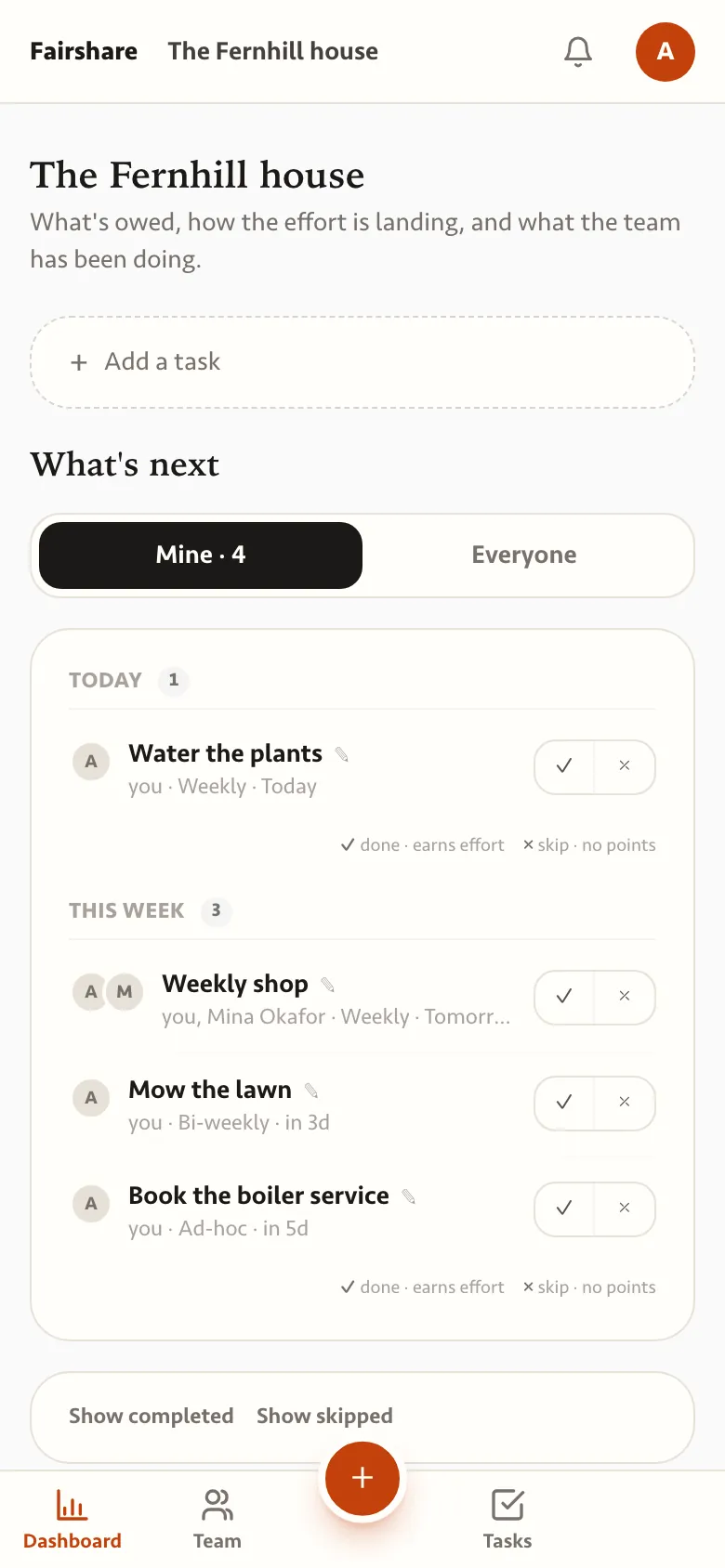
  • Fairshare on a phone: the tasks due today and this week for one member of a demo household, with tick and skip buttons.
    Today
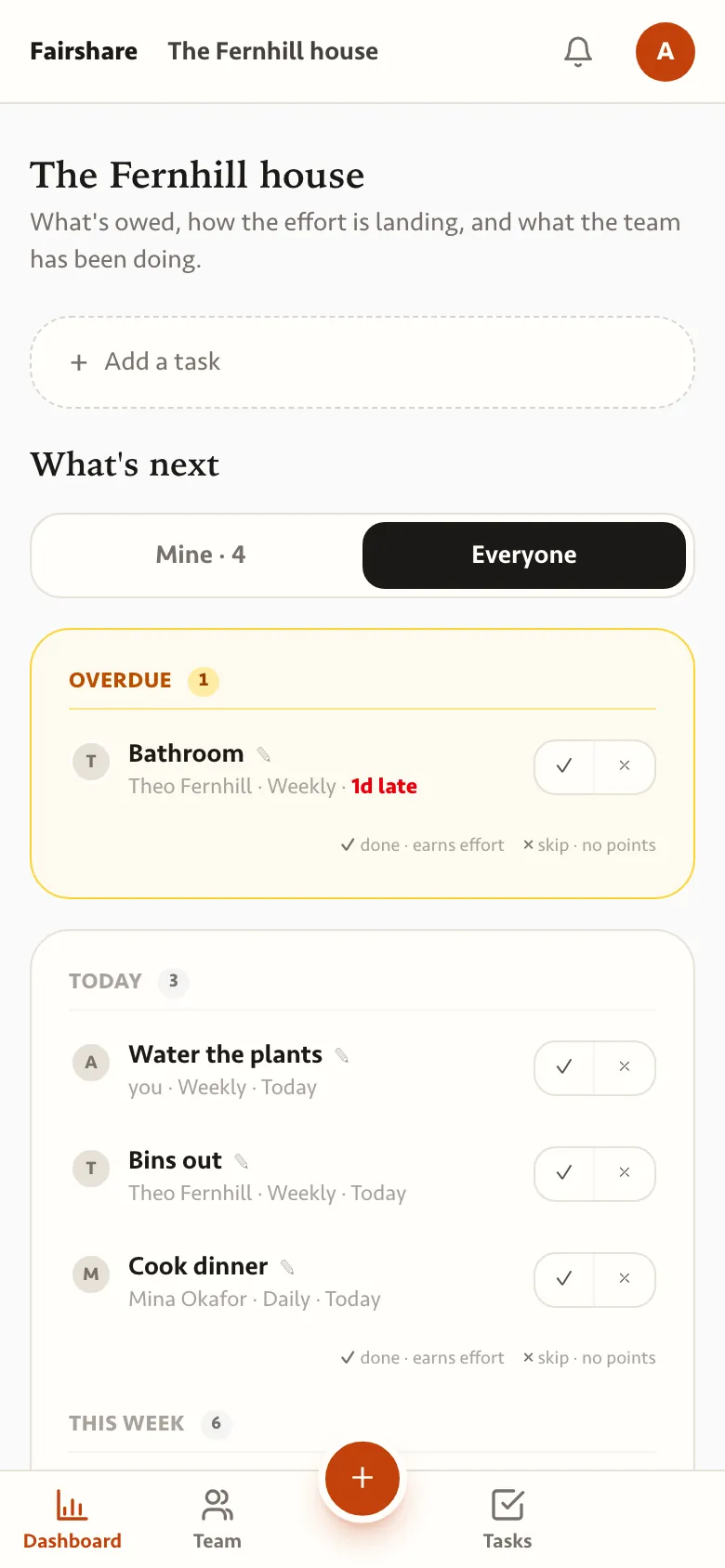
  • The whole household's list, with an overdue bathroom clean above today's tasks.
    Everyone
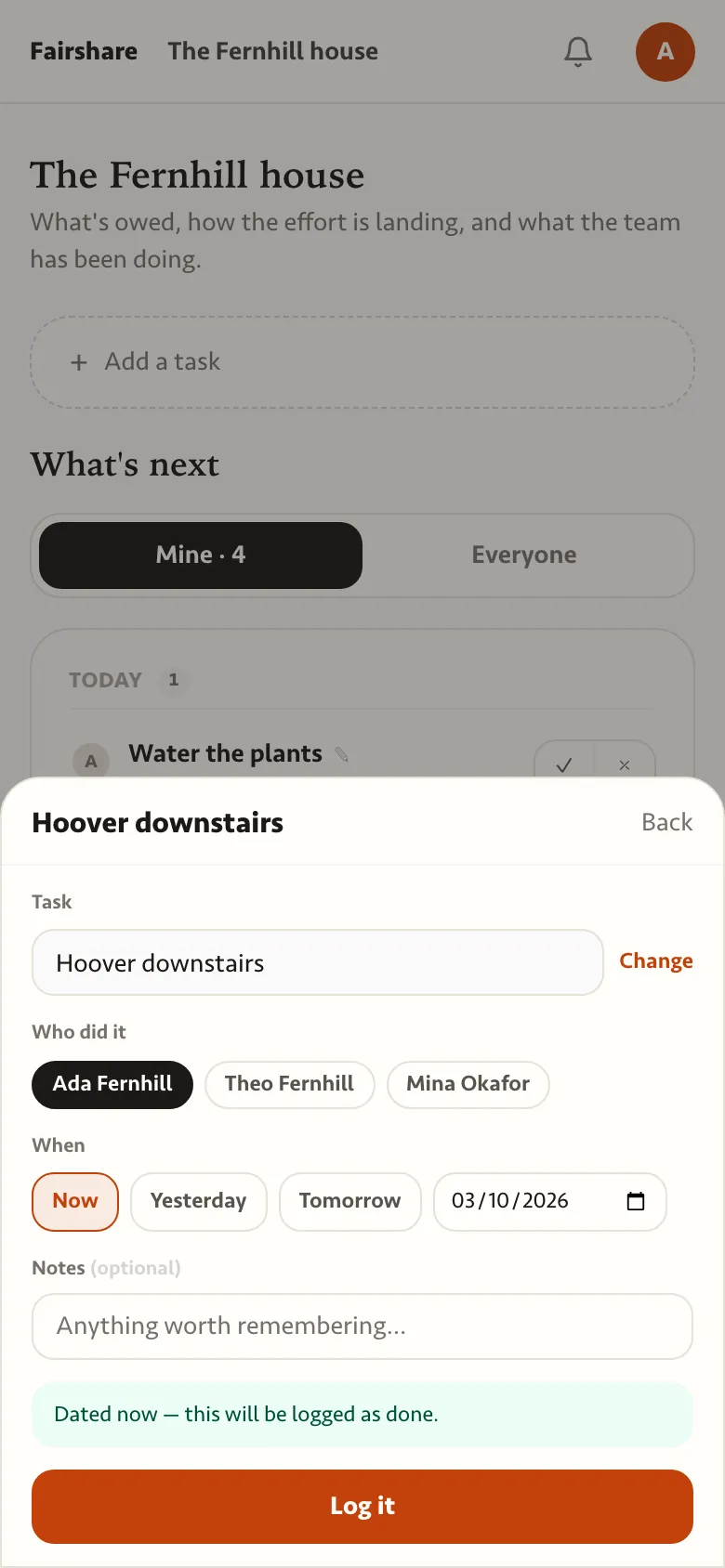
  • Logging Hoover downstairs: who did it, when, and a note.
    Log a task
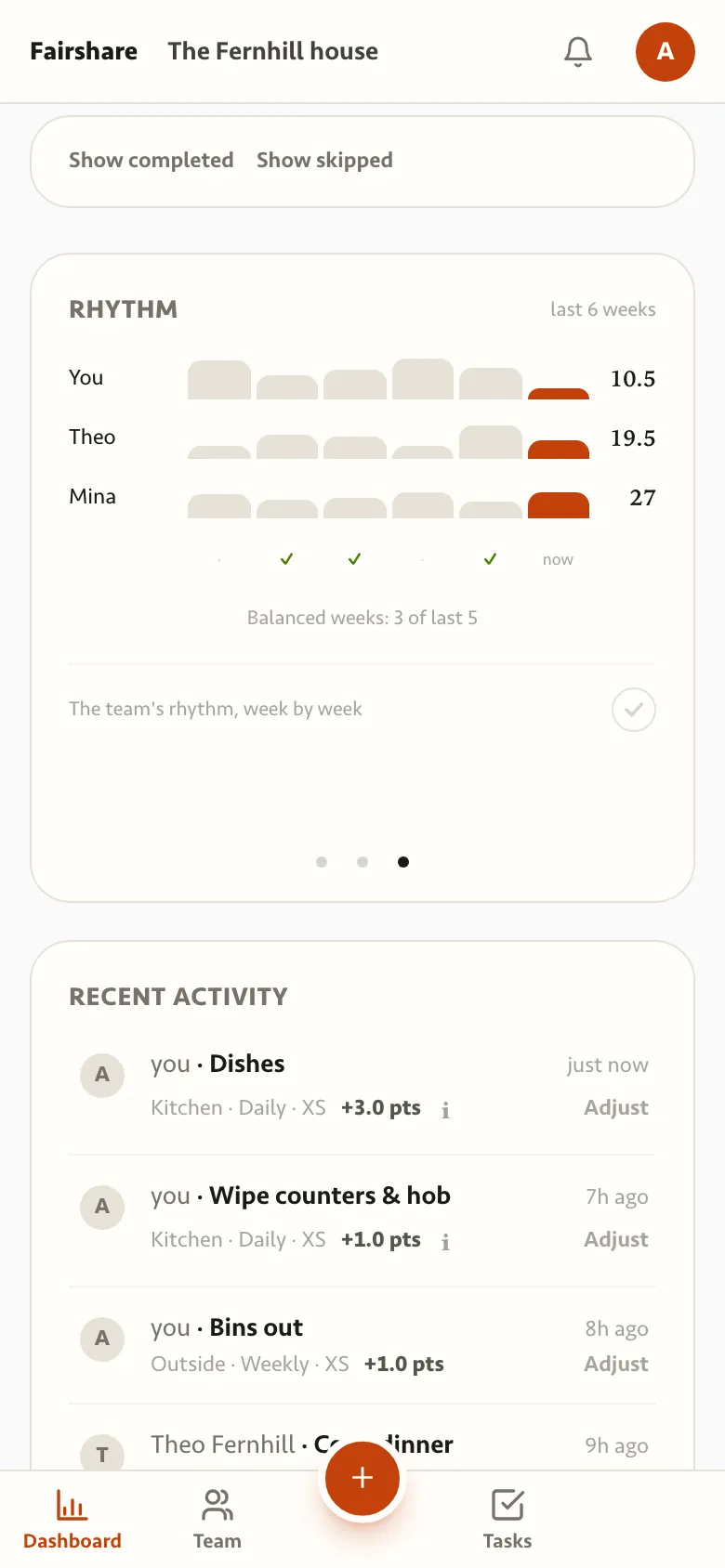
  • Six weeks of effort for each member of the household, with balanced weeks ticked.
    Rhythm
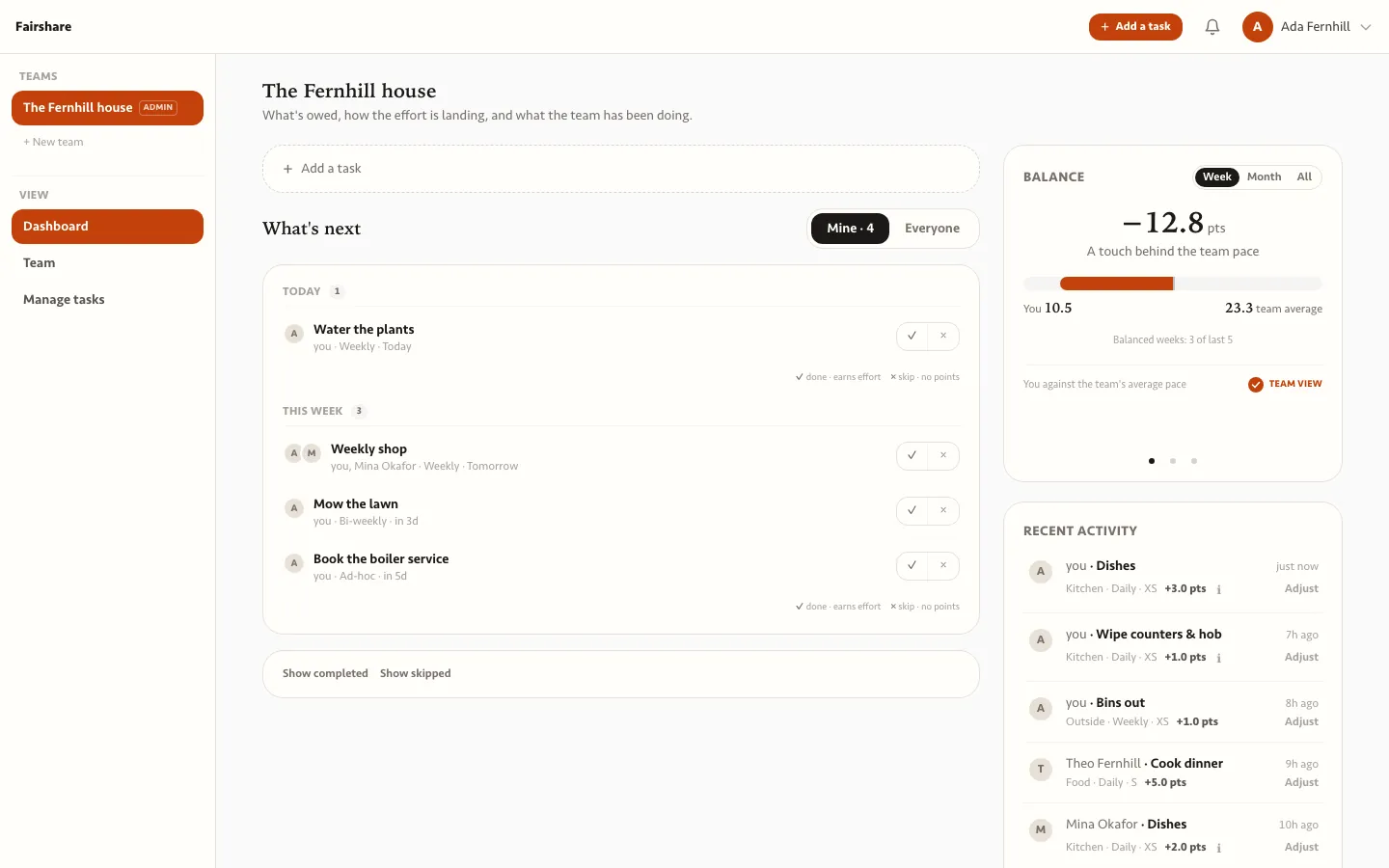
  • Fairshare on a laptop: what is due, the balance against the household pace, and recent activity.
    Dashboard
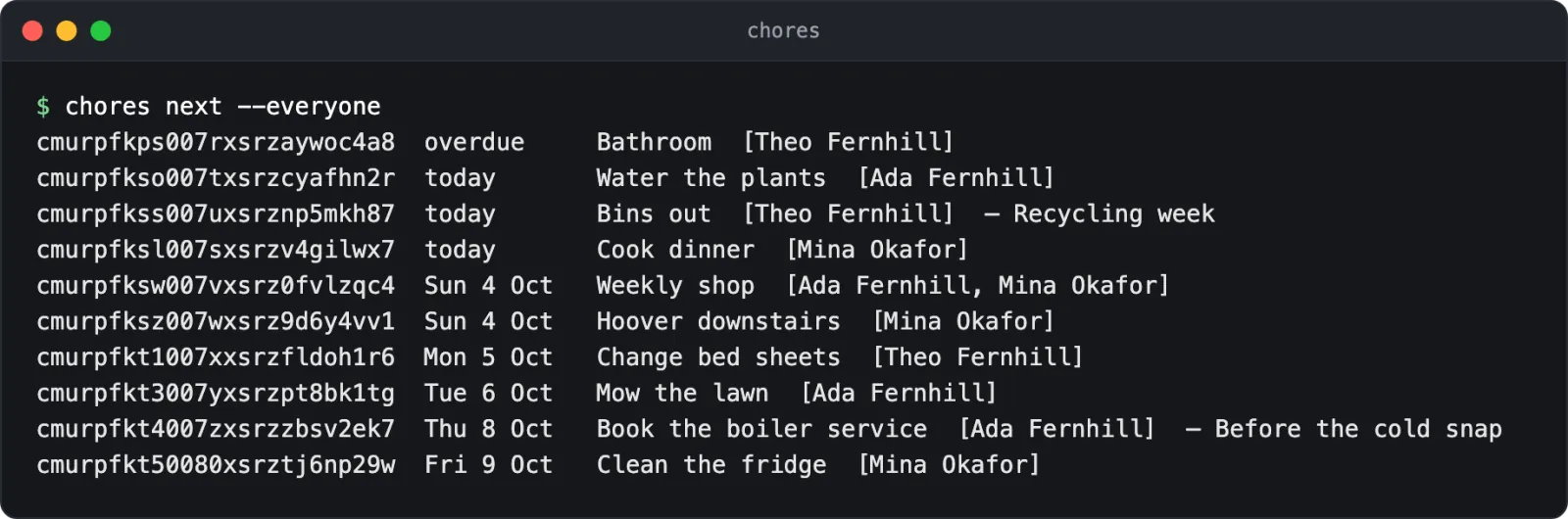
  • Terminal: chores next lists what is due for everyone in the household.
    Due next, in the terminal
Twinspot

Live, invitation only

Twinspot: Two calendars, one day, nothing private crossing the line.

Twinspot copies your work meetings into your personal calendar and marks personal appointments as busy at work. It works with locked work accounts that refuse other apps, because only your availability crosses over.

  • Built for a work account that blocked every calendar app.
  • Personal event titles never reach the work mailbox.
  • Used by its maker.

No public sign-up yet. Ask over coffee.

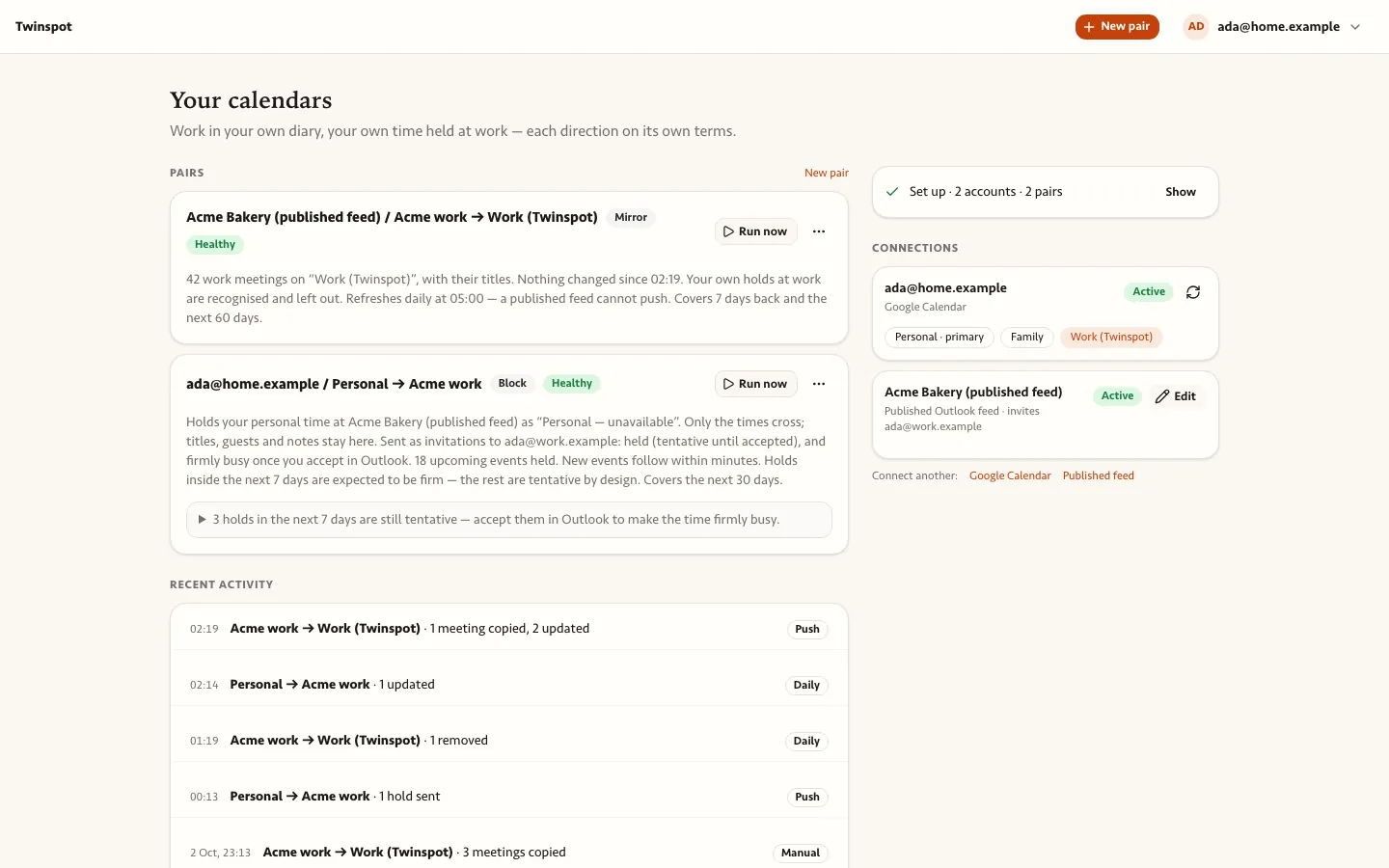
  • Twinspot's control panel: one pair mirrors work meetings into a personal Google calendar, another holds personal time at work, both healthy, with the connected accounts beside them.
    Your calendars
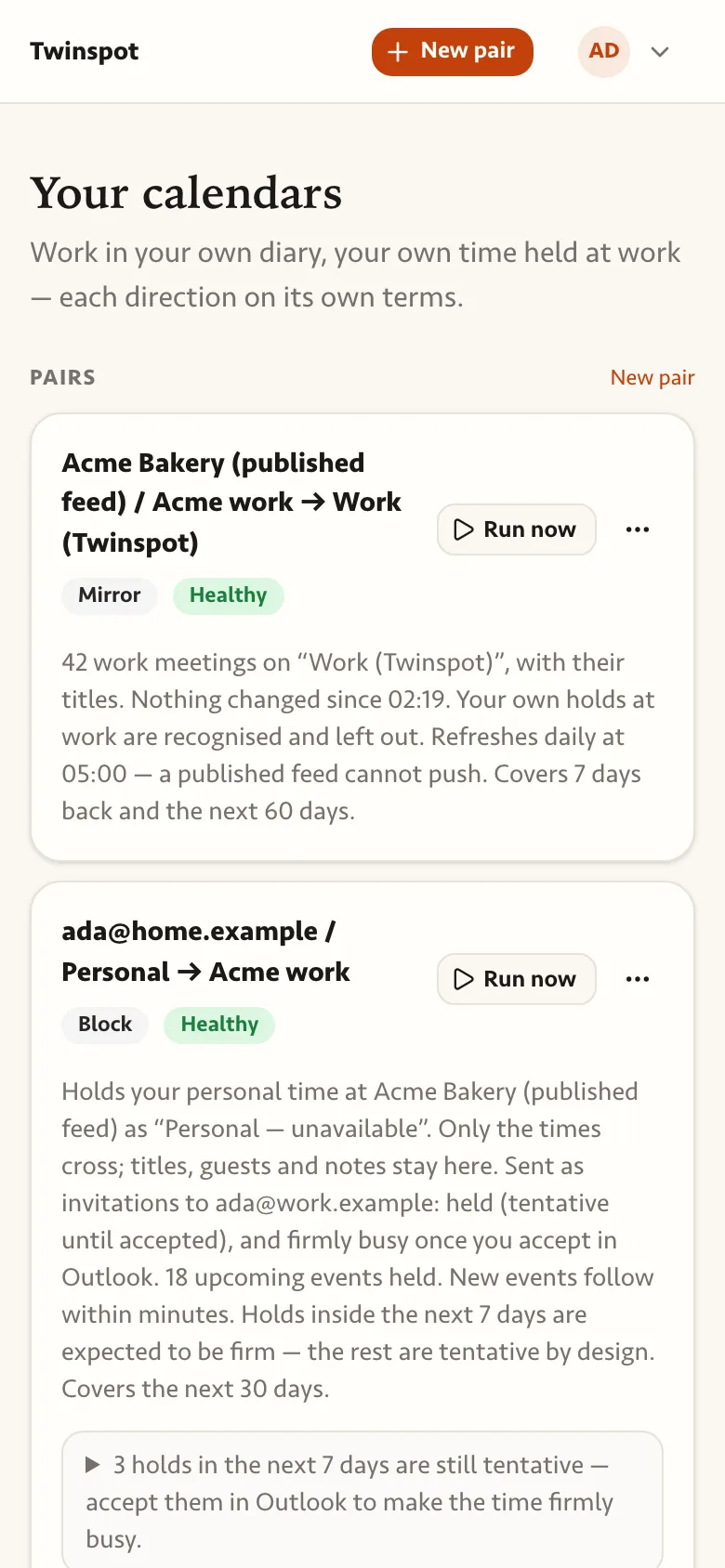
  • Twinspot's calendar pairs on a phone.
    On a phone
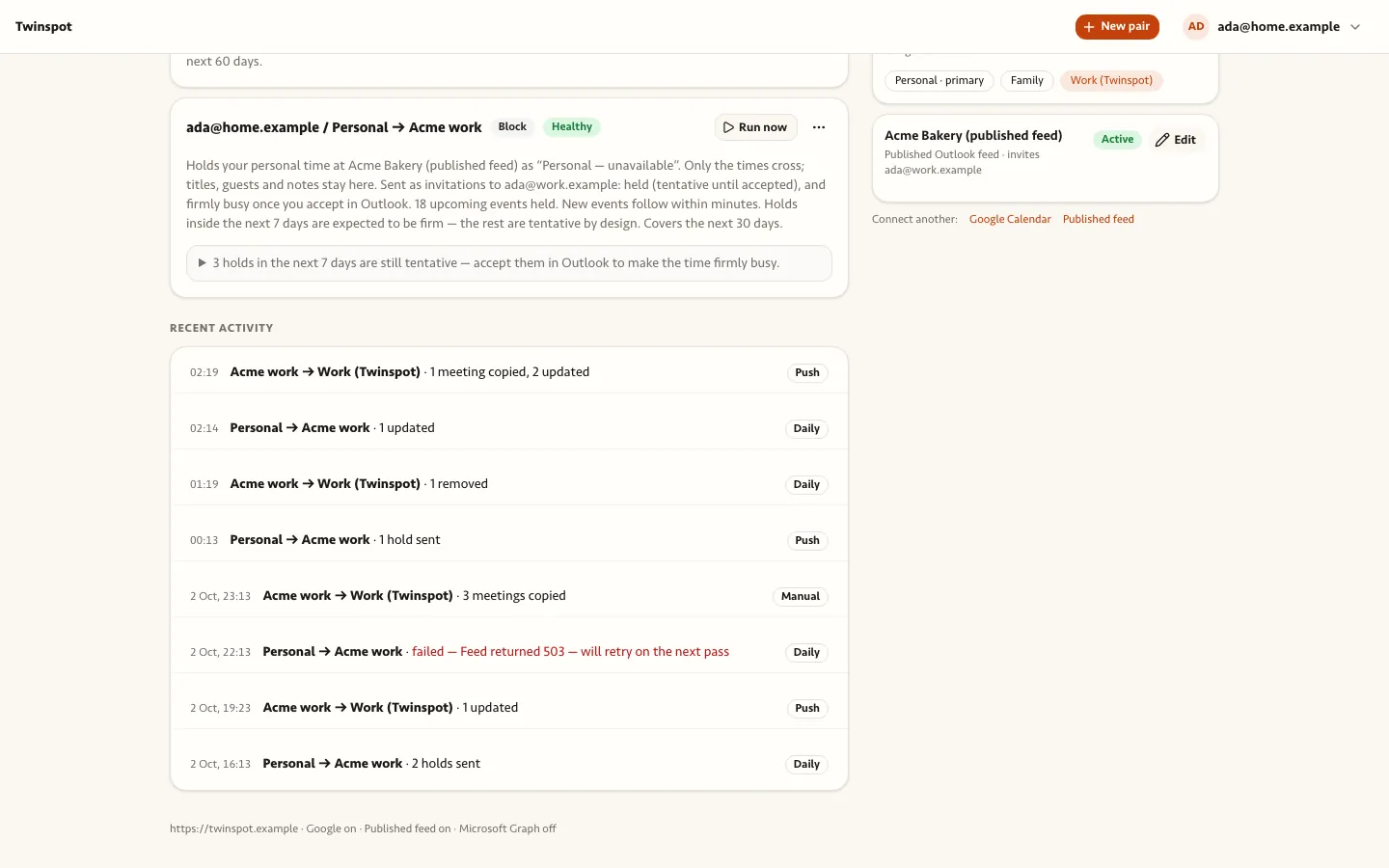
  • Twinspot's log of sync runs with counts of meetings copied, updated or removed, and one failed run explained.
    Recent activity
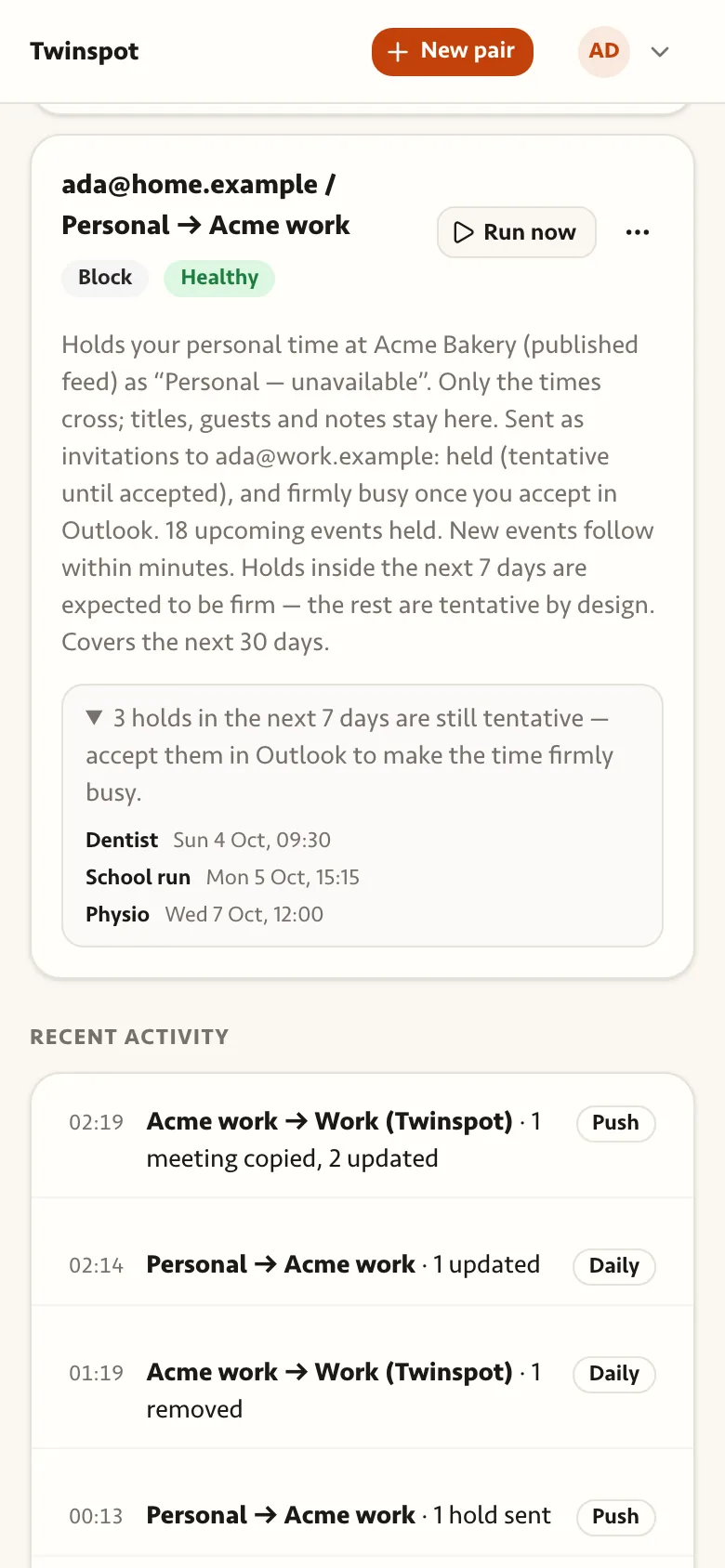
  • Twinspot on a phone: personal appointments held at work, still waiting to be accepted in Outlook.
    Holds at work
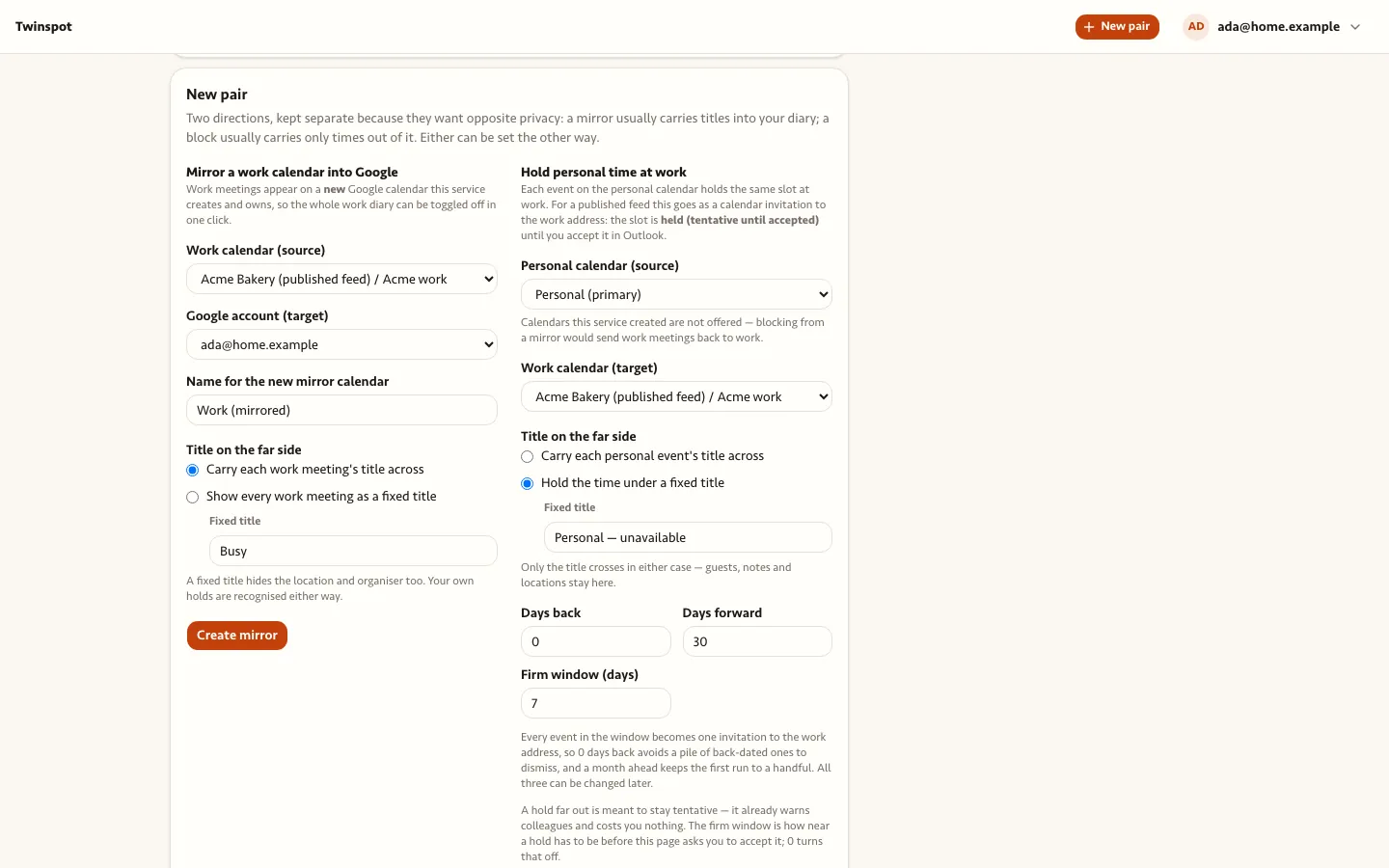
  • Twinspot's two ways to pair calendars: mirror a work calendar into Google, or hold personal time at work.
    New pair

galago

In development

galago: Recordings transcribed on your own computer, easy to search.

galago turns spoken notes and meetings into text on your own machine. The audio never leaves the room, and the transcripts are plain files in a folder you choose.

  • No audio sent to anyone.
  • Plain text you can keep, search and move.
  • Built to replace a paid transcription subscription.

No public sign-up yet. Ask over coffee.

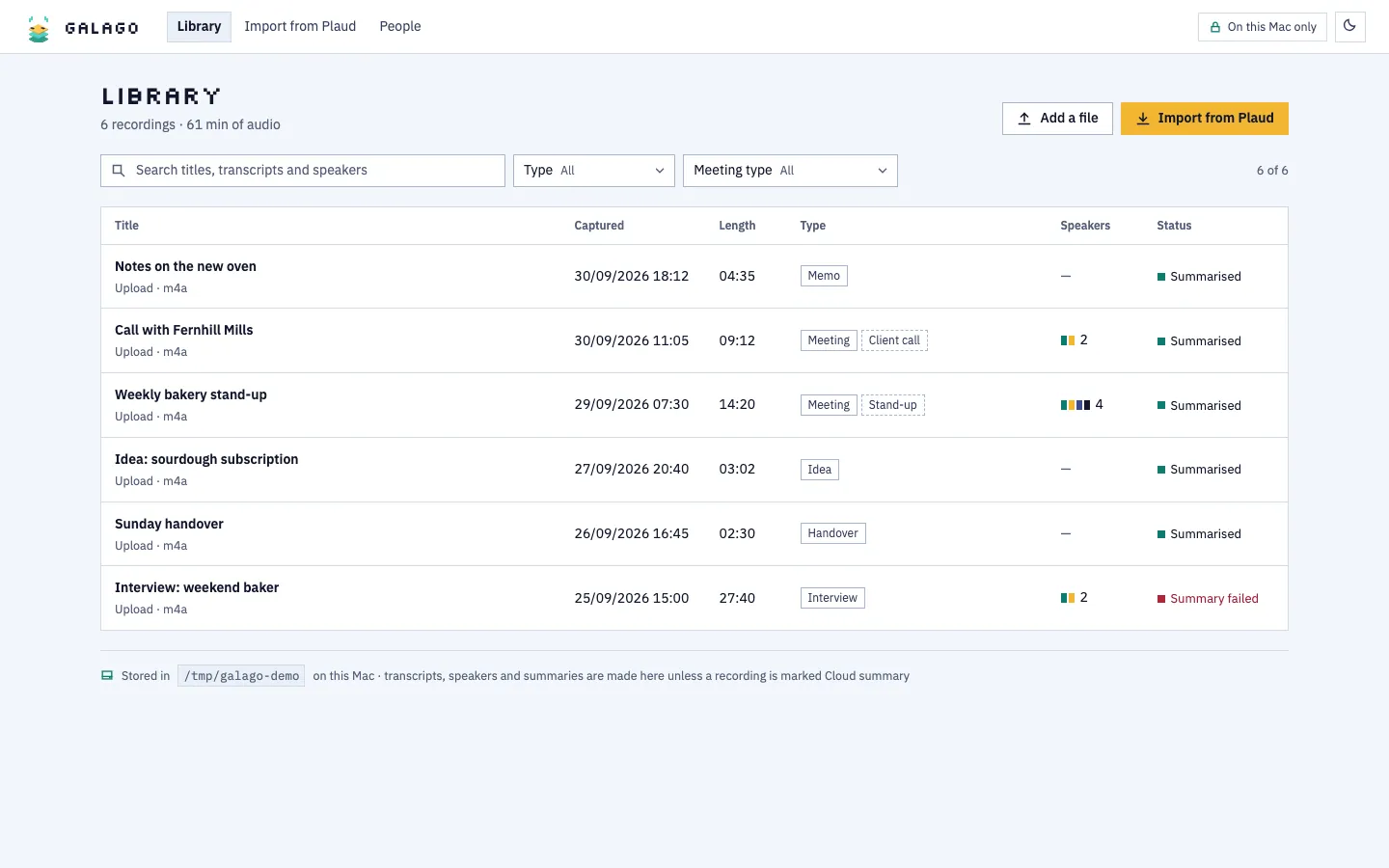
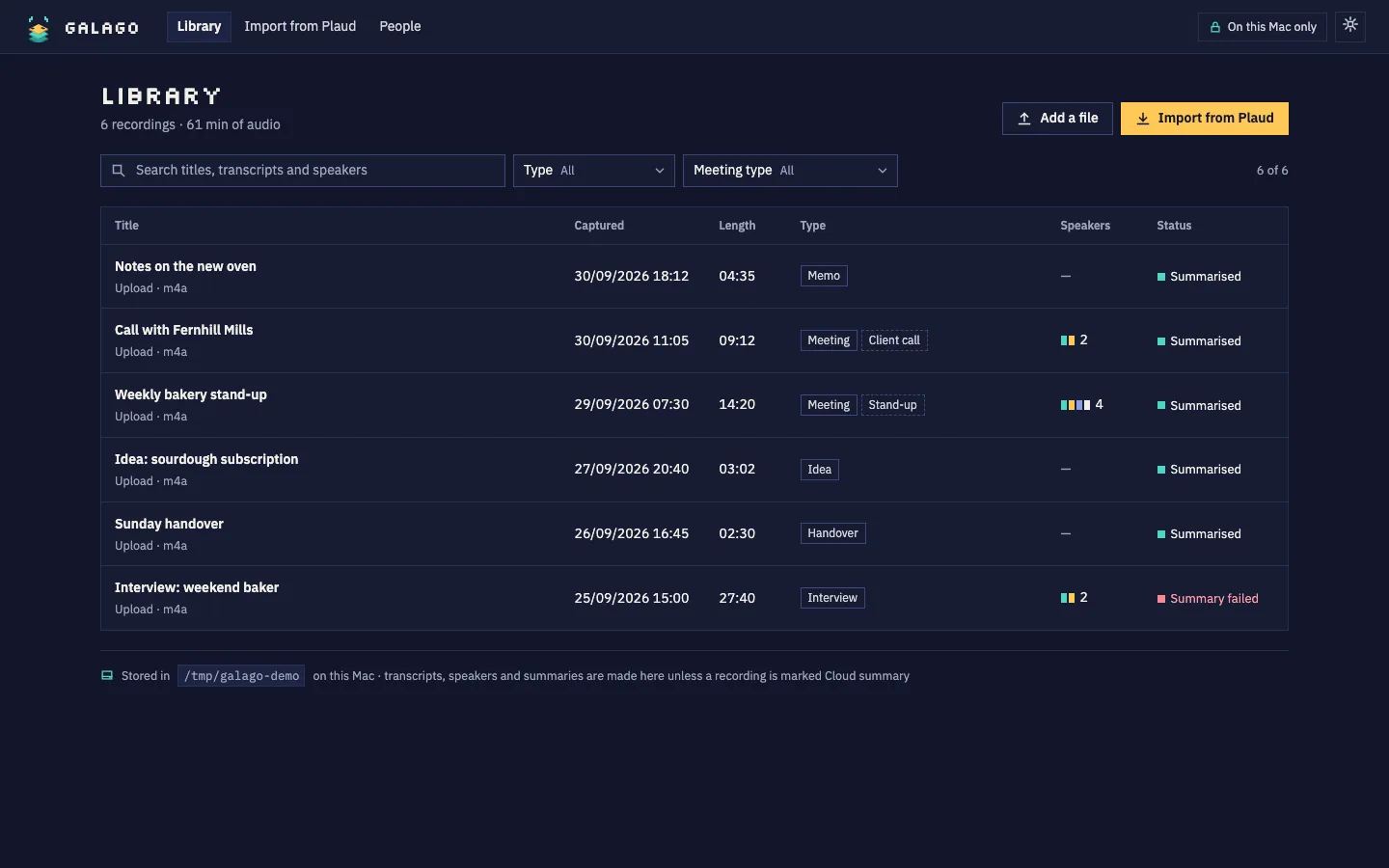
  • galago's library of recordings on this Mac, with type, length, speakers and status.galago's library of recordings on this Mac, with type, length, speakers and status.
    Library
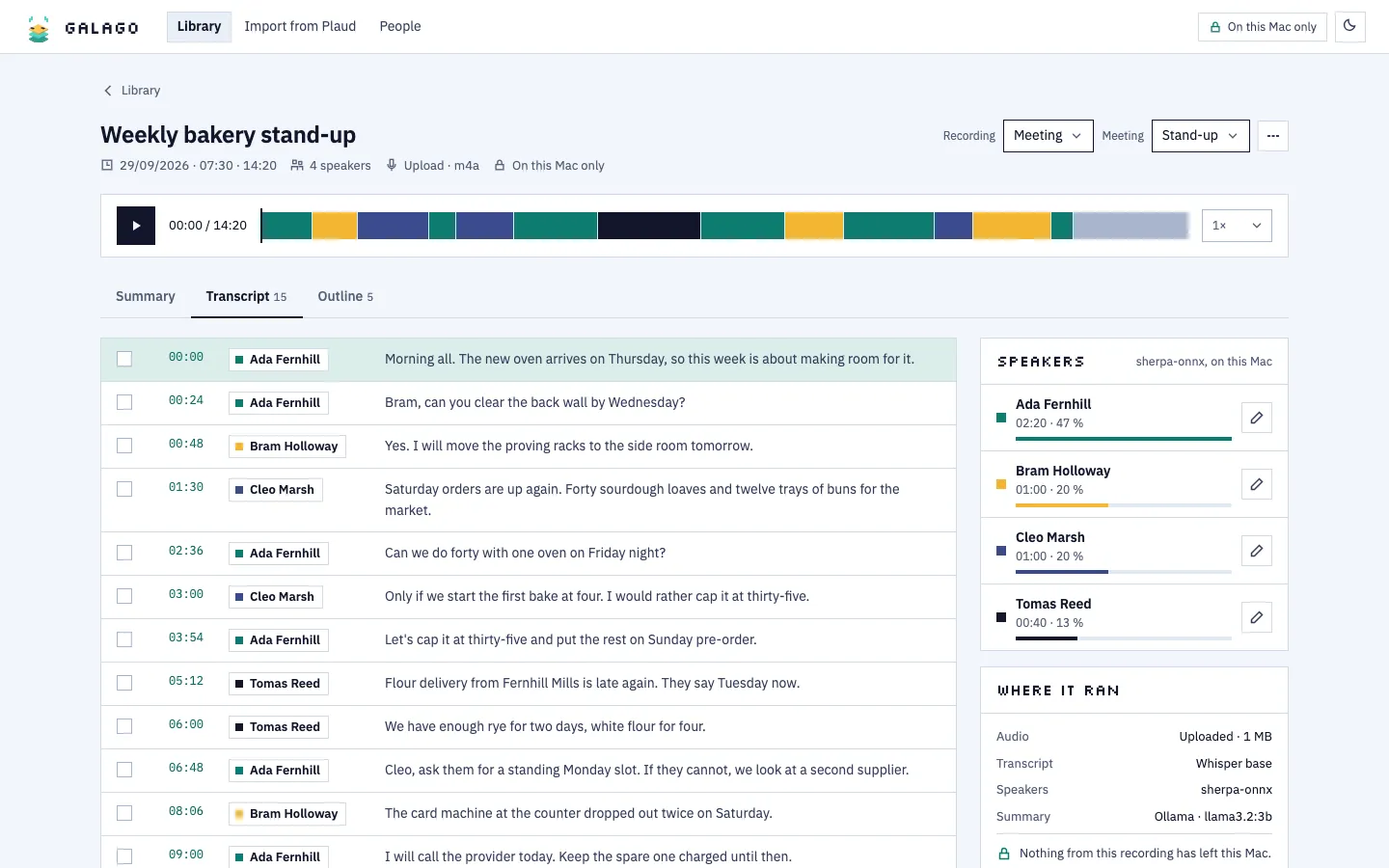
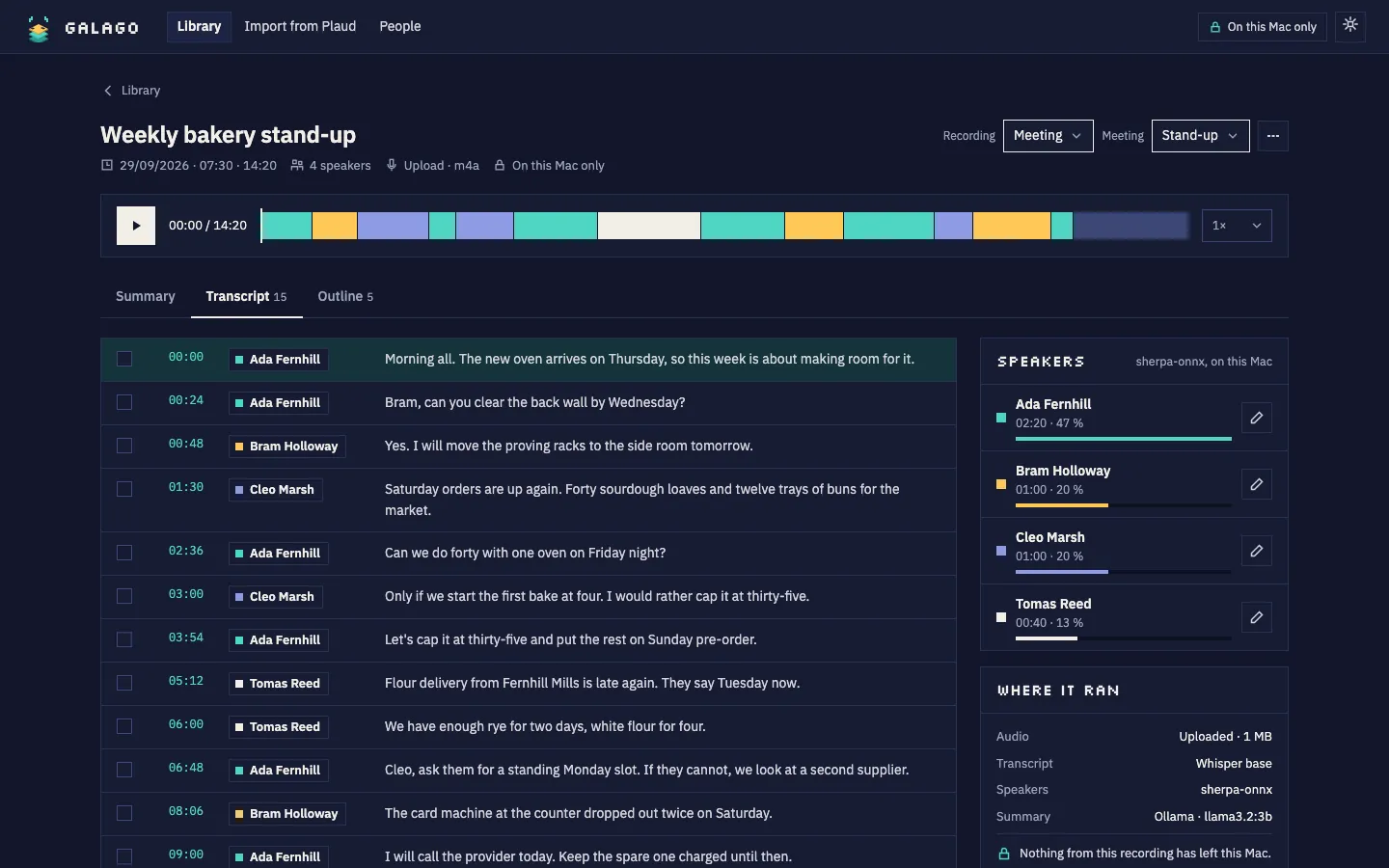
  • A bakery stand-up transcribed on the Mac, with timestamps, named speakers and where each step ran.A bakery stand-up transcribed on the Mac, with timestamps, named speakers and where each step ran.
    Transcript
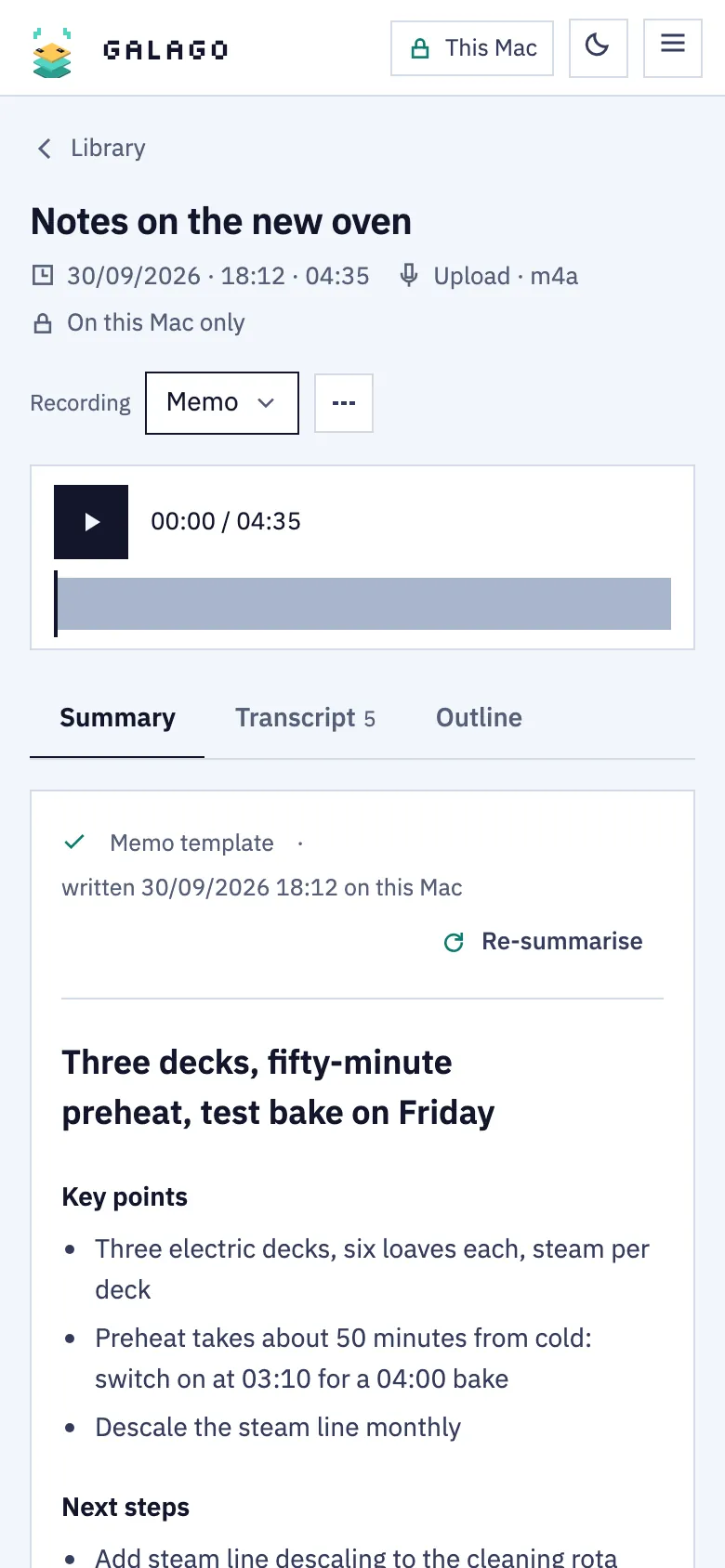
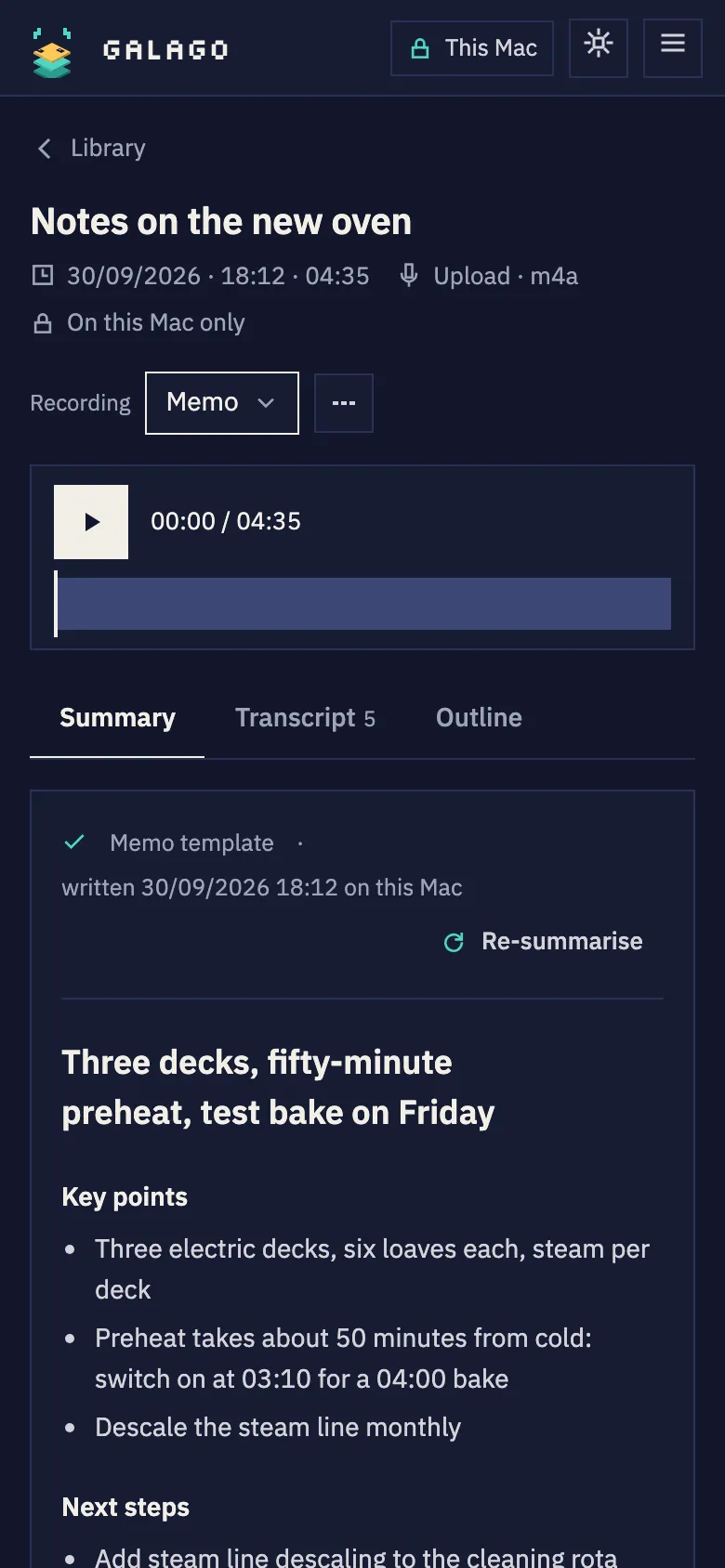
  • galago on a phone: a voice memo about a new oven, turned into key points and next steps.galago on a phone: a voice memo about a new oven, turned into key points and next steps.
    Voice memo
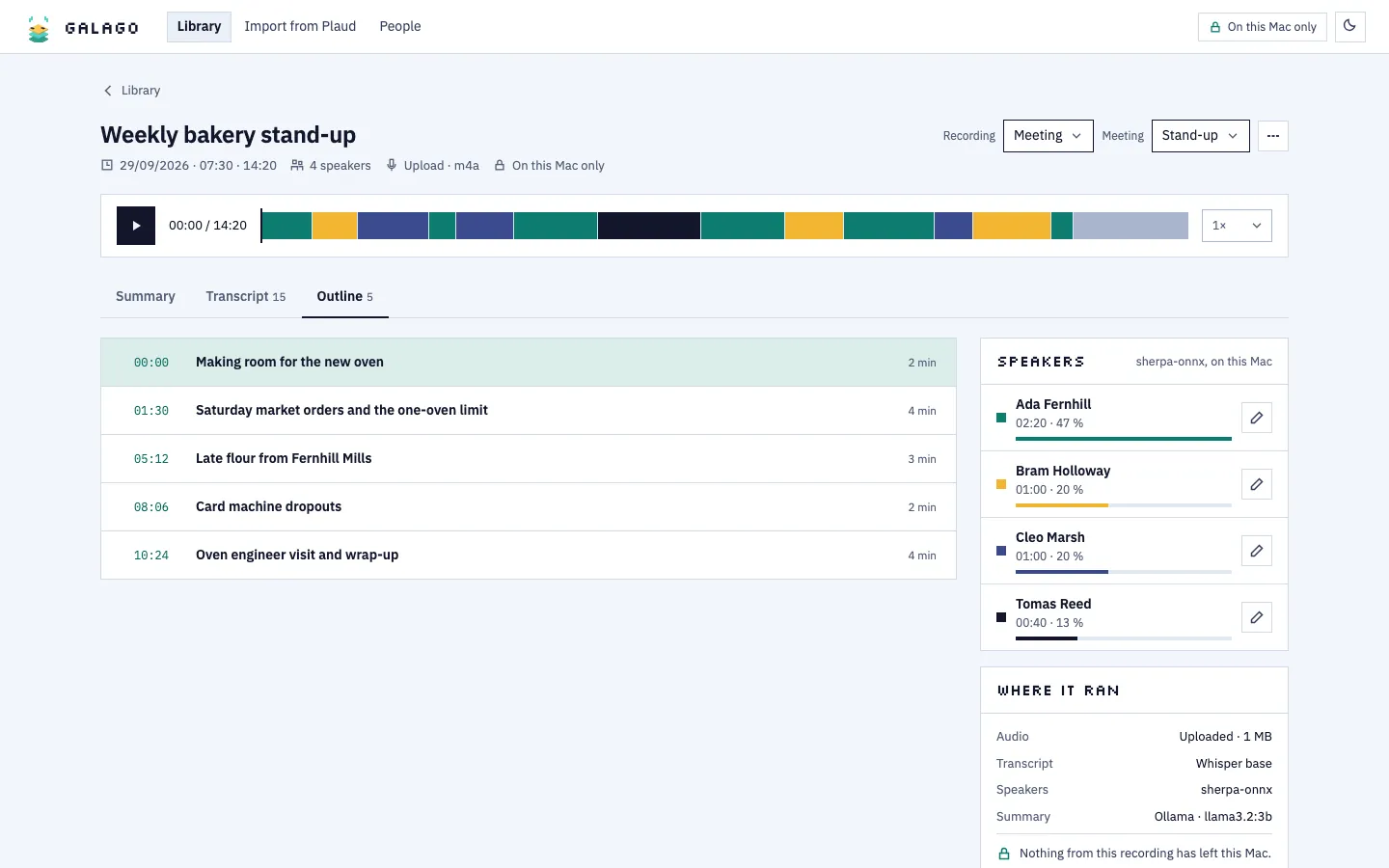
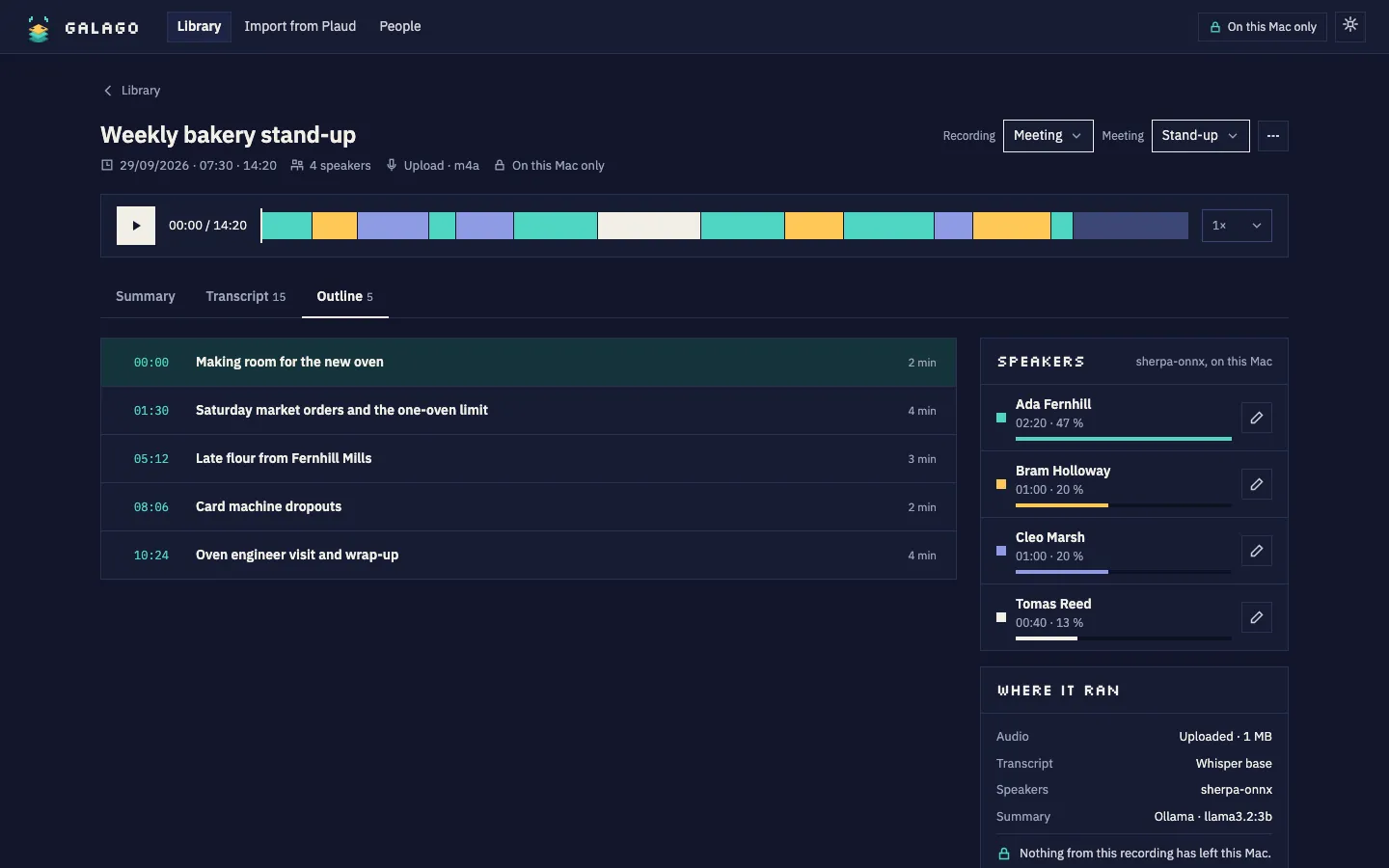
  • The stand-up broken into topics, each linked to its moment in the recording.The stand-up broken into topics, each linked to its moment in the recording.
    Outline
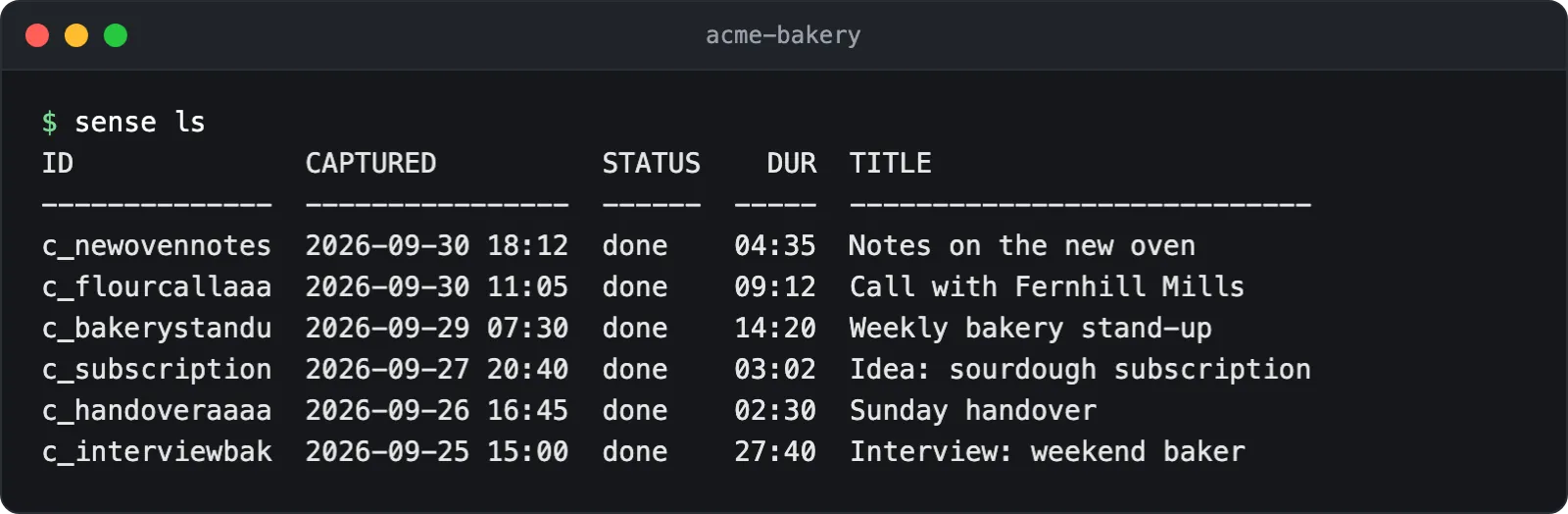
  • Terminal: sense ls lists the recordings and their status.
    Recordings, in the terminal
laluka

Demo

laluka: Learn any source properly, and keep what you learnt.

Point laluka at code, a textbook or a set of notes. It maps what there is to know and writes short lessons where every quote points back to its source.

  • Every quote is checked again when the source changes.
  • Lessons pitched at the reader's level.
  • A public demo runs on made-up material.

Try the demo

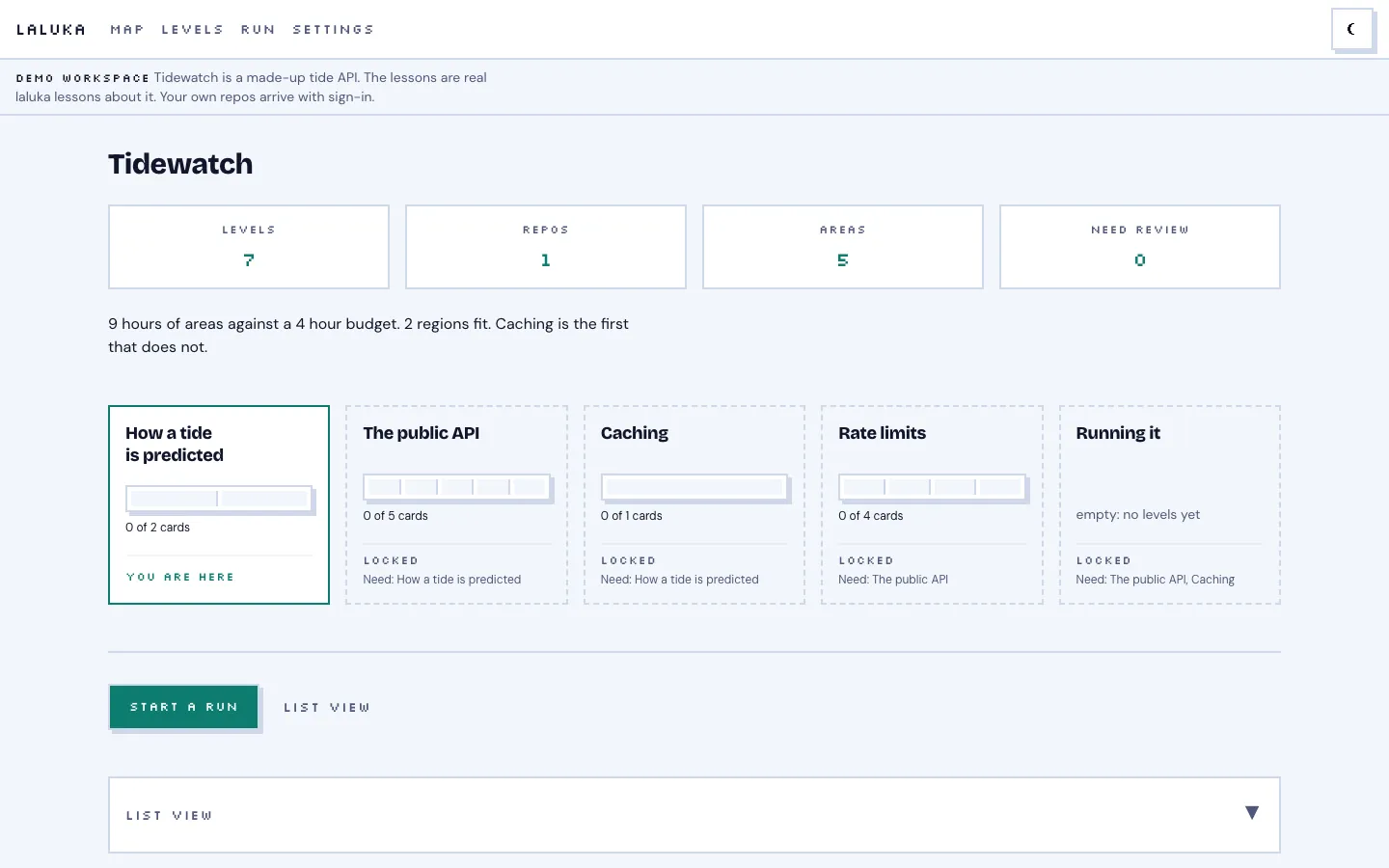
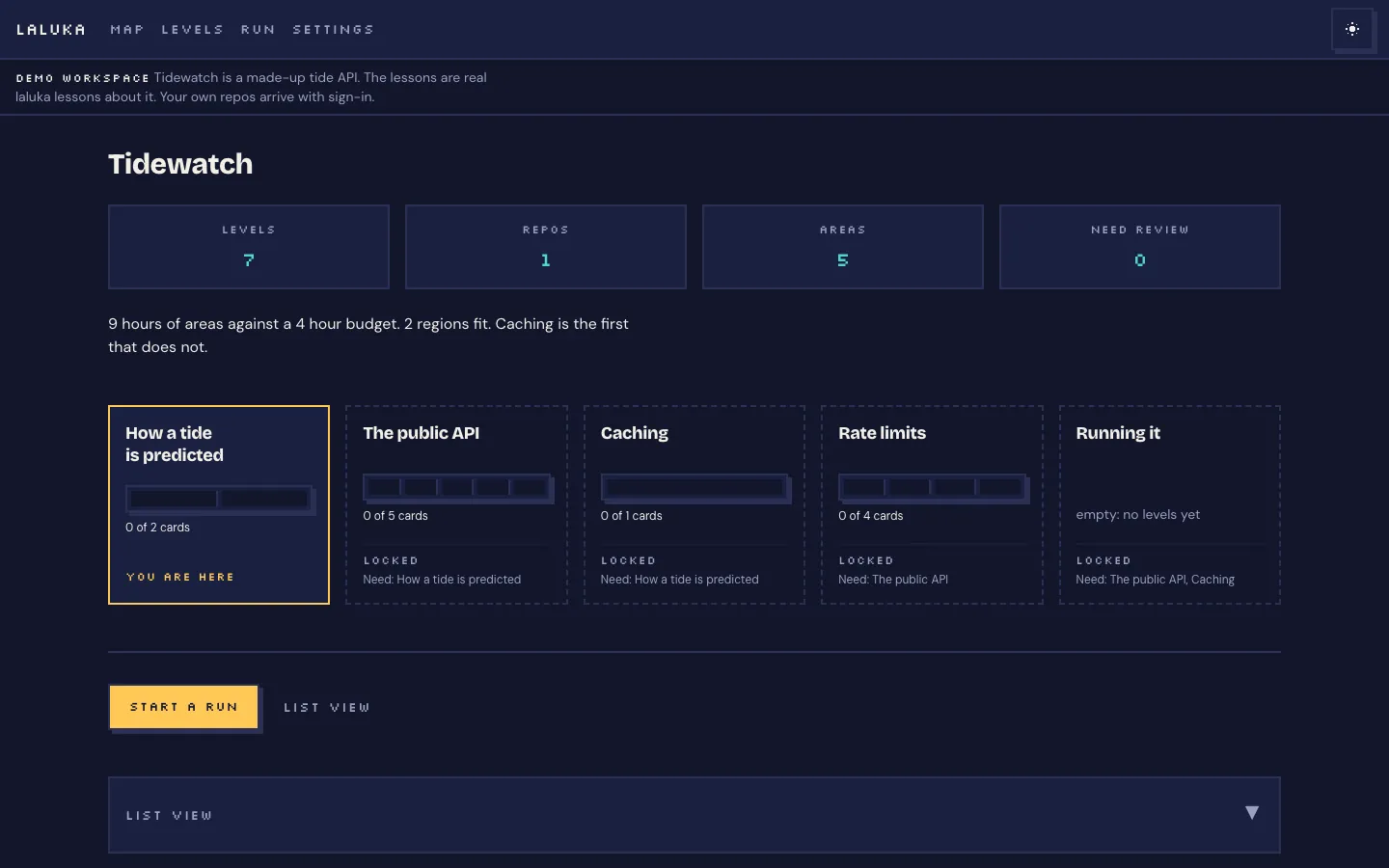
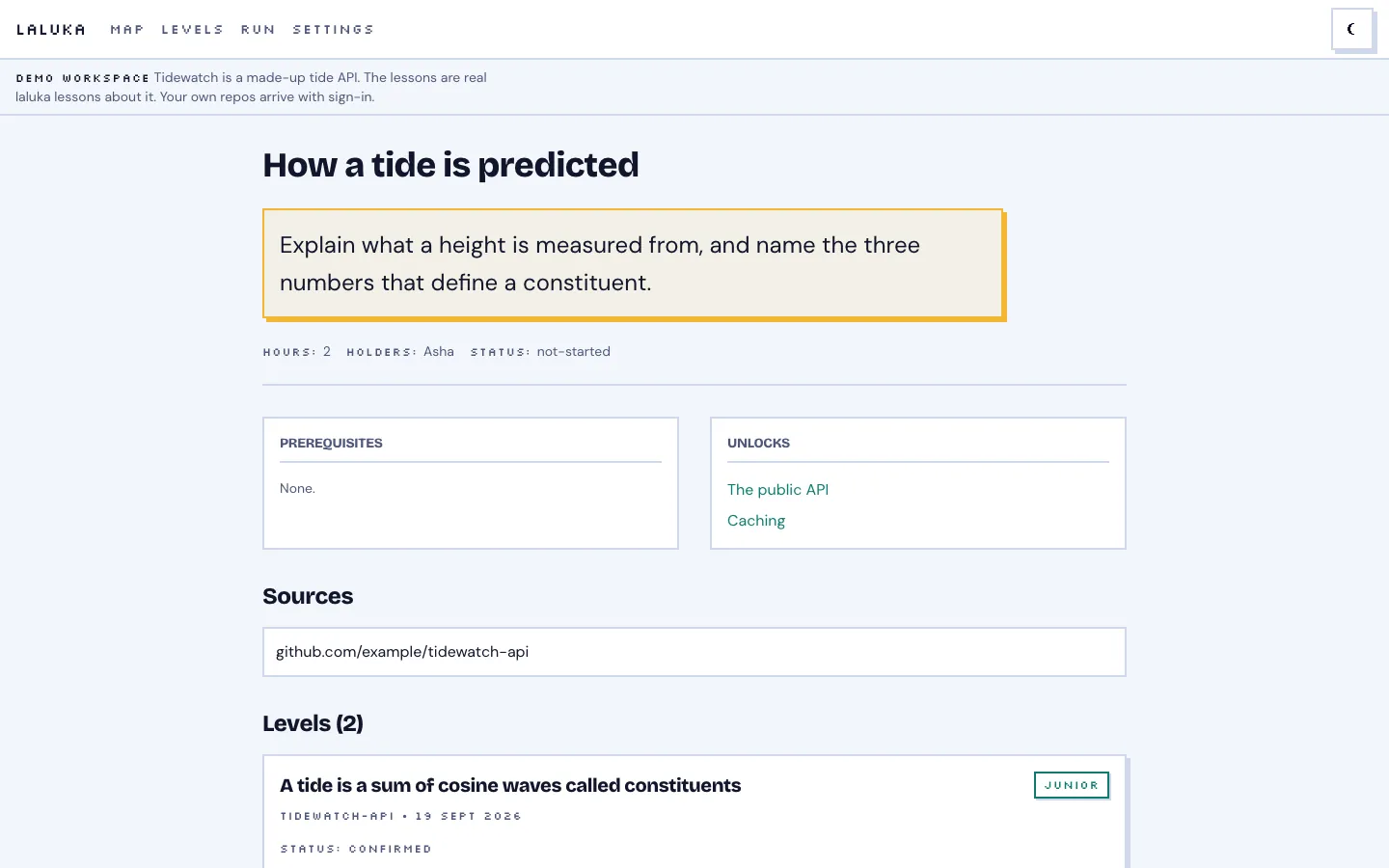
  • laluka's map of a demo codebase: study hours against a budget, and five areas, one unlocked.laluka's map of a demo codebase: study hours against a budget, and five areas, one unlocked.
    Map
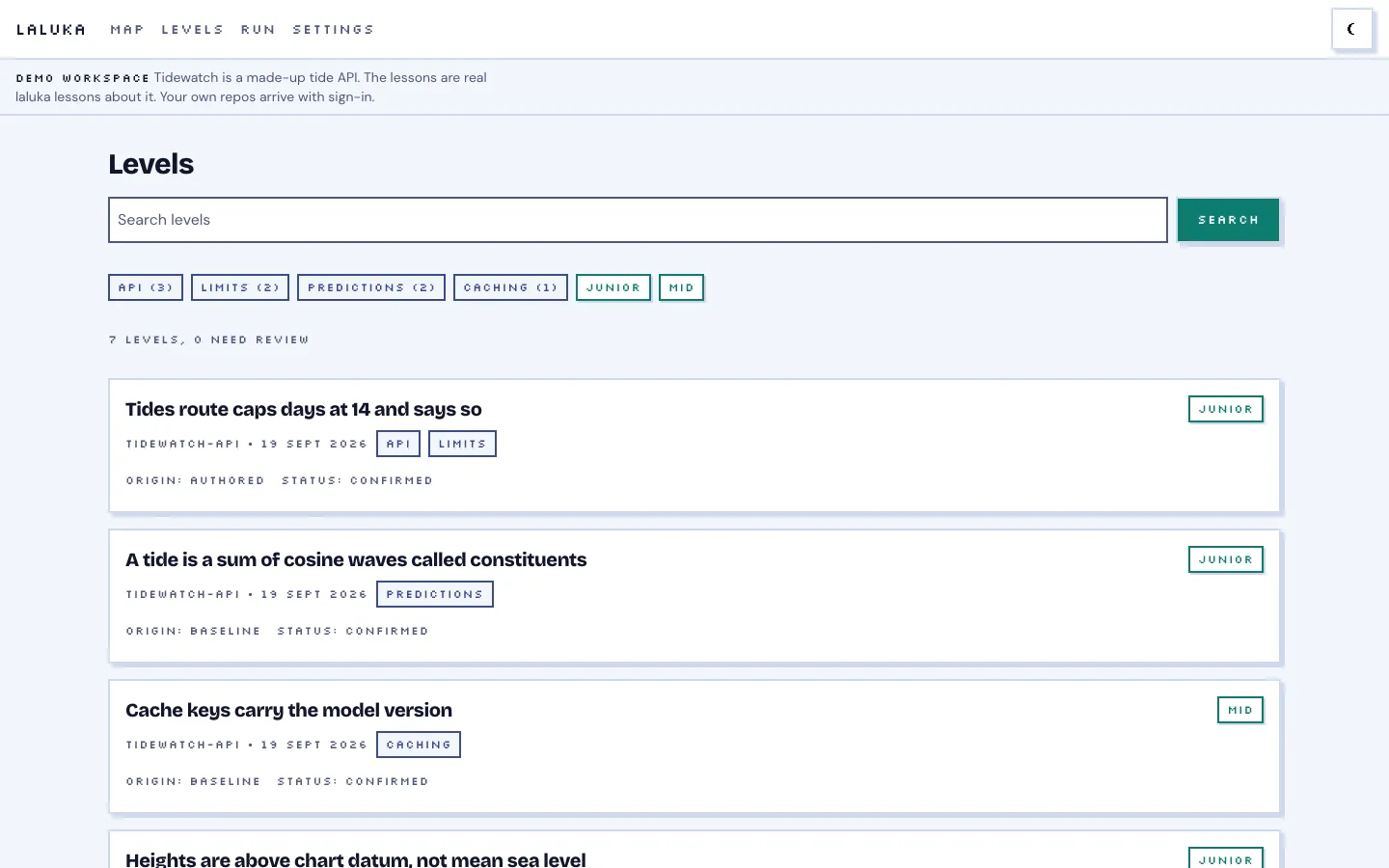
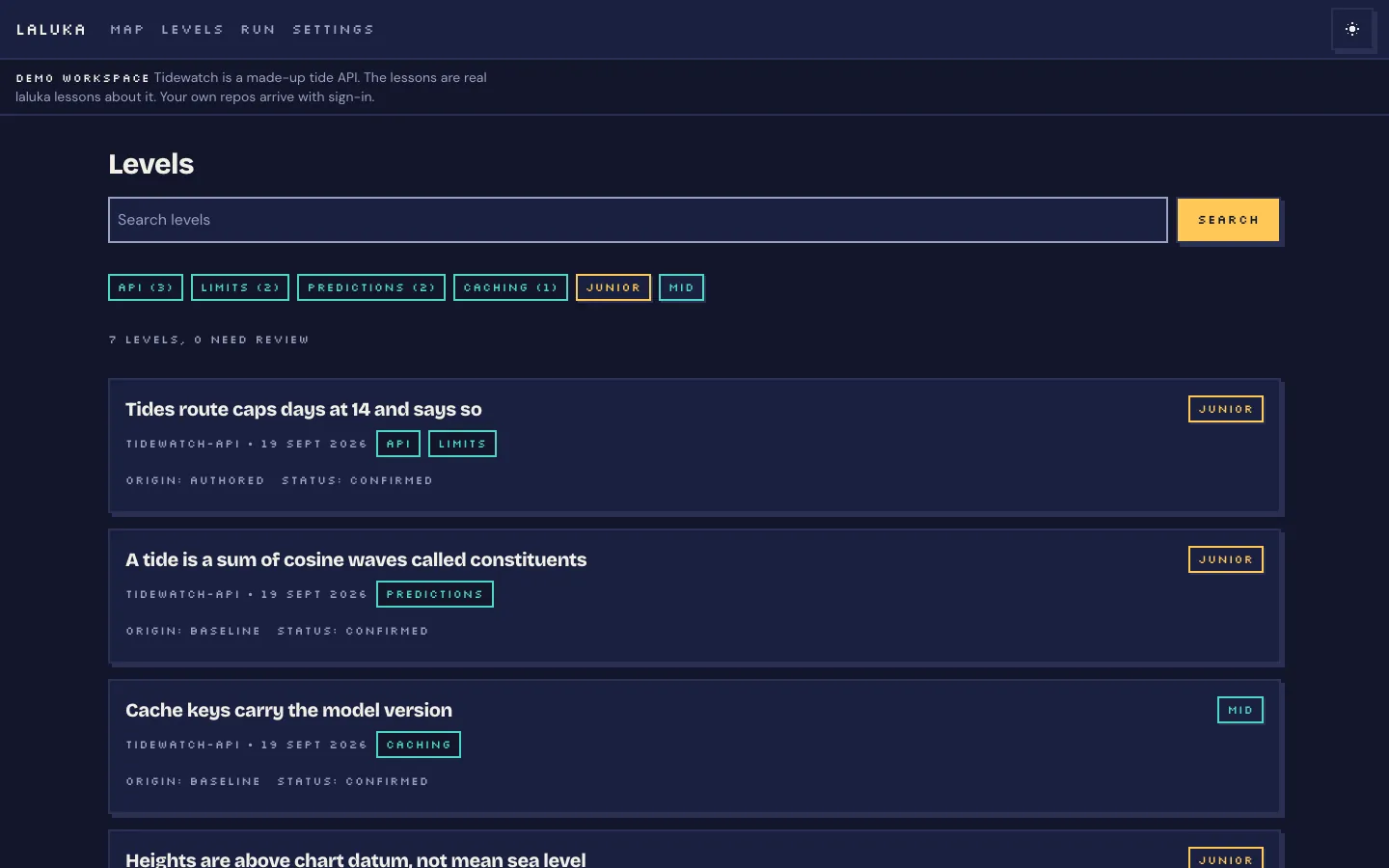
  • laluka's list of lessons, filtered by area and level.laluka's list of lessons, filtered by area and level.
    Lessons
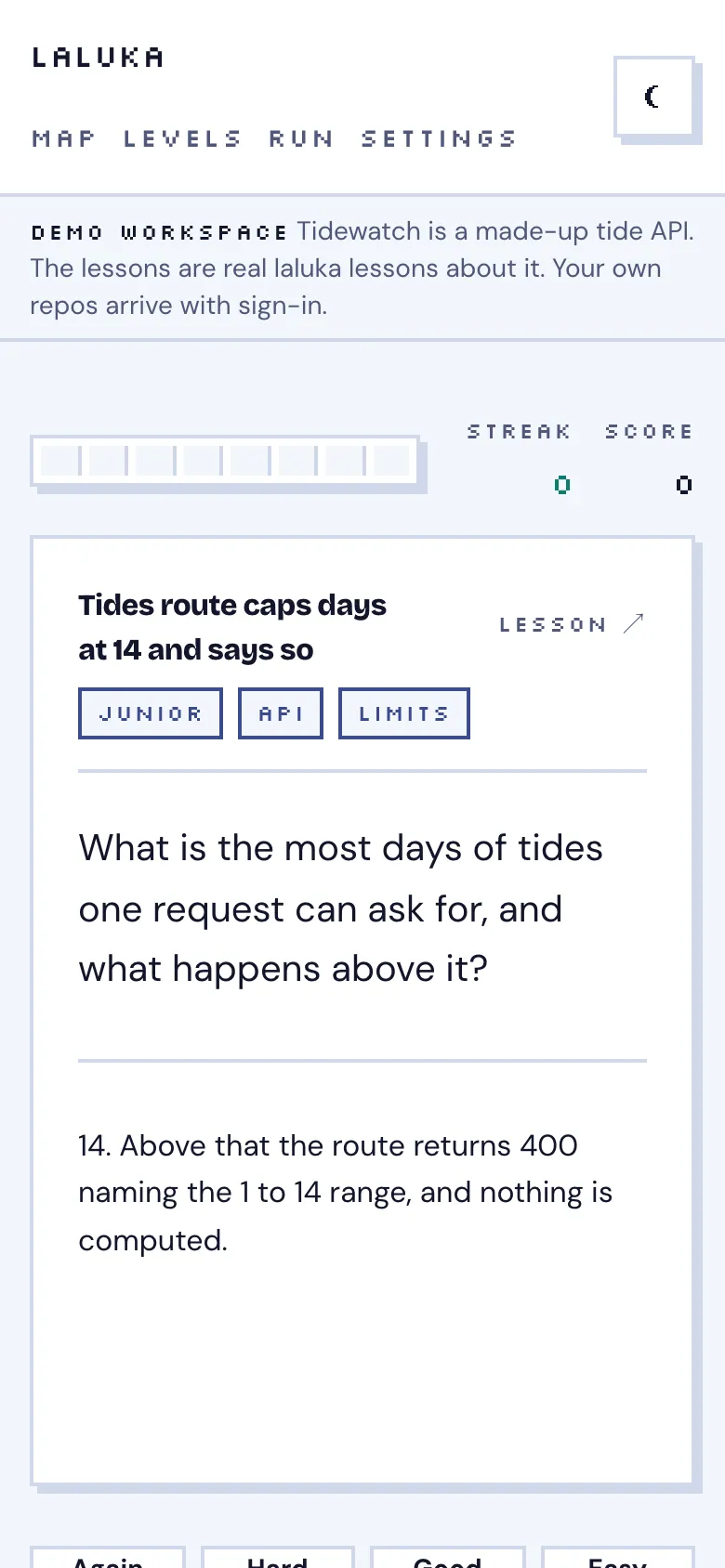
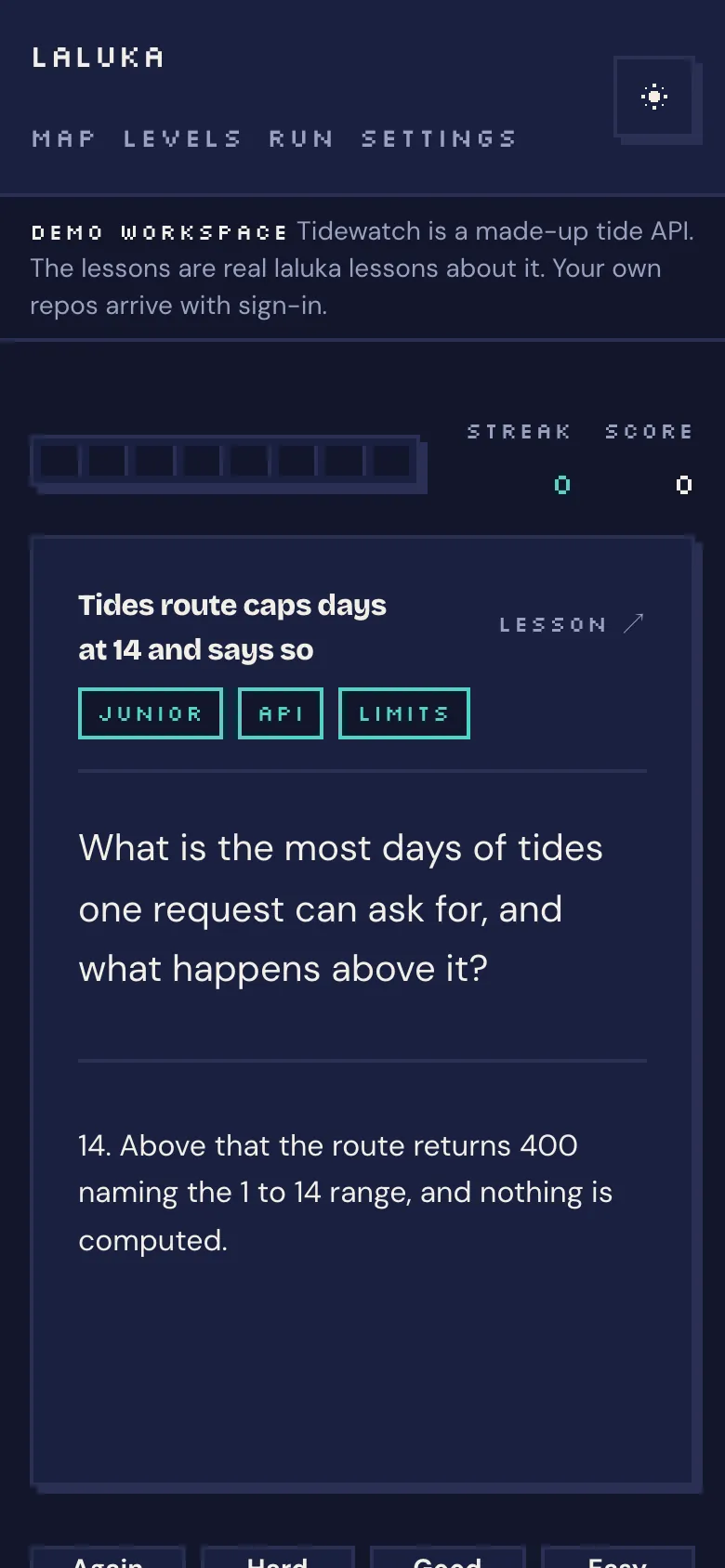
  • laluka on a phone: a flashcard answer with grades from Again to Easy.laluka on a phone: a flashcard answer with grades from Again to Easy.
    Review
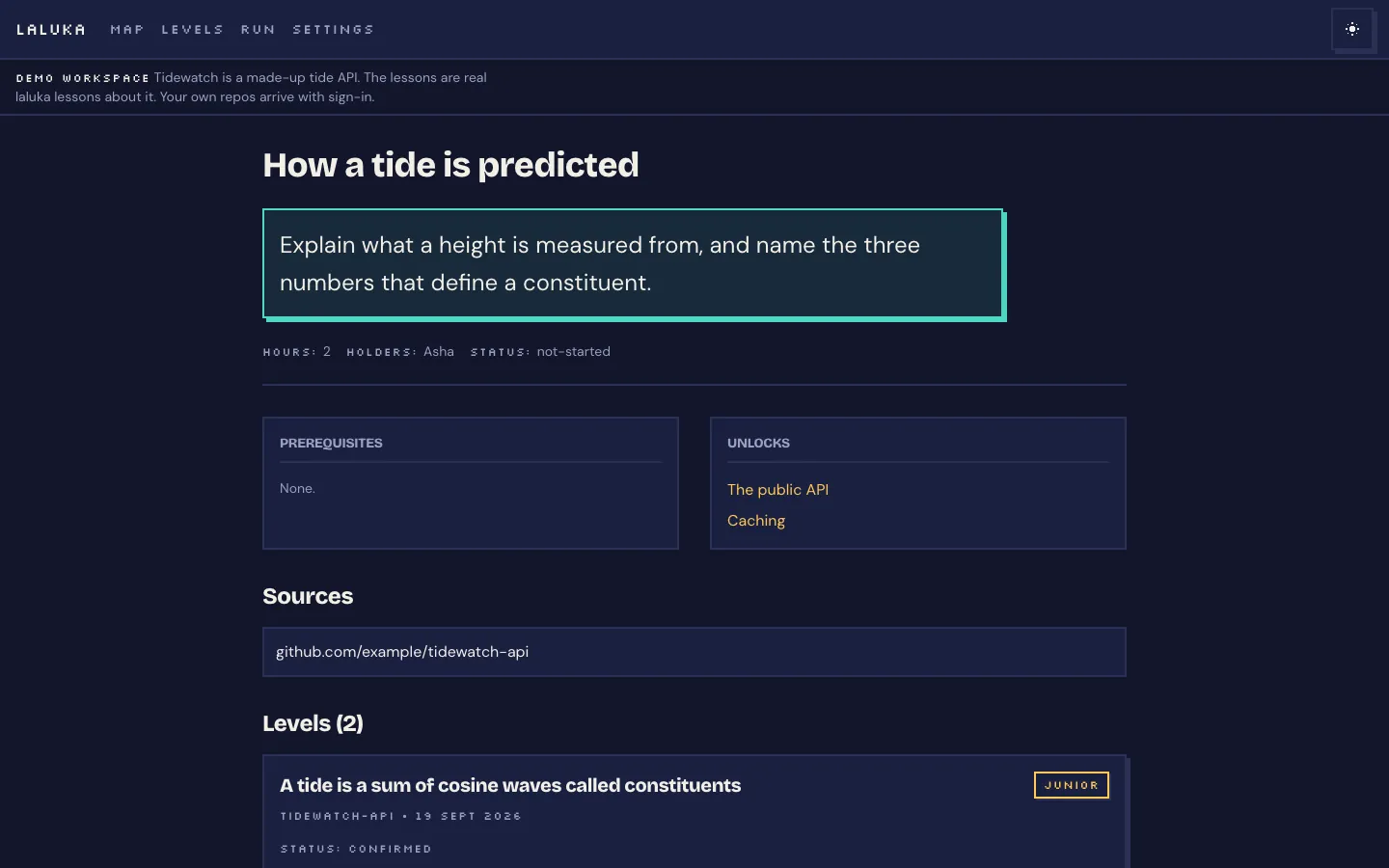
  • One area of the map: what knowing it means, what it needs first and what it unlocks.One area of the map: what knowing it means, what it needs first and what it unlocks.
    Area
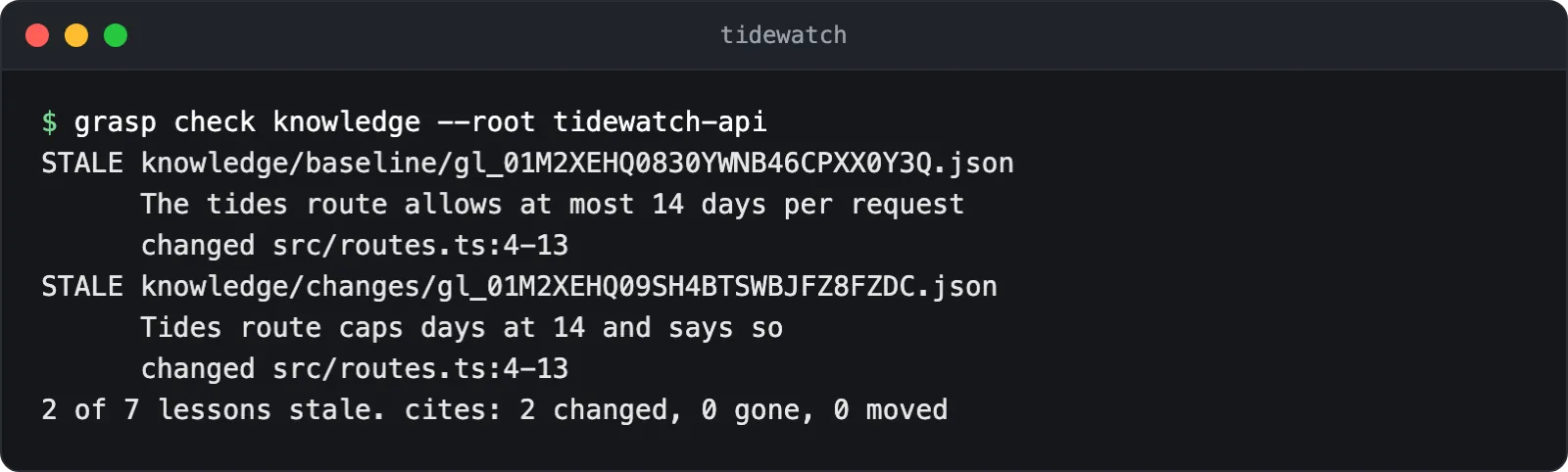
  • Terminal: the command line flags two lessons as stale after the code they cite changed.
    Stale lessons, in the terminal
Lyre

In use

Lyre: One place for everything waiting on you, across every project.

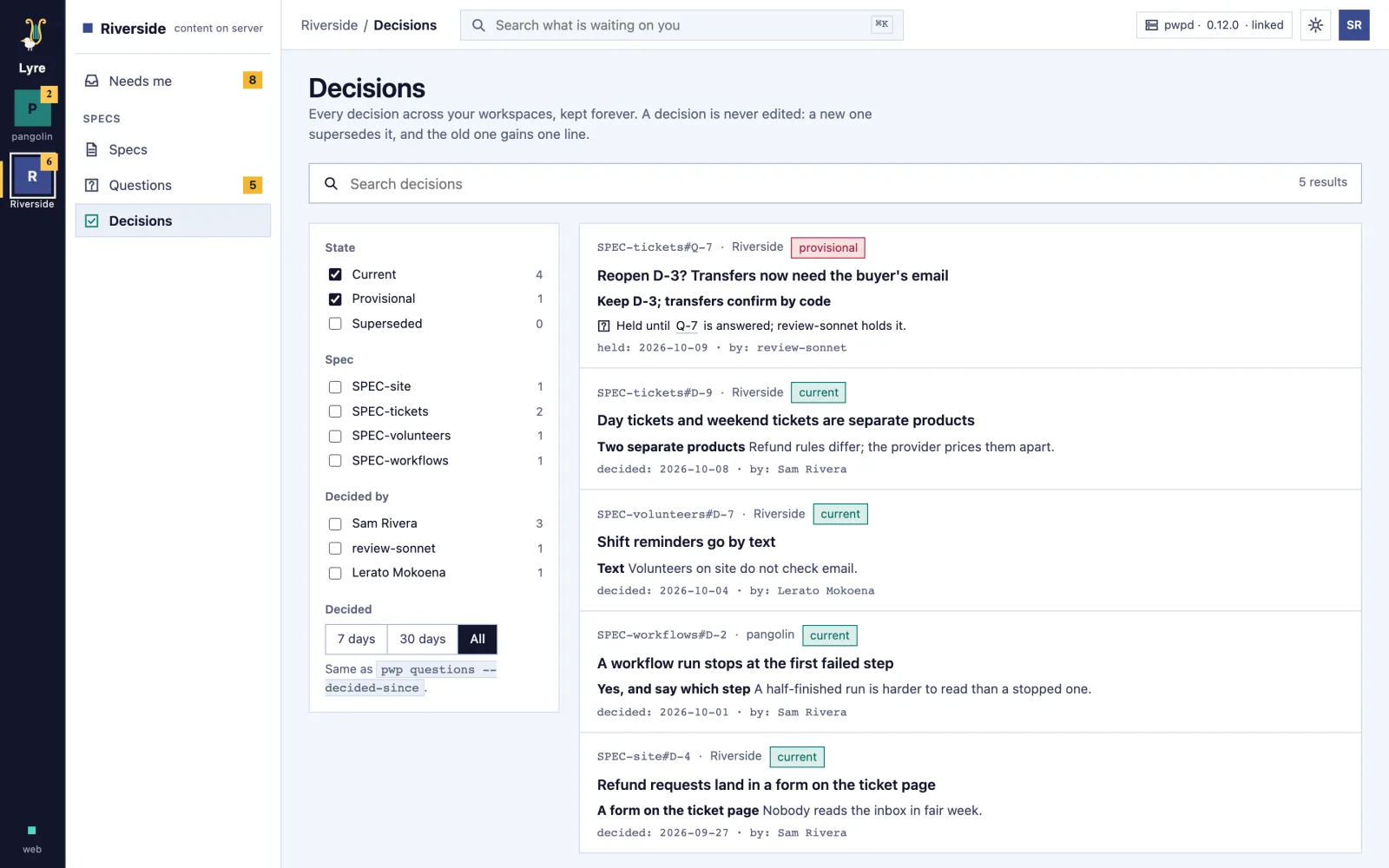
A desktop app that gathers the questions, specs and decisions waiting on you from every project into one place. Answer a question with the recommended option already picked, see what changed between two versions, and find any decision again.

  • The oldest ask comes first, so nothing waits for weeks.
  • Client material never goes to an outside tool.
  • Used to run the studio.

No public sign-up yet. Ask over coffee.

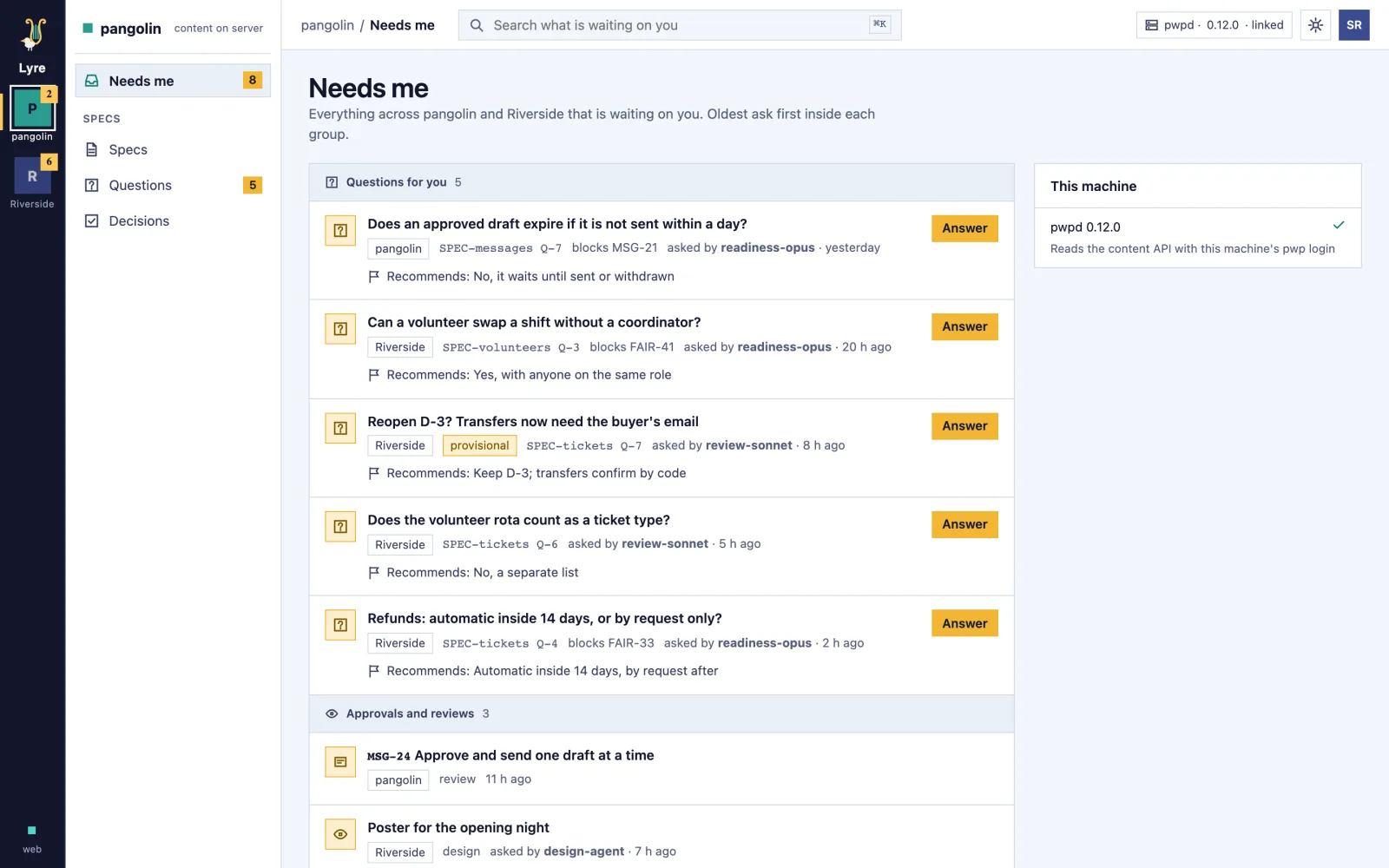
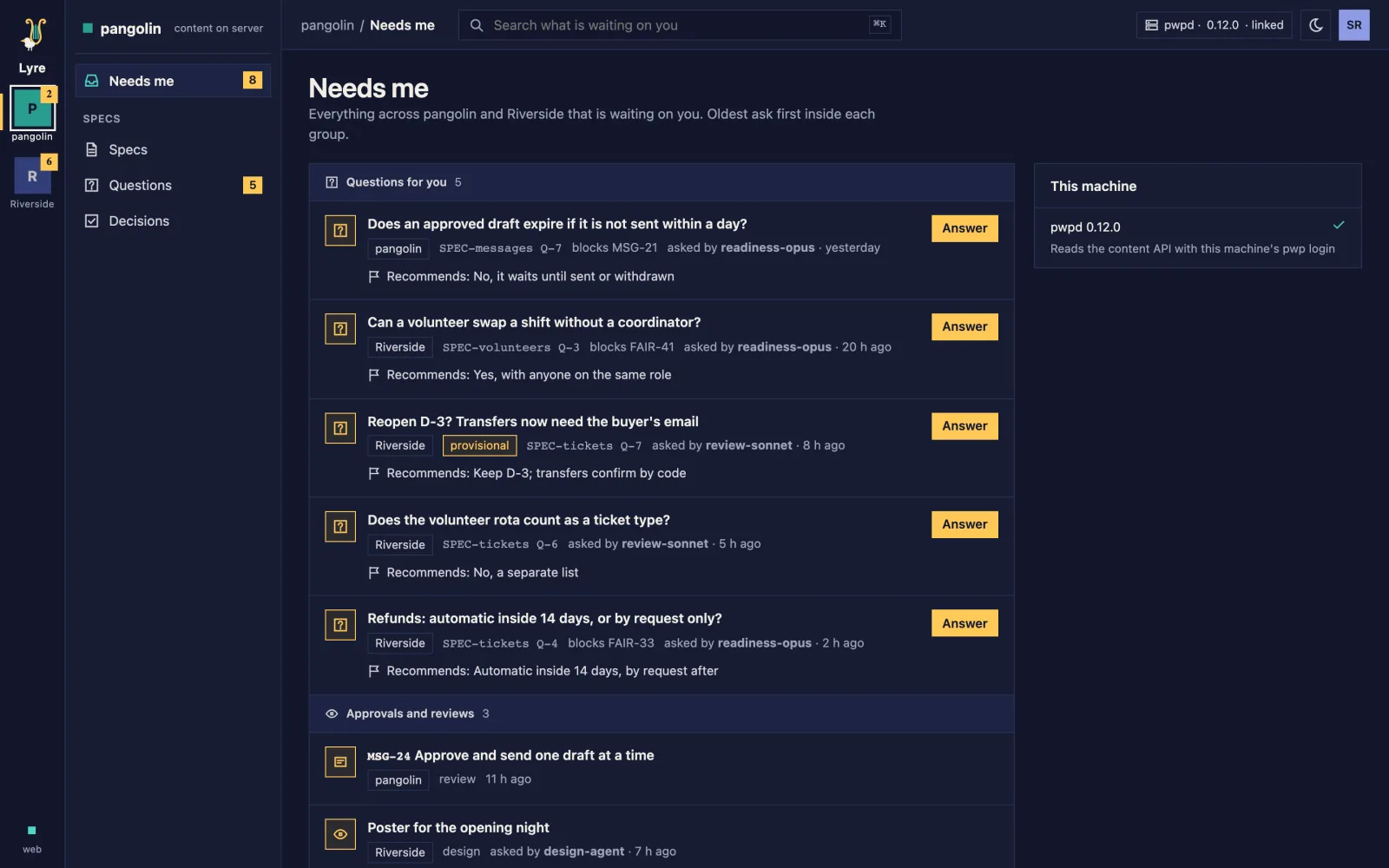
  • Lyre's Needs me: questions for you across two projects, oldest first, each with its recommended answer, then the approvals and reviews waiting on you.Lyre's Needs me: questions for you across two projects, oldest first, each with its recommended answer, then the approvals and reviews waiting on you.
    Needs me
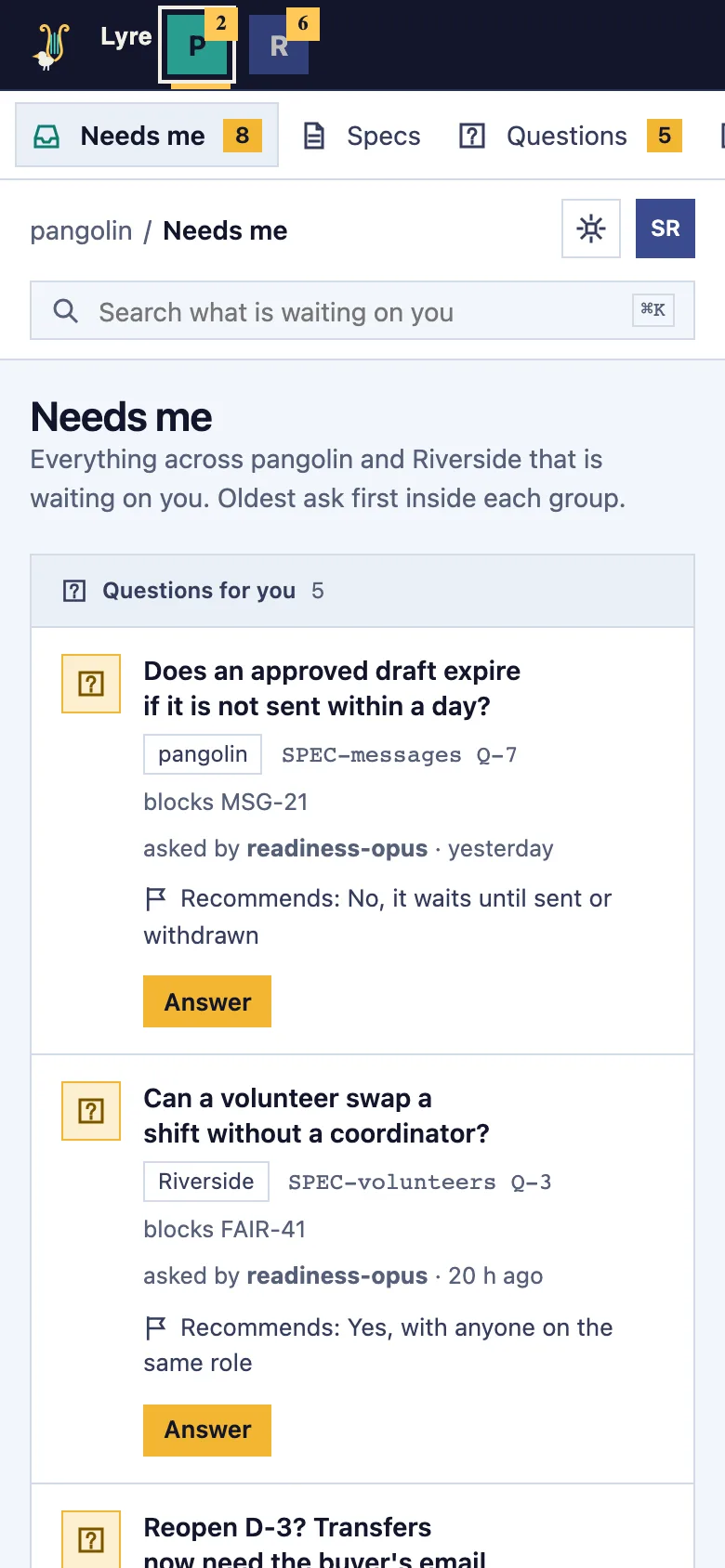
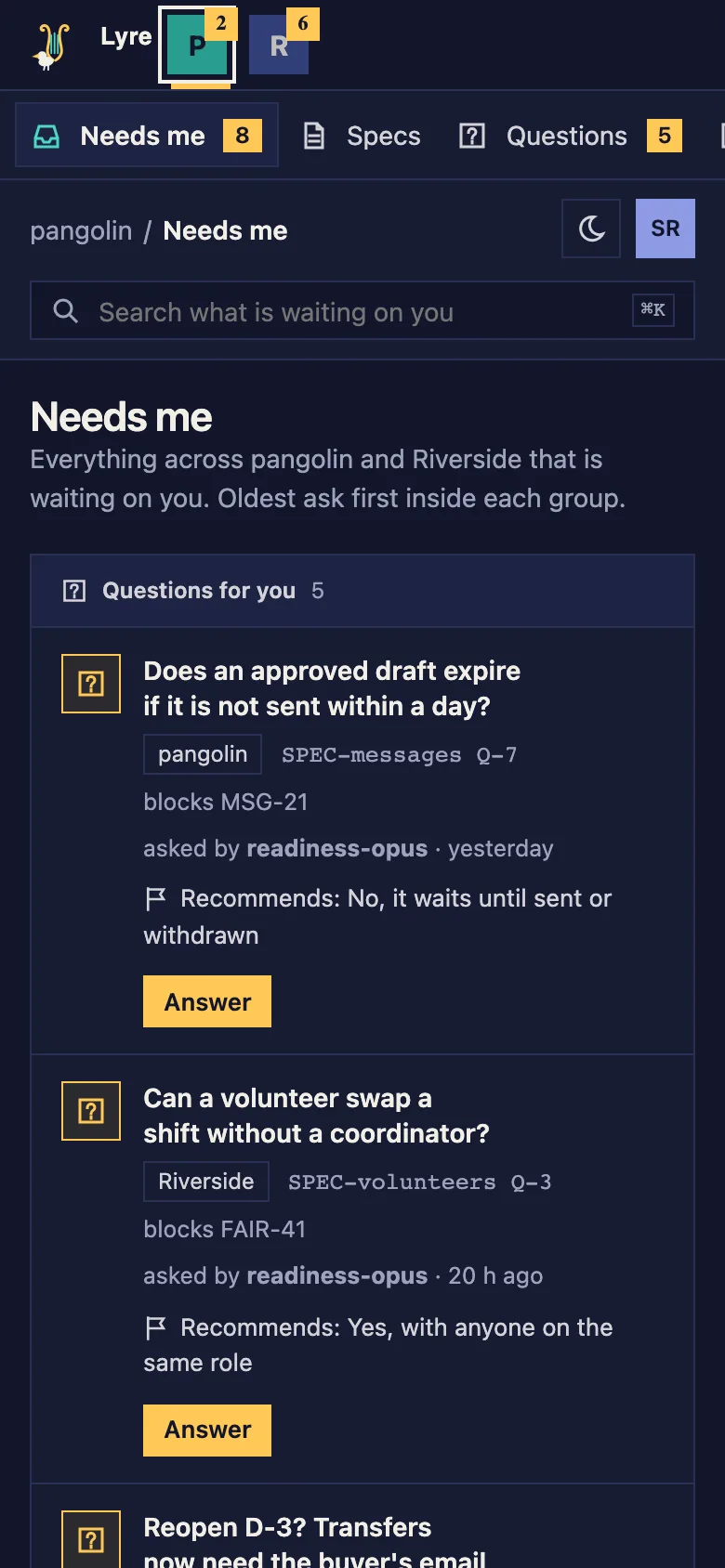
  • The same Needs me on a phone: the projects along the top and one question after another, each with an Answer button.The same Needs me on a phone: the projects along the top and one question after another, each with an Answer button.
    Needs me on a phone
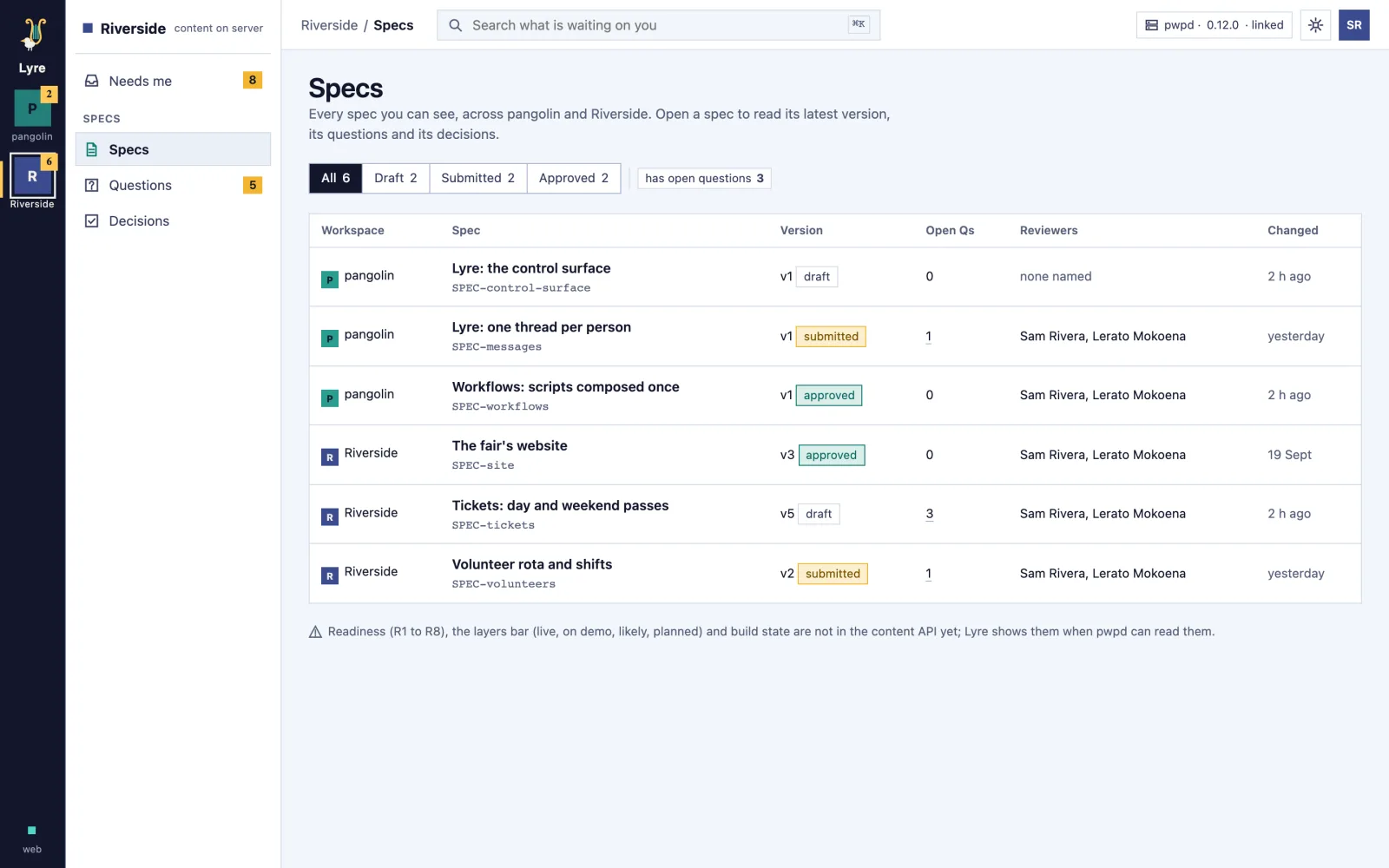
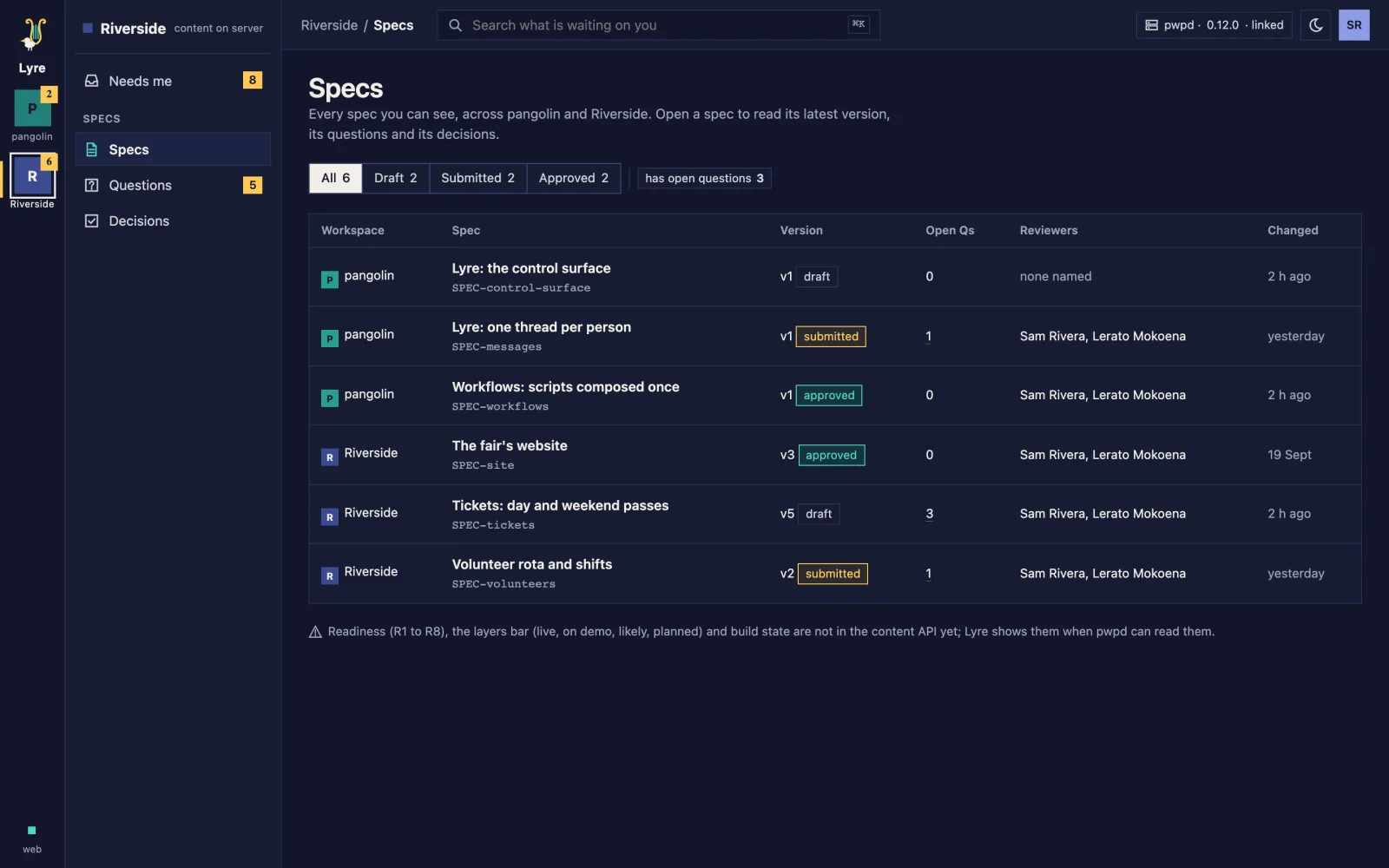
  • Lyre's list of specs across a demo fair and the studio: drafts, one waiting on its reviewers and the approved ones, with their open questions.Lyre's list of specs across a demo fair and the studio: drafts, one waiting on its reviewers and the approved ones, with their open questions.
    Specs
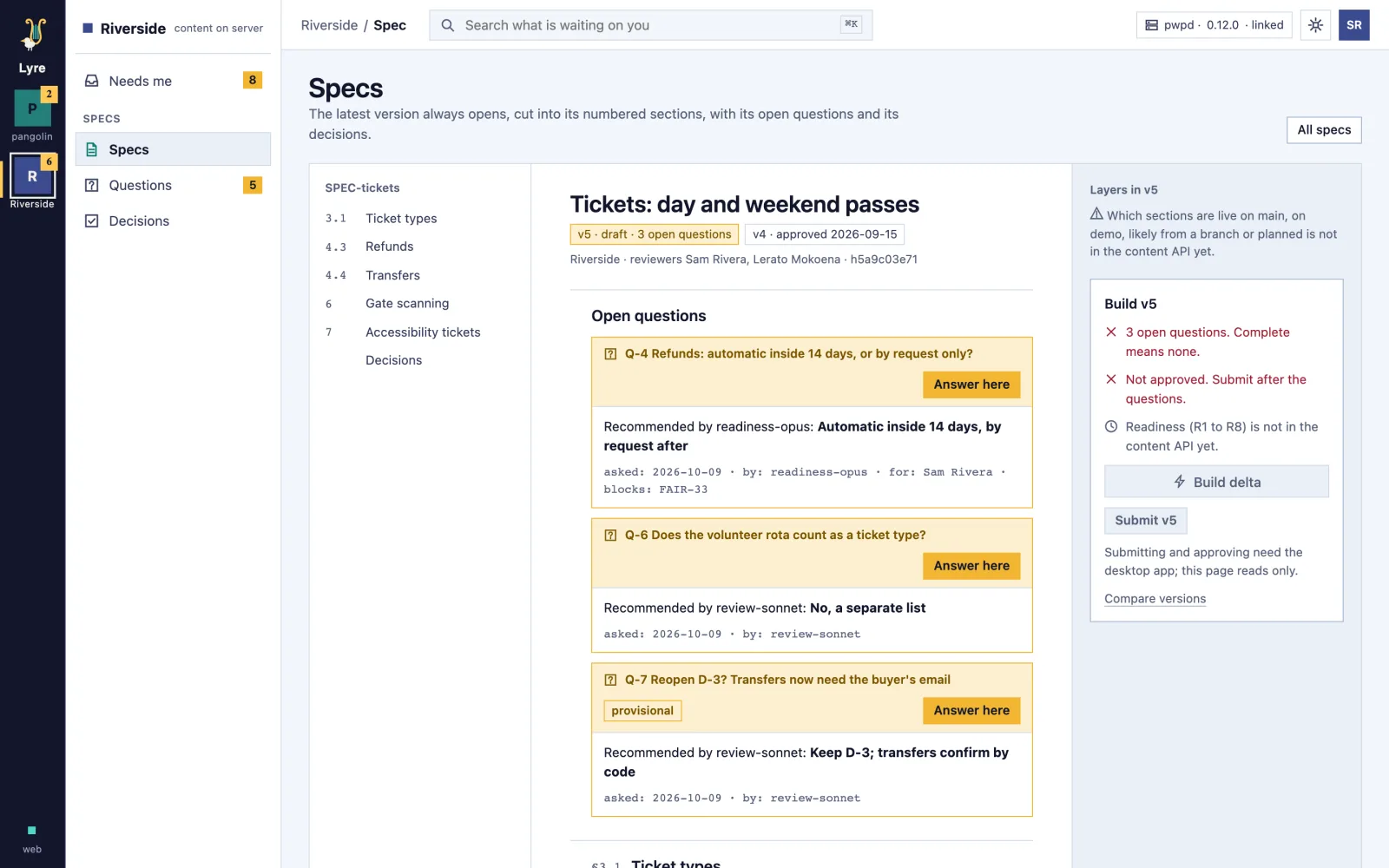
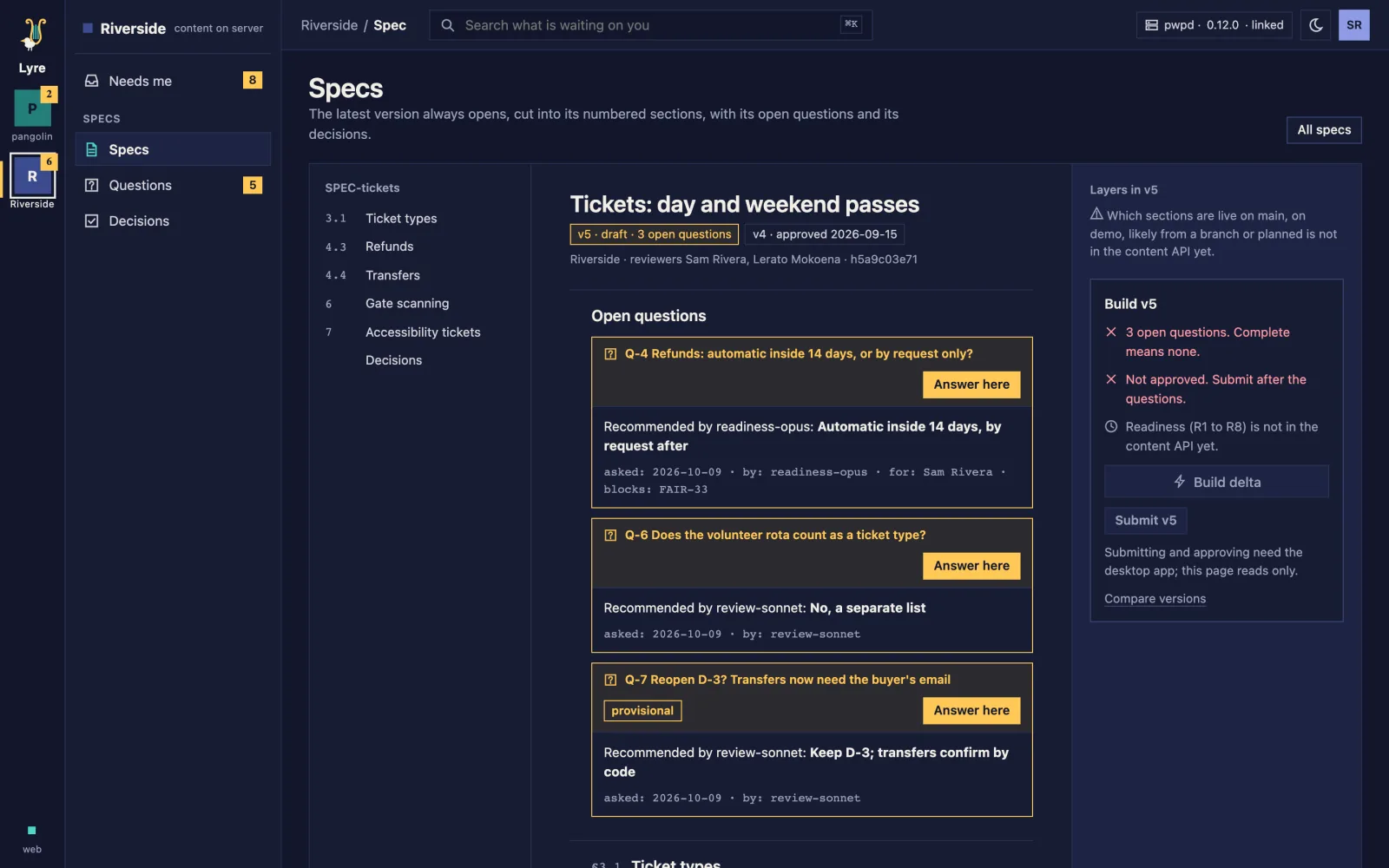
  • A spec for a fair's day and weekend tickets, cut into numbered sections, with its three open questions and what still stands between it and a build.A spec for a fair's day and weekend tickets, cut into numbered sections, with its three open questions and what still stands between it and a build.
    Spec
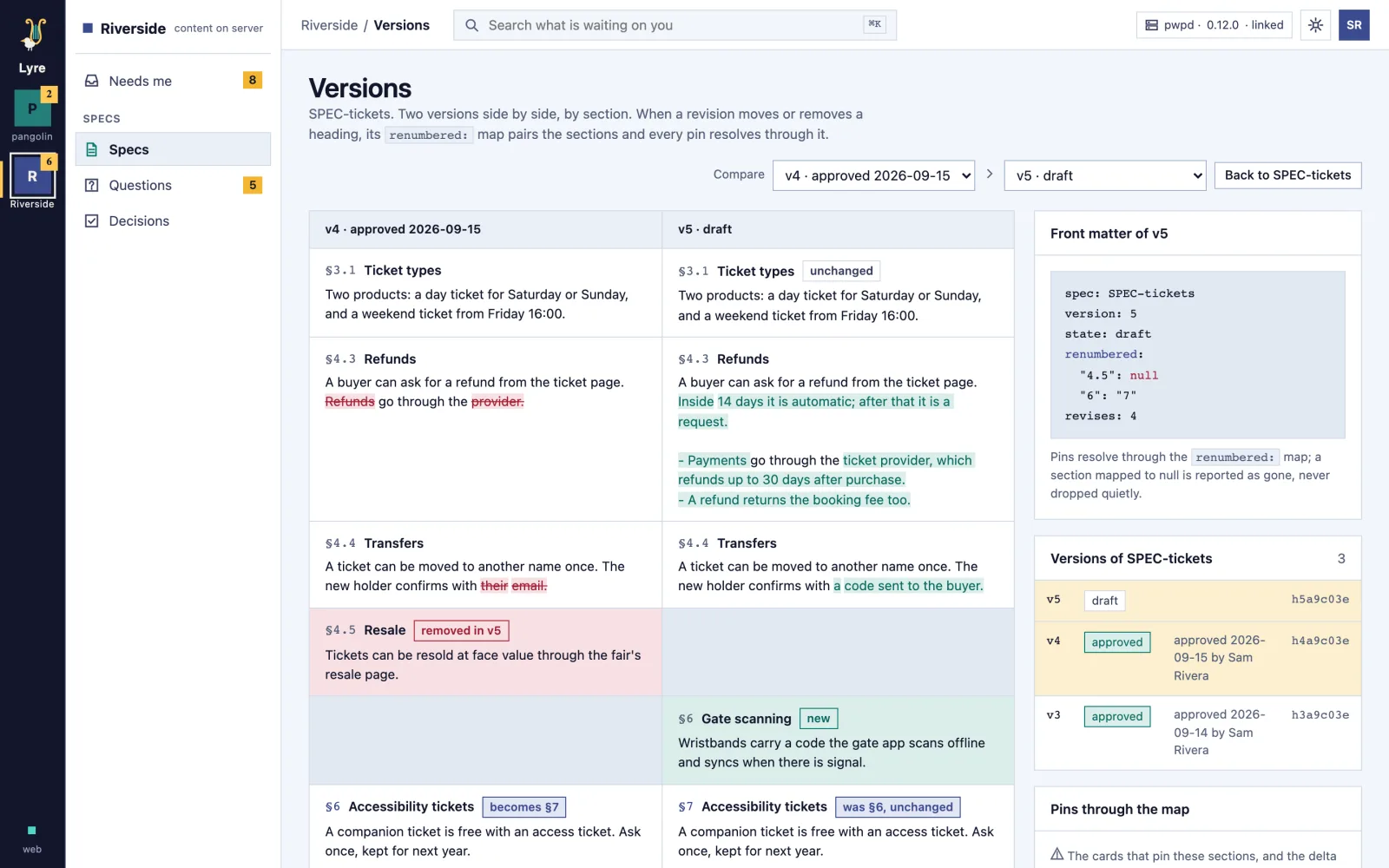
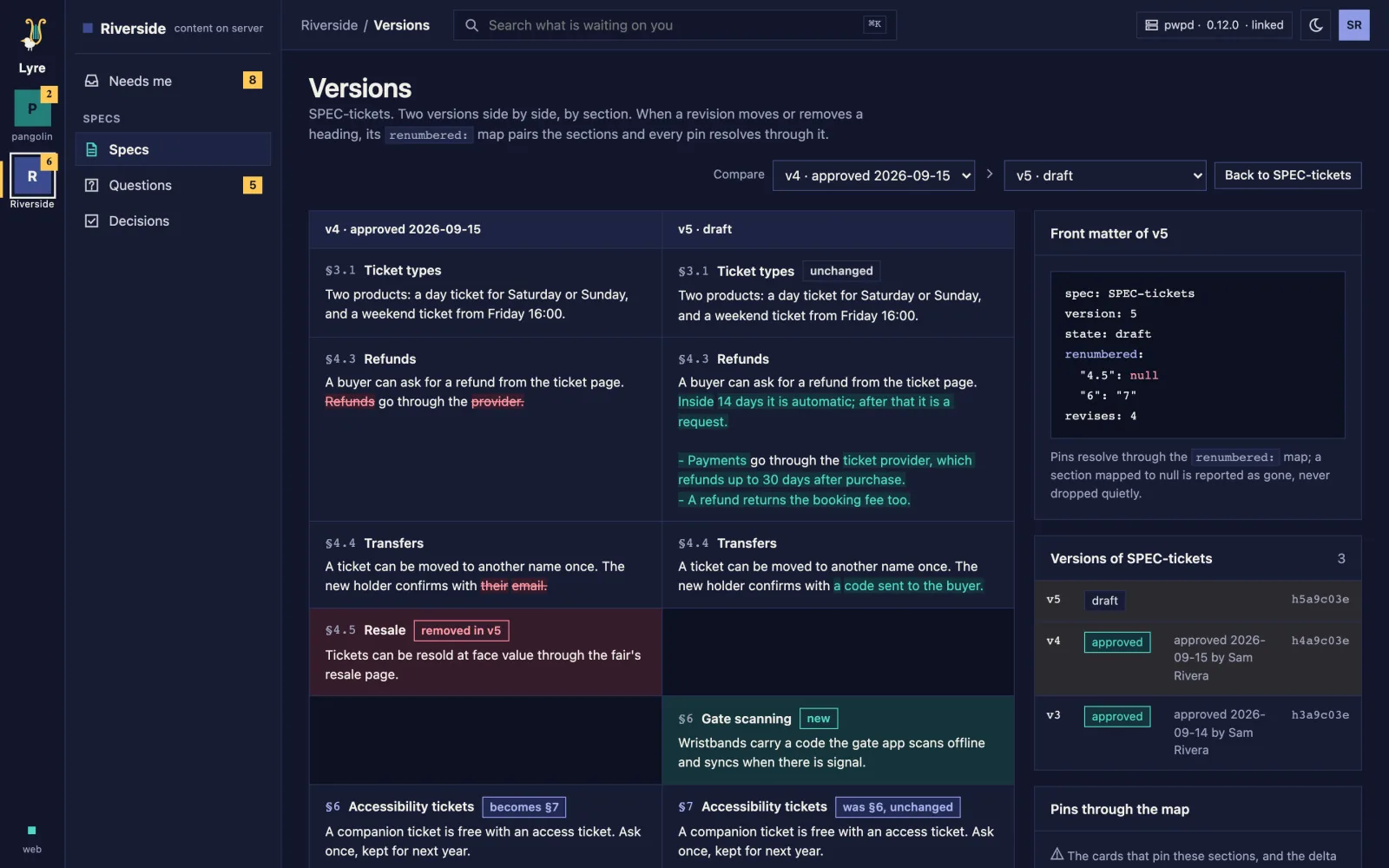
  • Two versions of the ticket spec side by side, section by section: refunds rewritten, resale removed, gate scanning new and accessibility renumbered.Two versions of the ticket spec side by side, section by section: refunds rewritten, resale removed, gate scanning new and accessibility renumbered.
    Versions
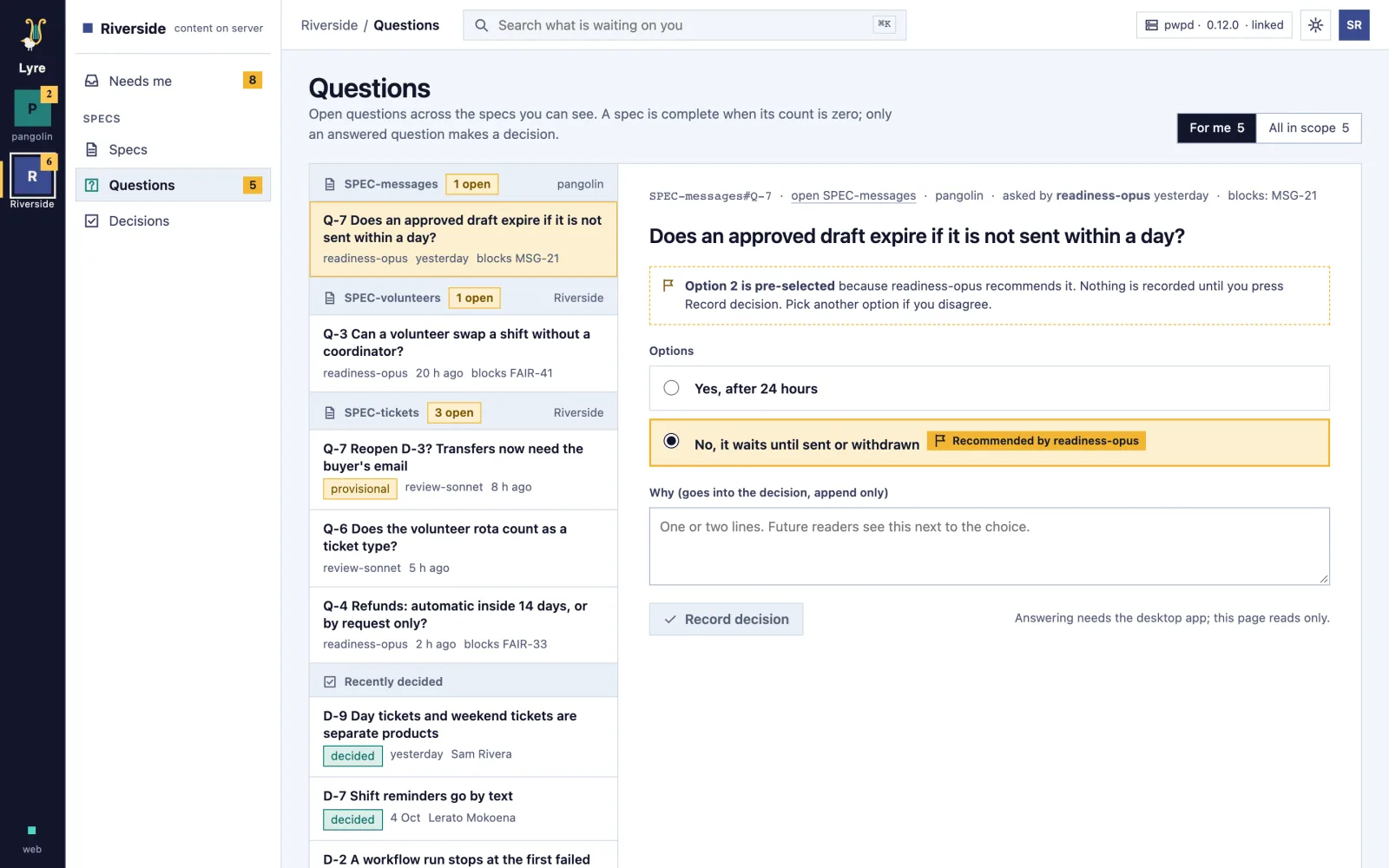
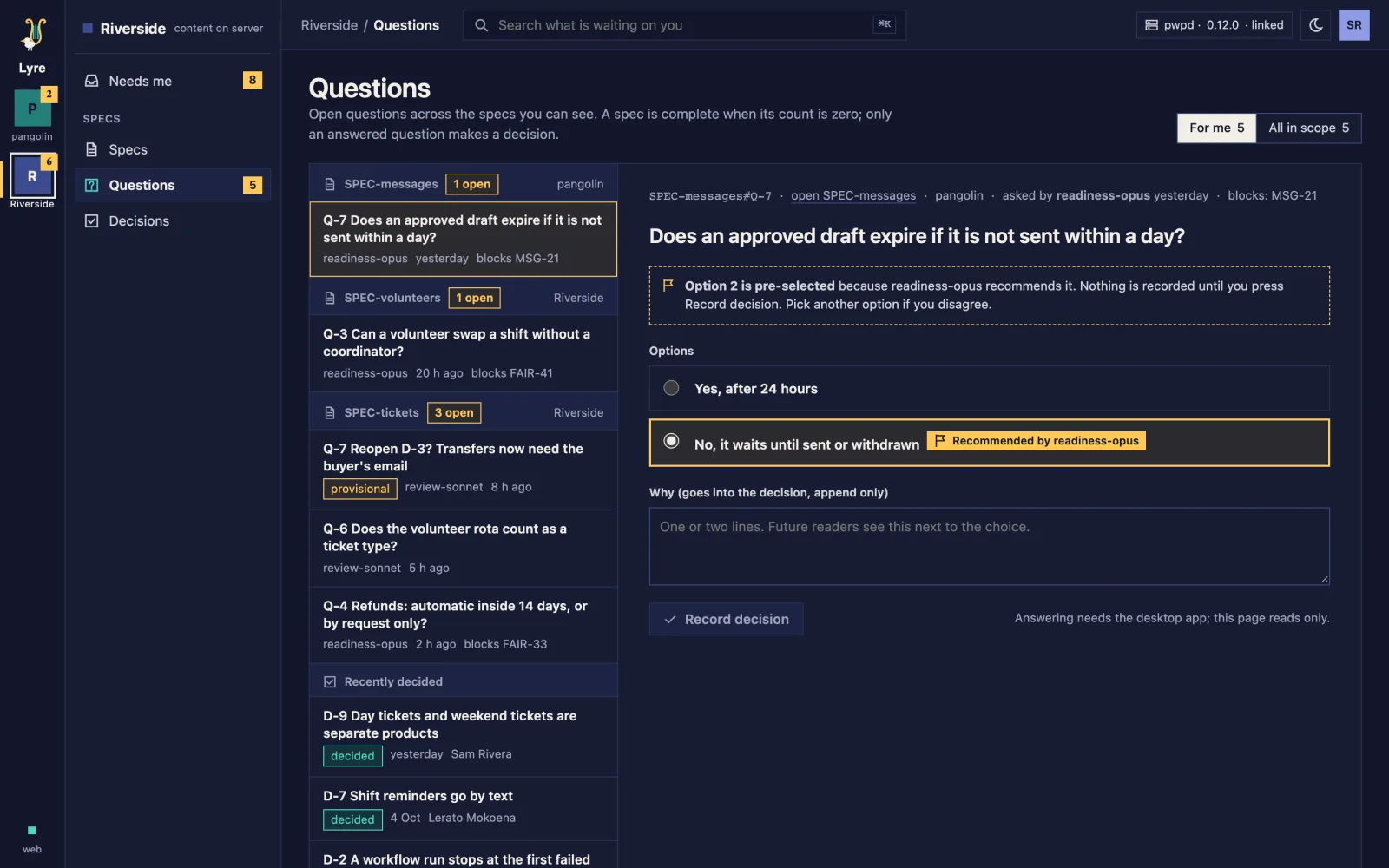
  • Lyre's open questions grouped by spec, one open with its options and the recommended answer already picked.Lyre's open questions grouped by spec, one open with its options and the recommended answer already picked.
    Questions
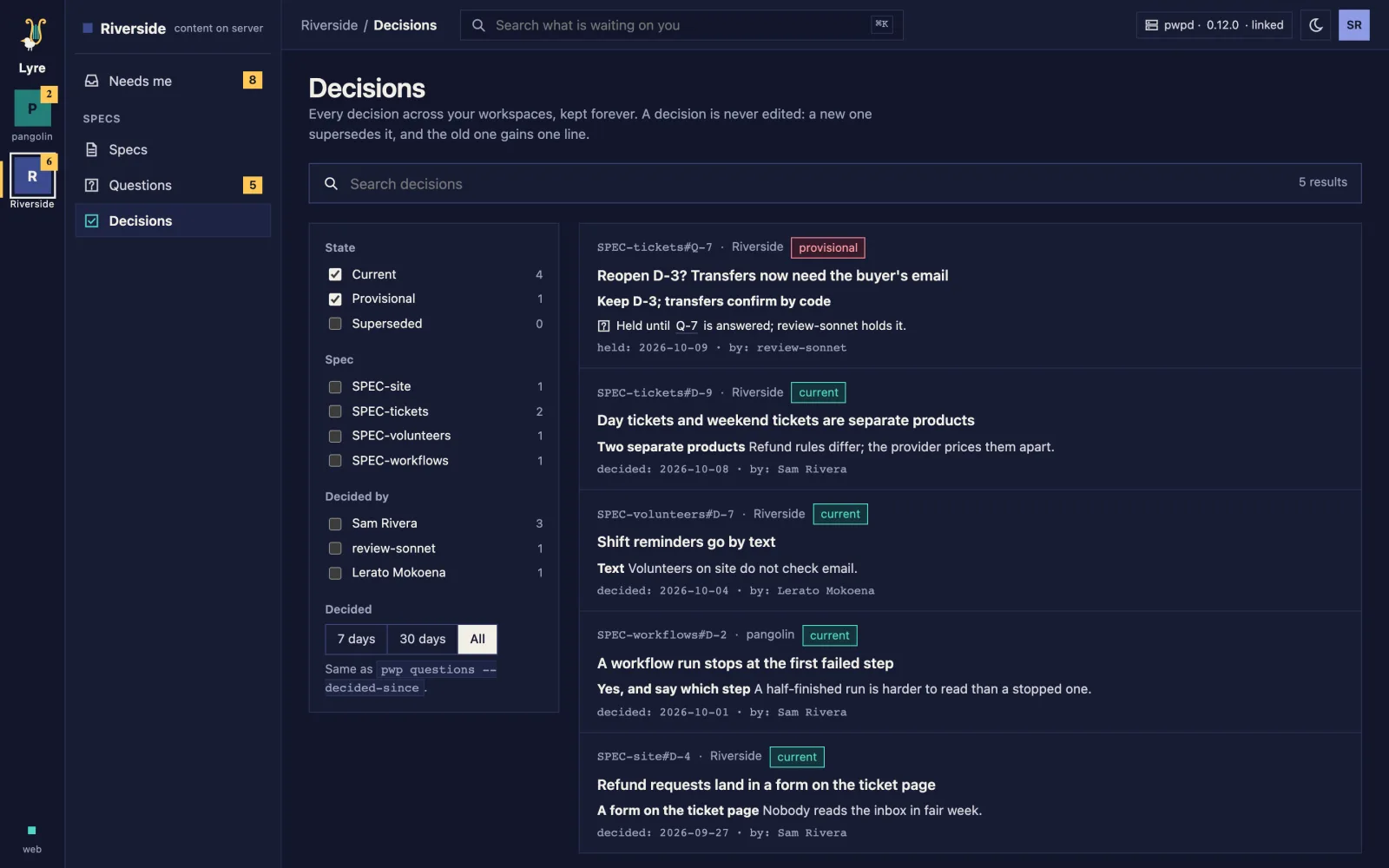
  • Every decision across the projects, newest first, each with the option chosen, why, who decided and when, filtered by state, spec and person.Every decision across the projects, newest first, each with the option chosen, why, who decided and when, filtered by state, spec and person.
    Decisions

Dorsal

Live

Dorsal: One project setup for people and AI agents, the same on every machine.

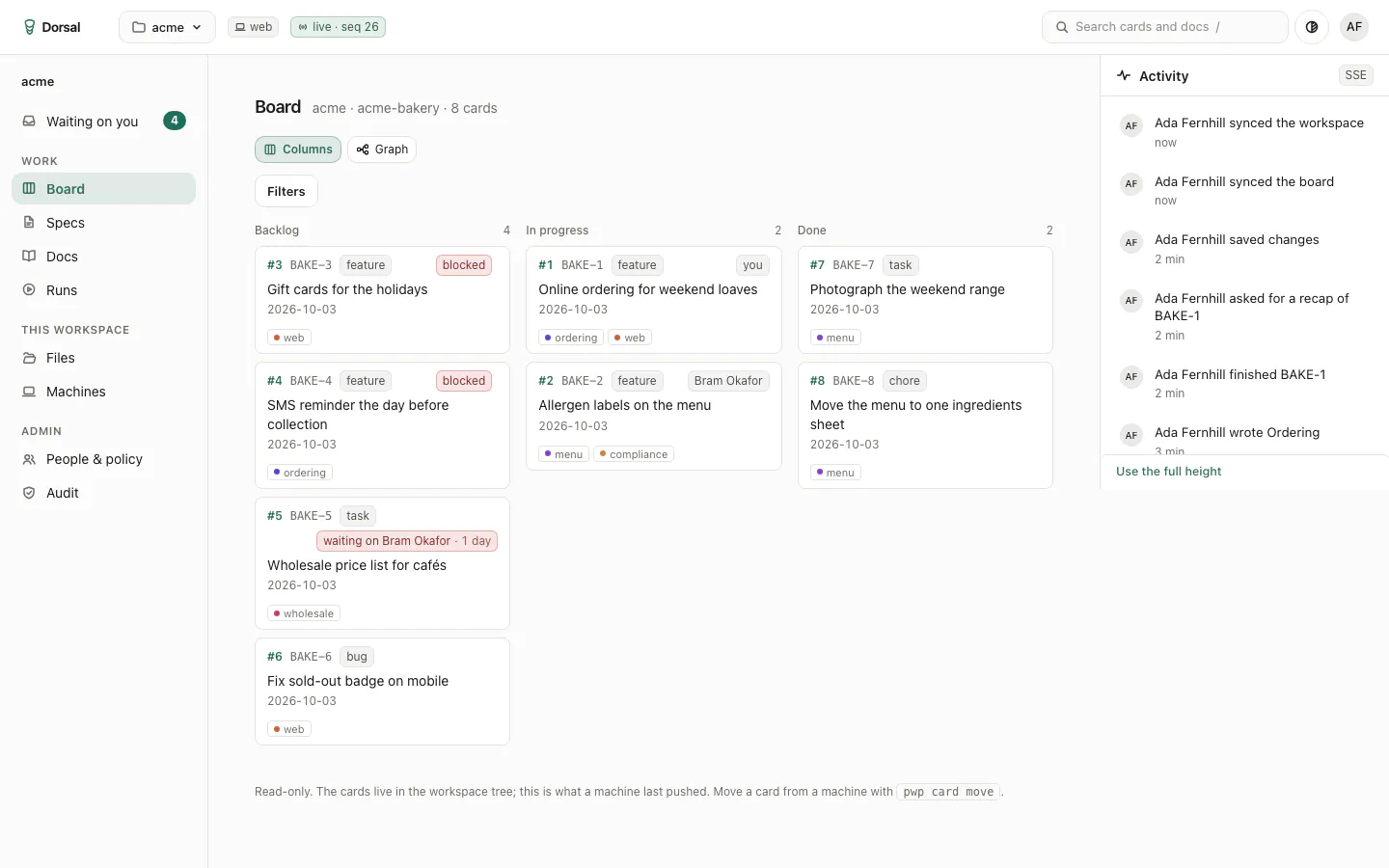
Dorsal packages a project's code, tools and boards into one definition that starts the same on any computer. Agents work inside clear permissions, and a person approves every change before it lands.

  • Every product on this page is built in it.
  • One board across every project, showing what waits on a person.
  • A record of every change, kept in your own accounts.

No public sign-up yet. Ask over coffee.

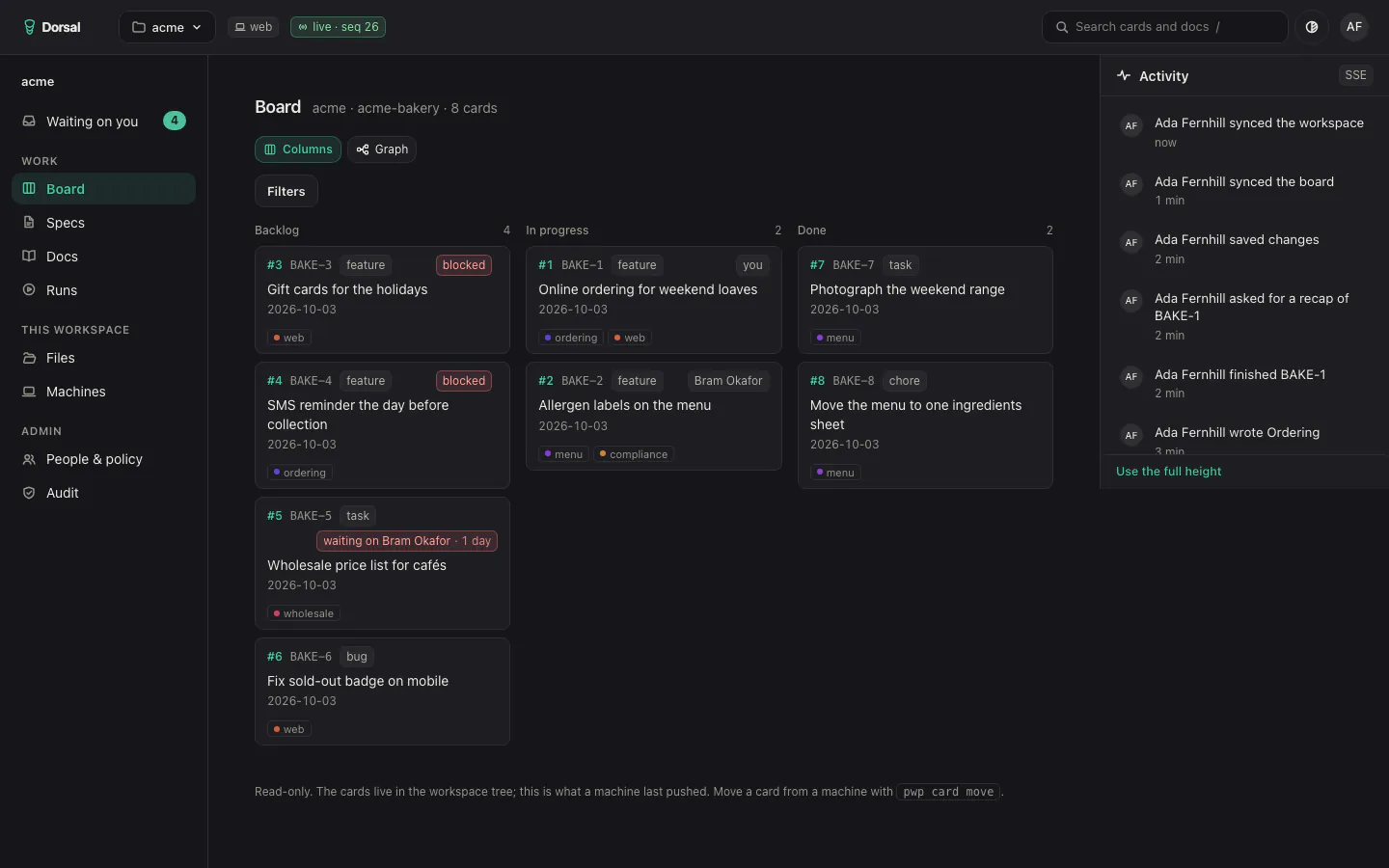
  • Dorsal's board for a demo bakery project: cards in Backlog, In progress and Done with owners, tags and blocked badges, and a live activity feed beside them.Dorsal's board for a demo bakery project: cards in Backlog, In progress and Done with owners, tags and blocked badges, and a live activity feed beside them.
    Board
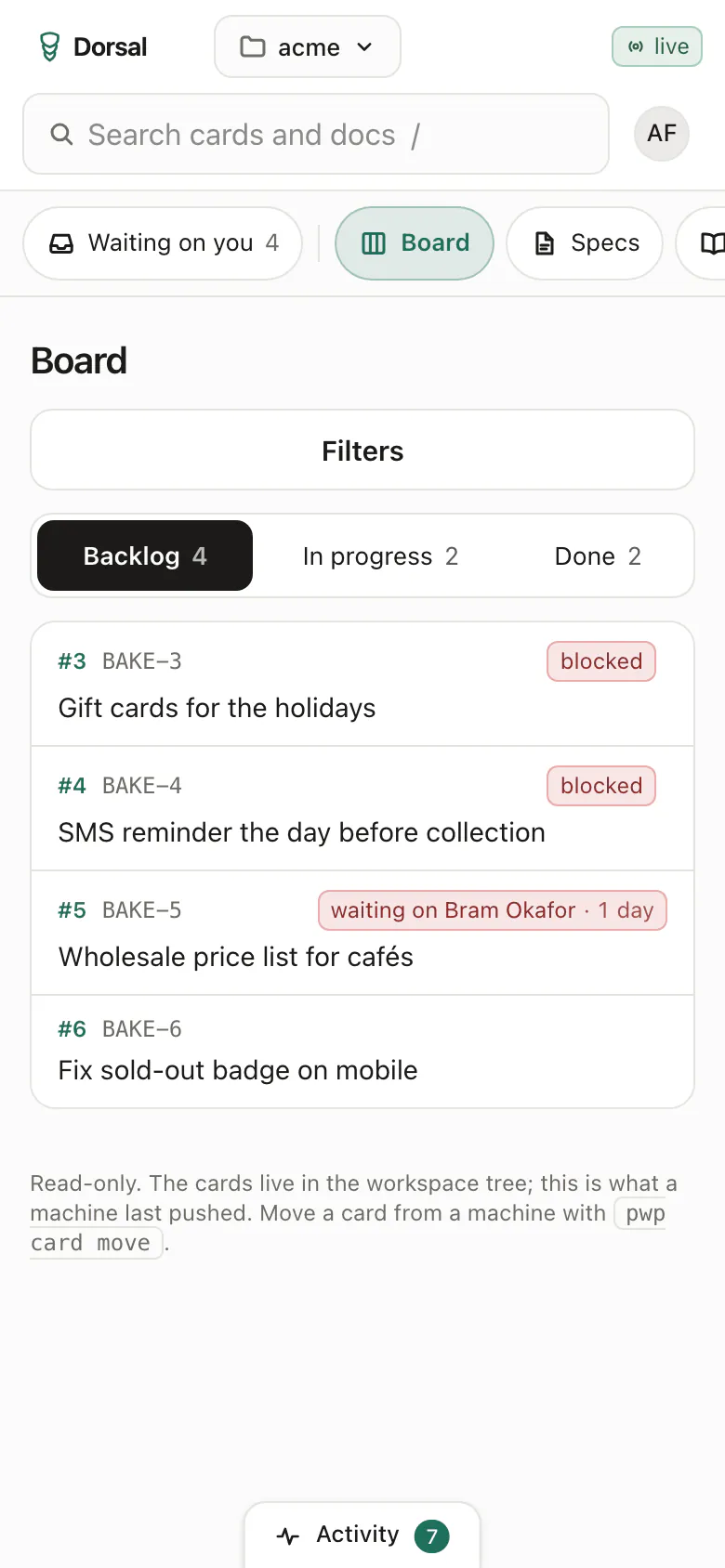
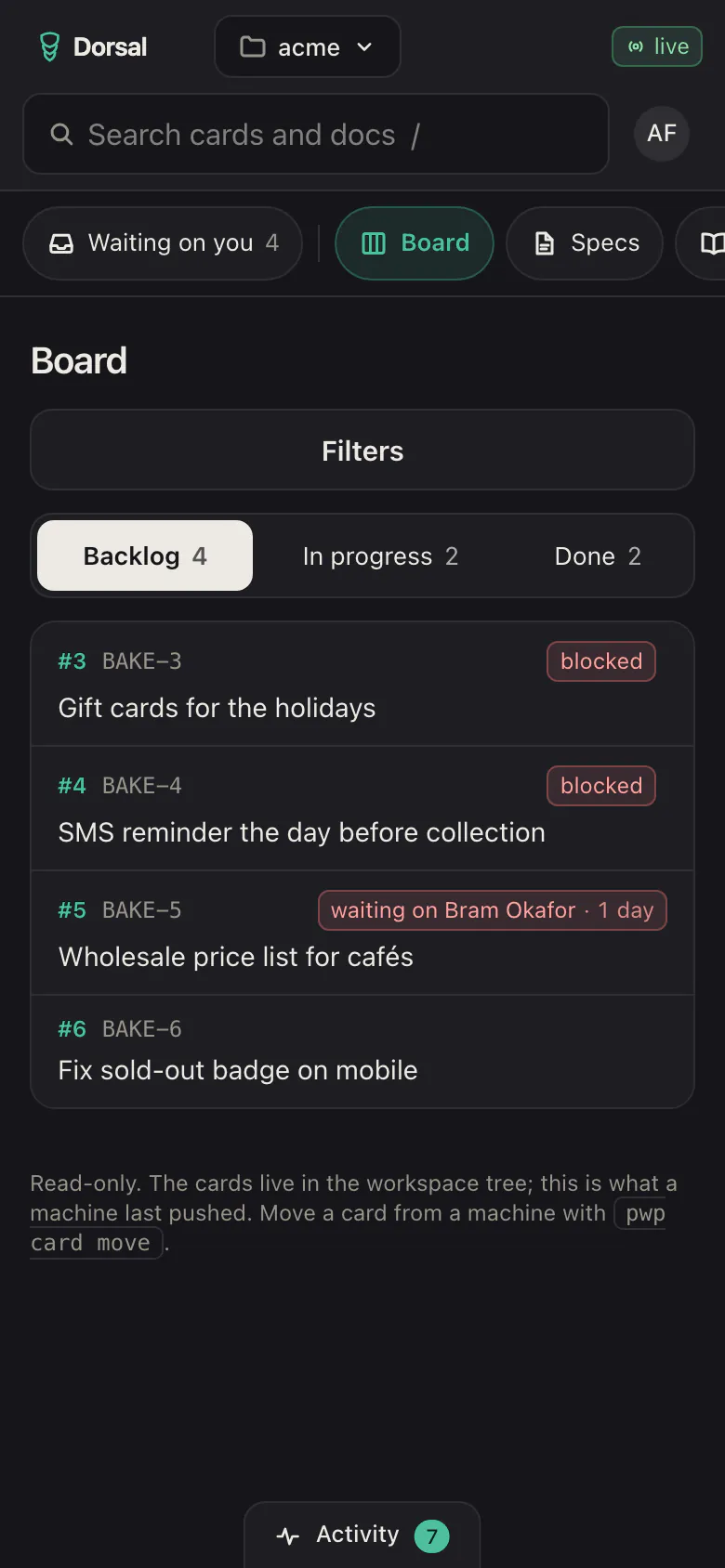
  • The same Dorsal board on a phone: one column at a time, picked from Backlog, In progress and Done.The same Dorsal board on a phone: one column at a time, picked from Backlog, In progress and Done.
    Board on a phone
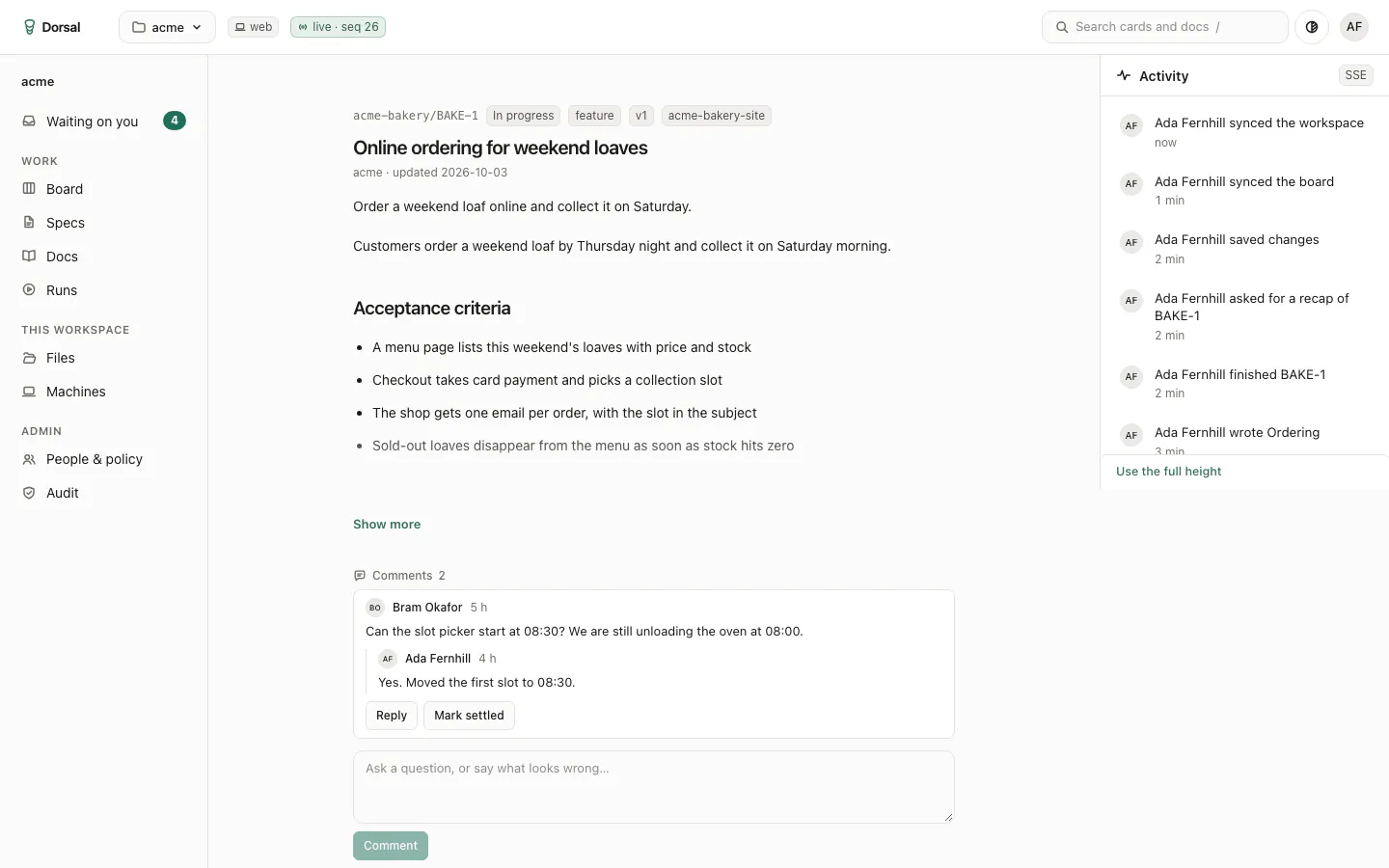
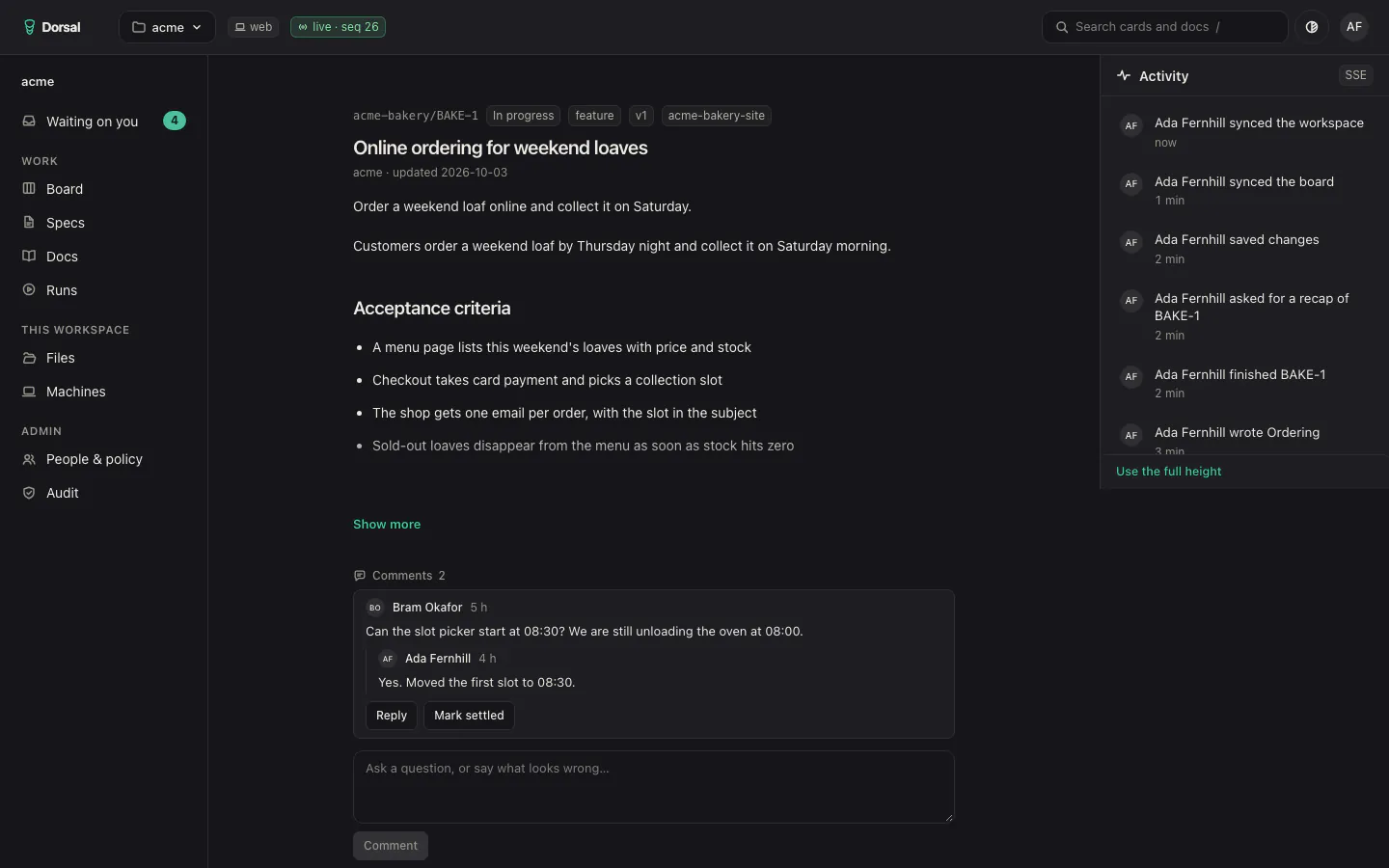
  • A Dorsal card, Online ordering for weekend loaves, with its status, acceptance criteria and a comment thread.A Dorsal card, Online ordering for weekend loaves, with its status, acceptance criteria and a comment thread.
    Card
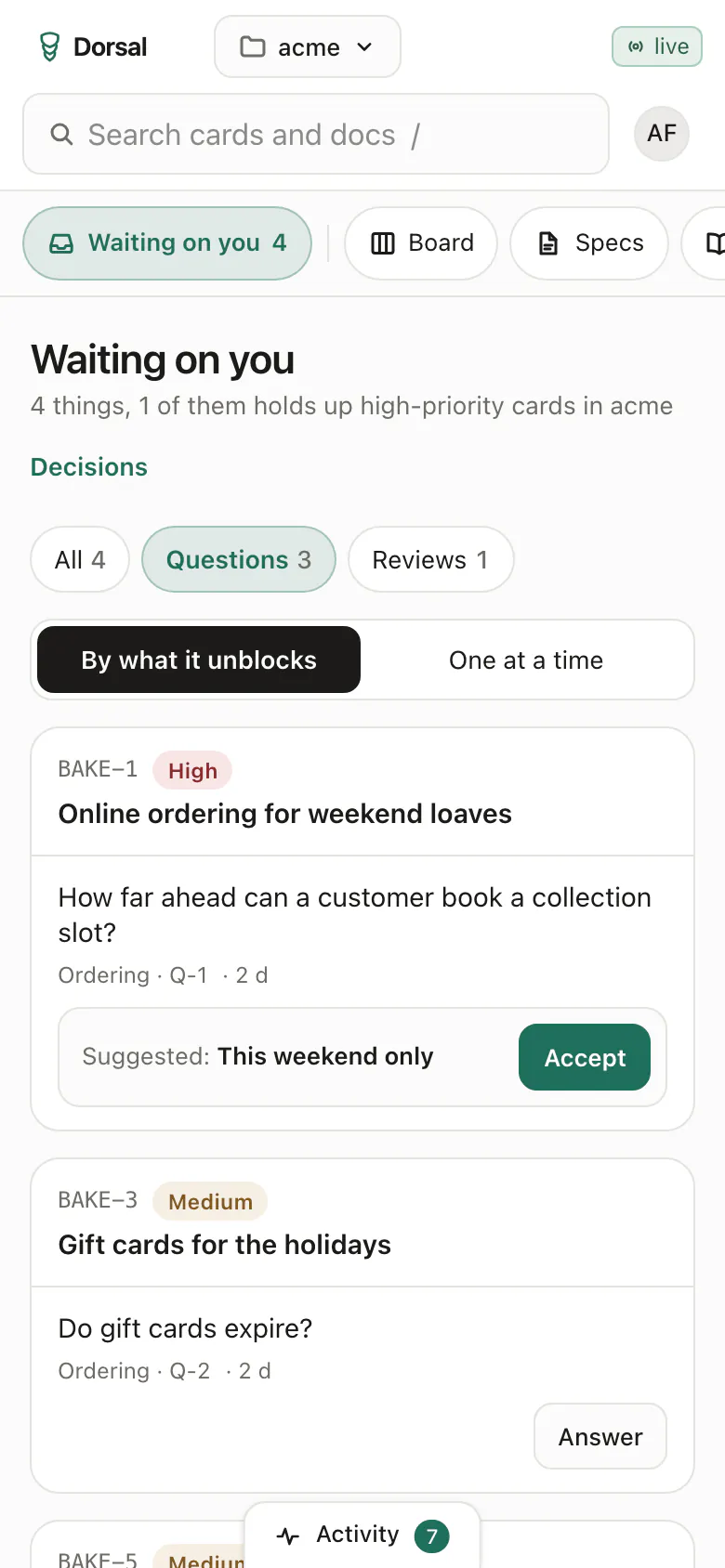
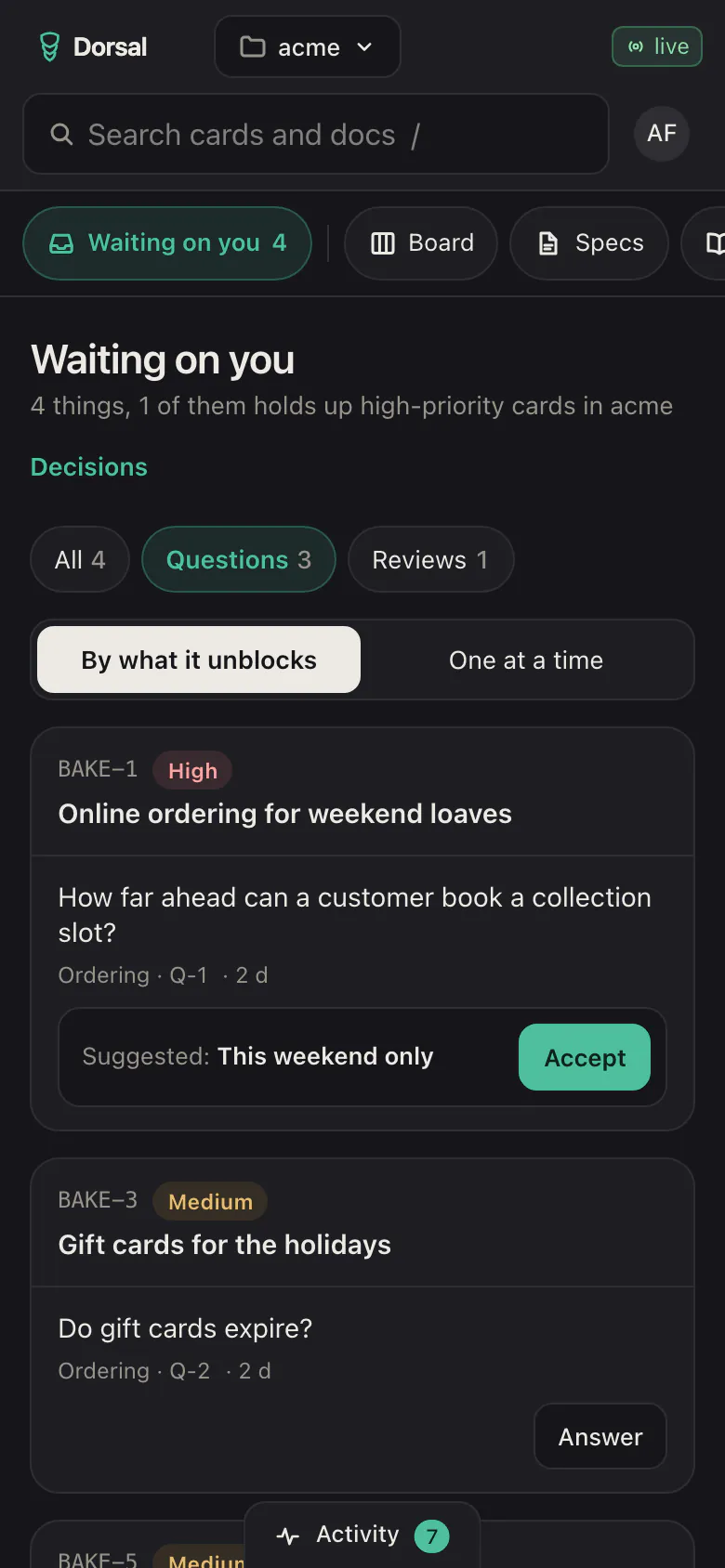
  • Dorsal on a phone: open questions grouped by the card each one holds up, with a suggested answer to accept.Dorsal on a phone: open questions grouped by the card each one holds up, with a suggested answer to accept.
    Questions
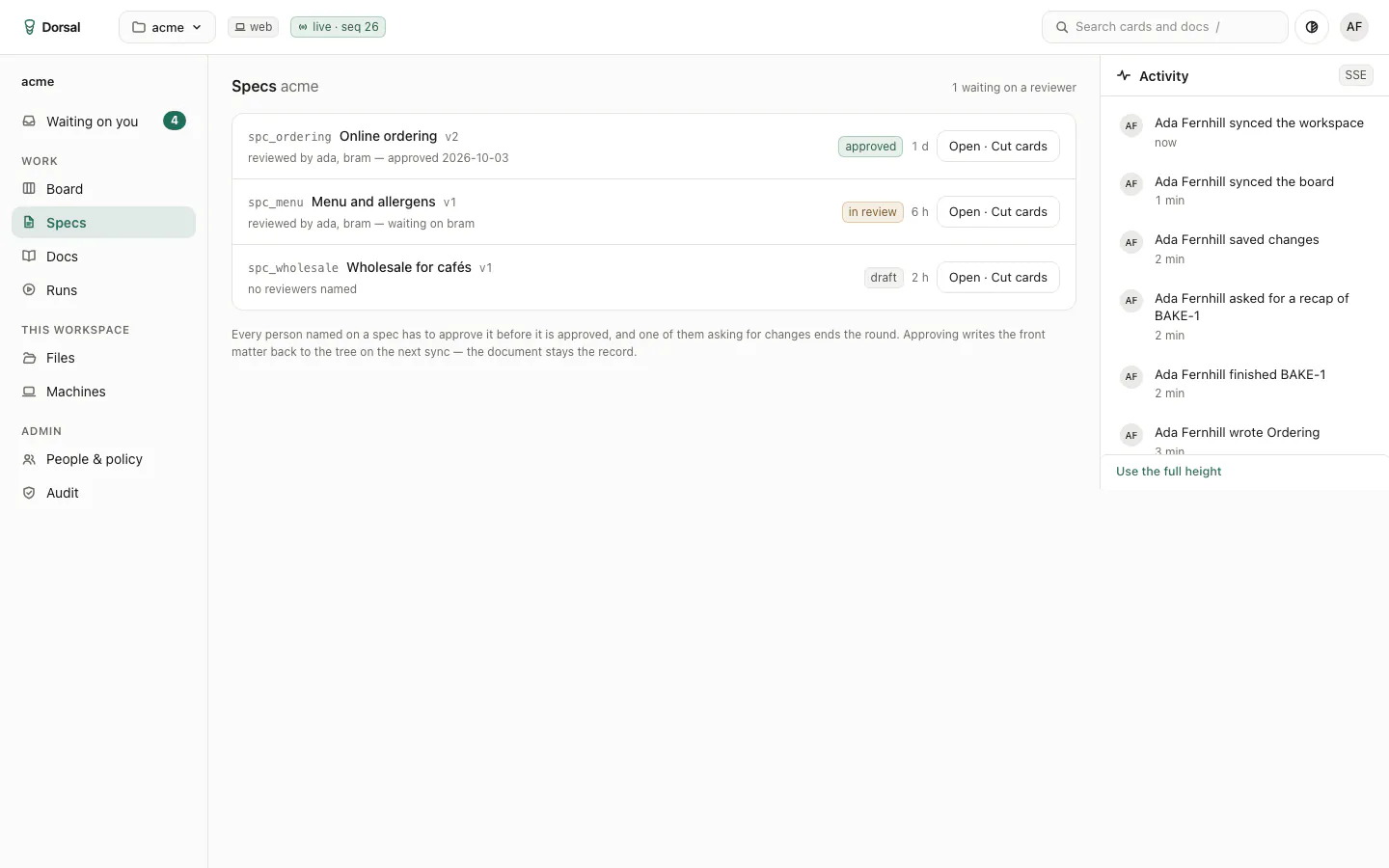
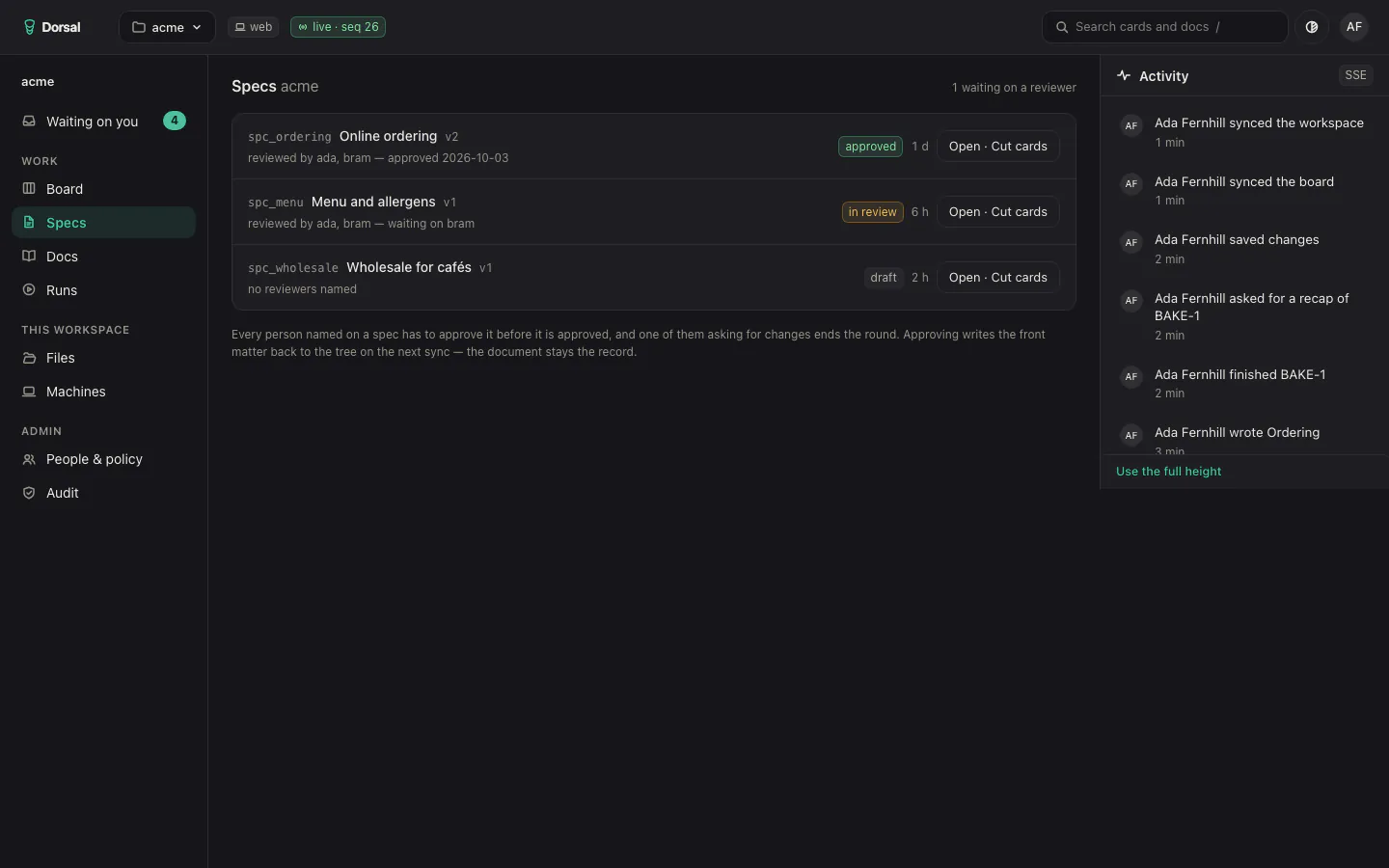
  • Dorsal's list of specs: one approved, one waiting on a reviewer and one draft.Dorsal's list of specs: one approved, one waiting on a reviewer and one draft.
    Specs
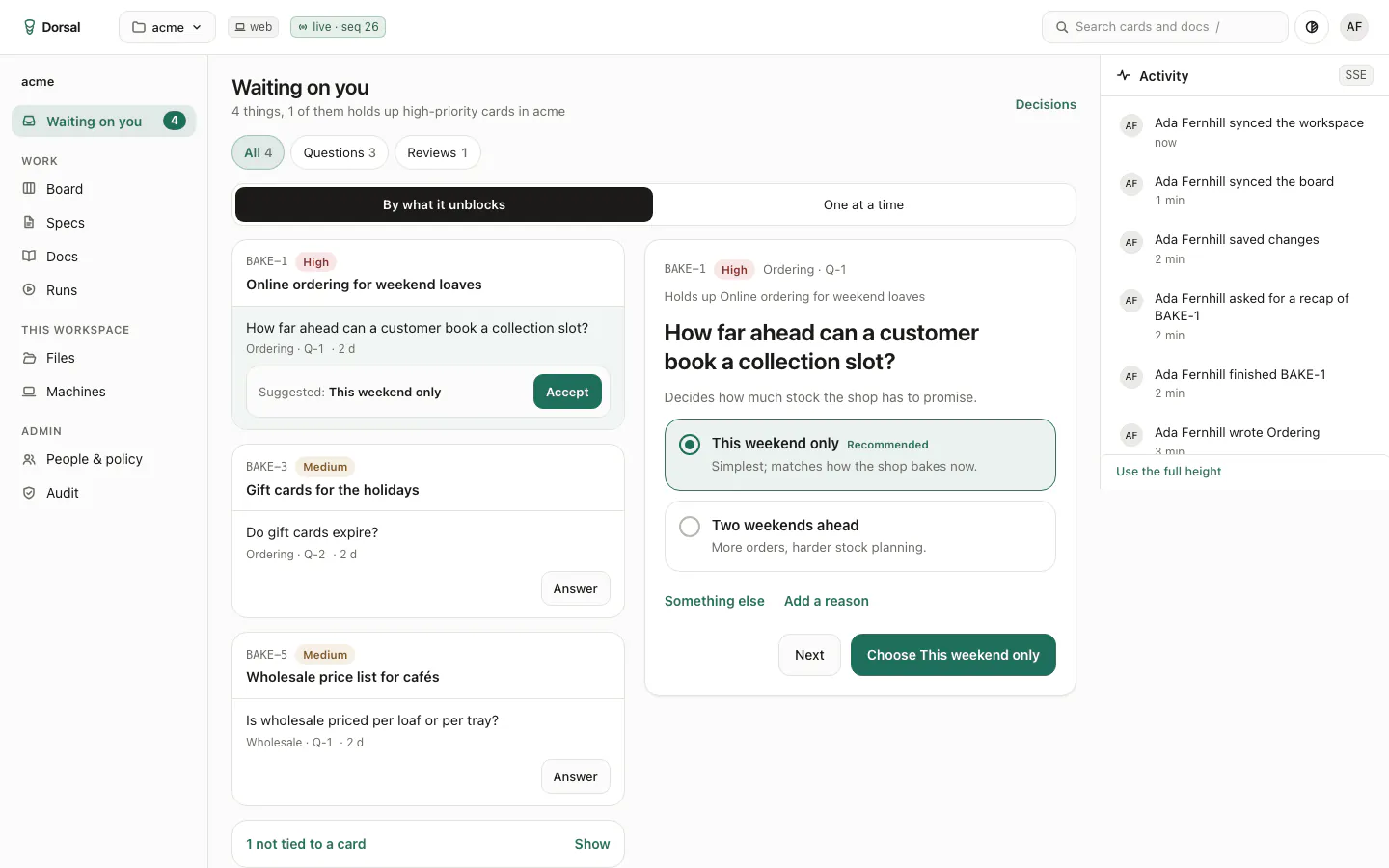
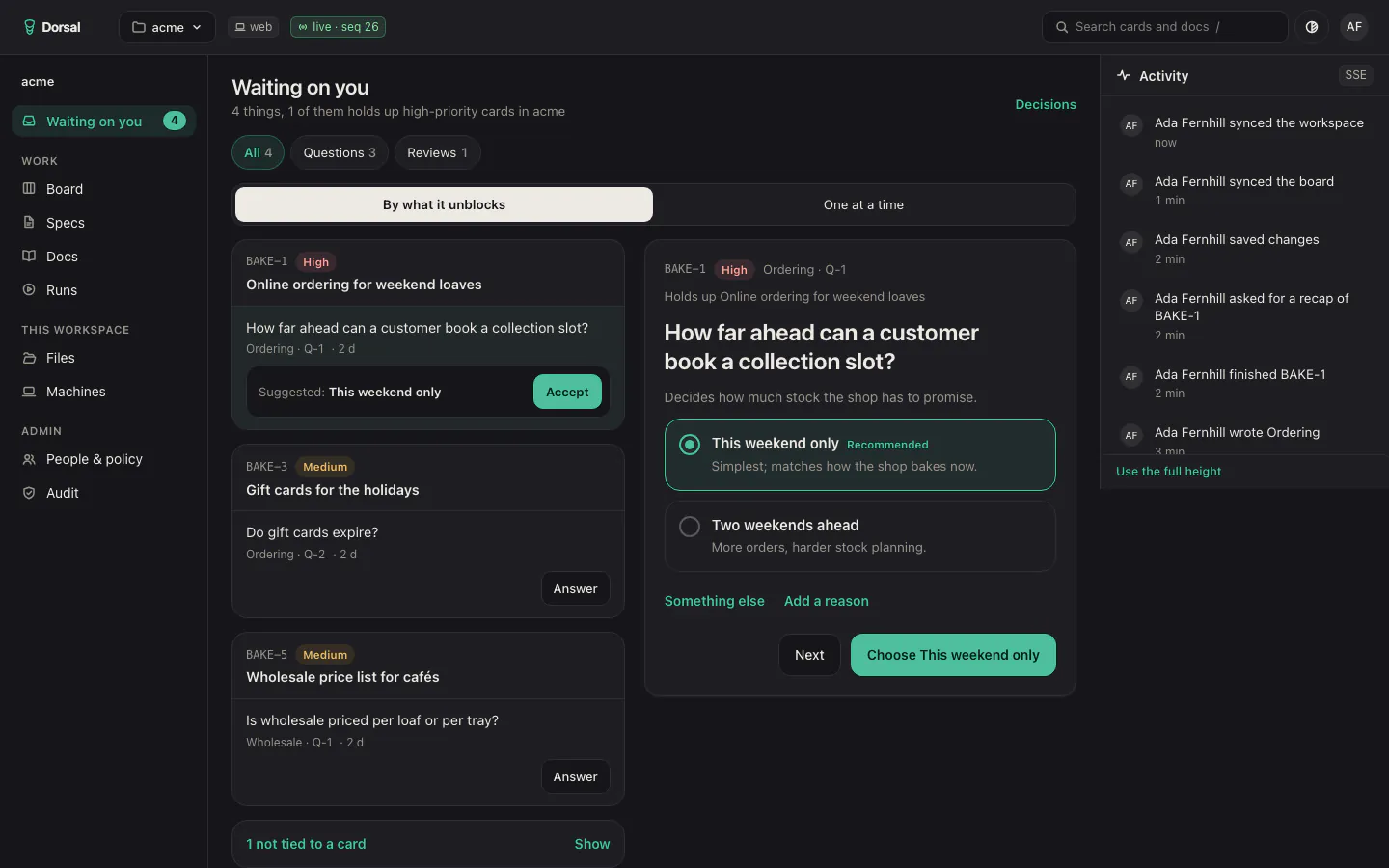
  • Dorsal's Waiting on you: questions ordered by what they unblock, with the first one open and a recommended answer.Dorsal's Waiting on you: questions ordered by what they unblock, with the first one open and a recommended answer.
    Waiting on you
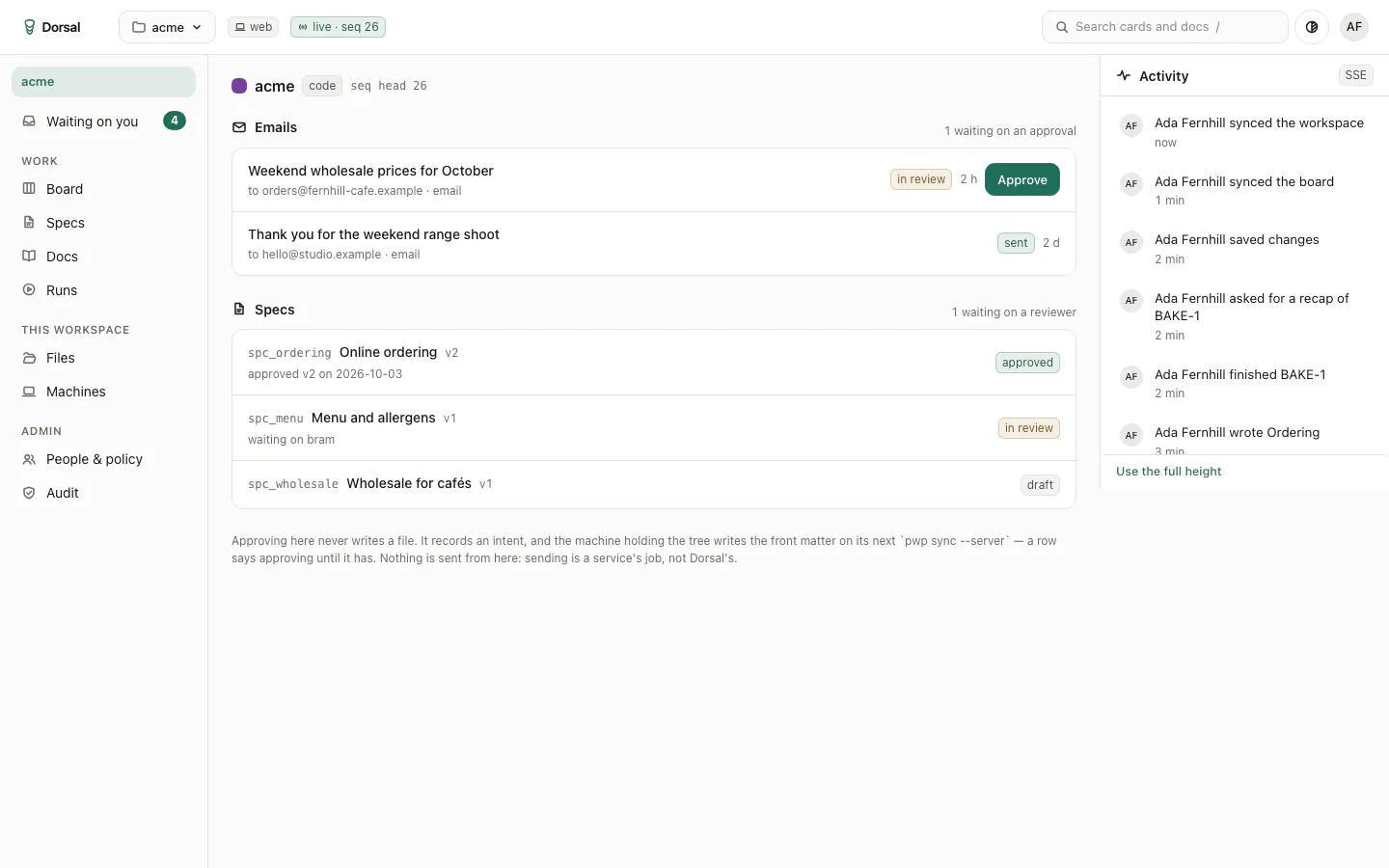
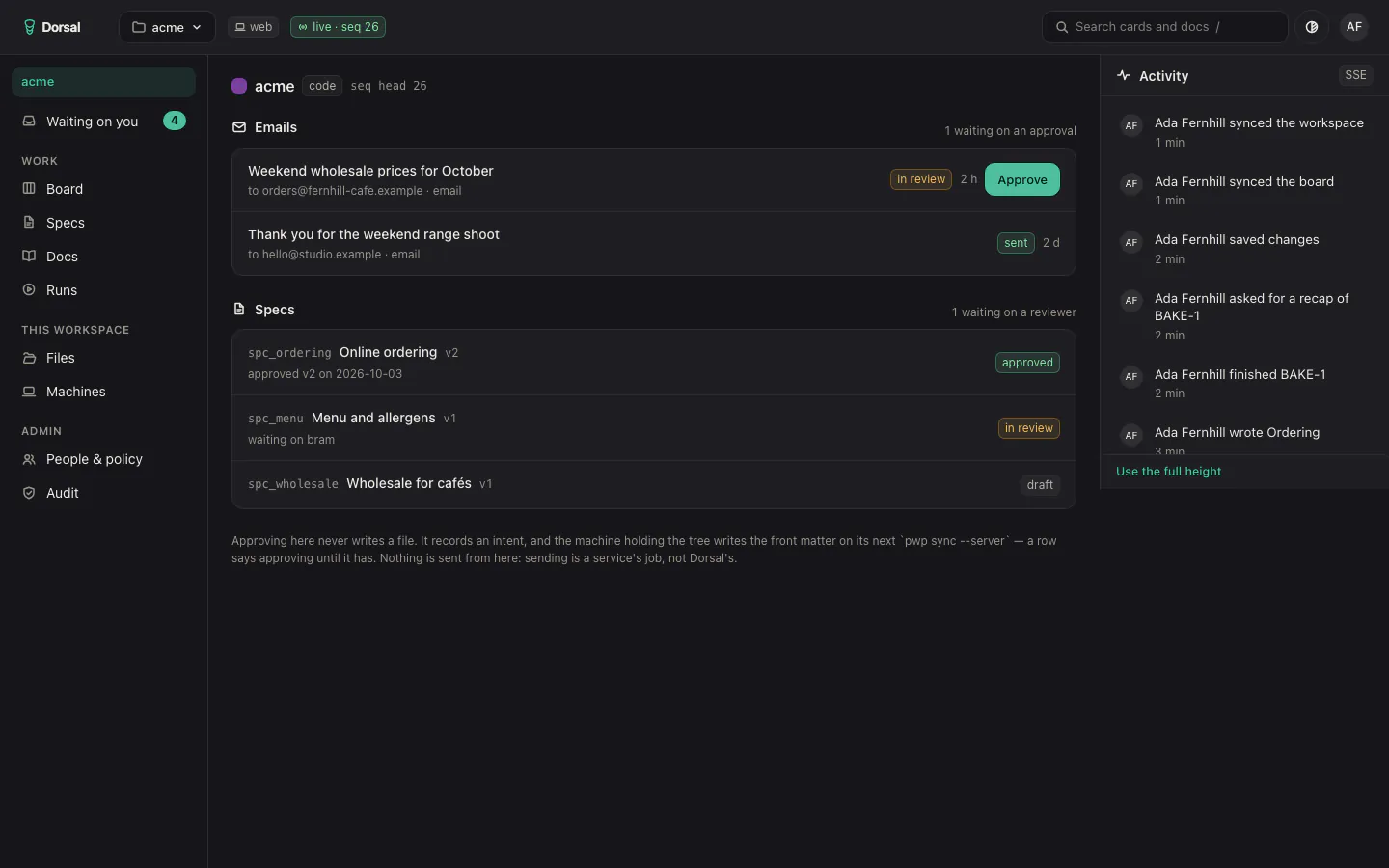
  • A Dorsal workspace: email drafts waiting on an approval, and the workspace's specs.A Dorsal workspace: email drafts waiting on an approval, and the workspace's specs.
    Workspace
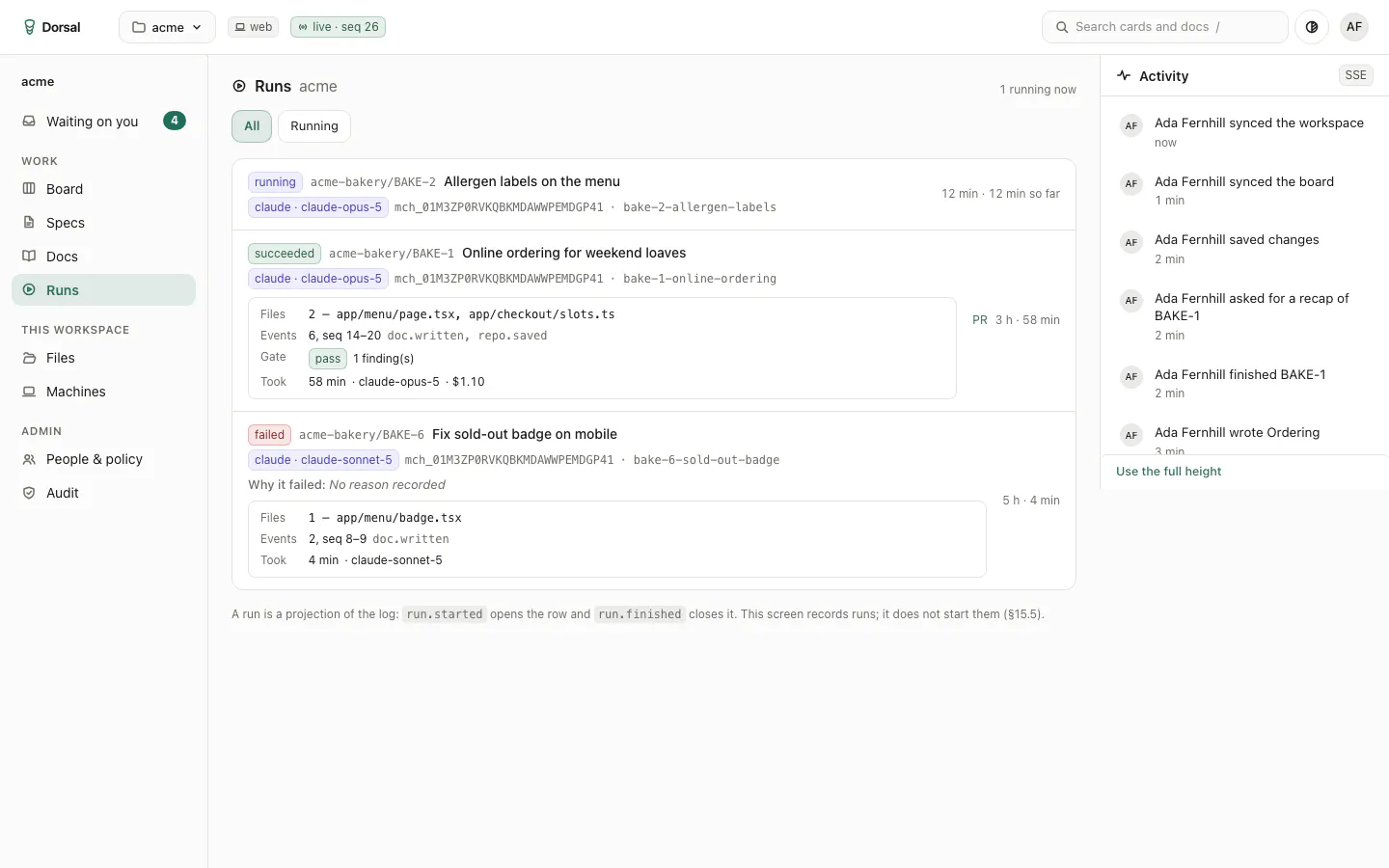
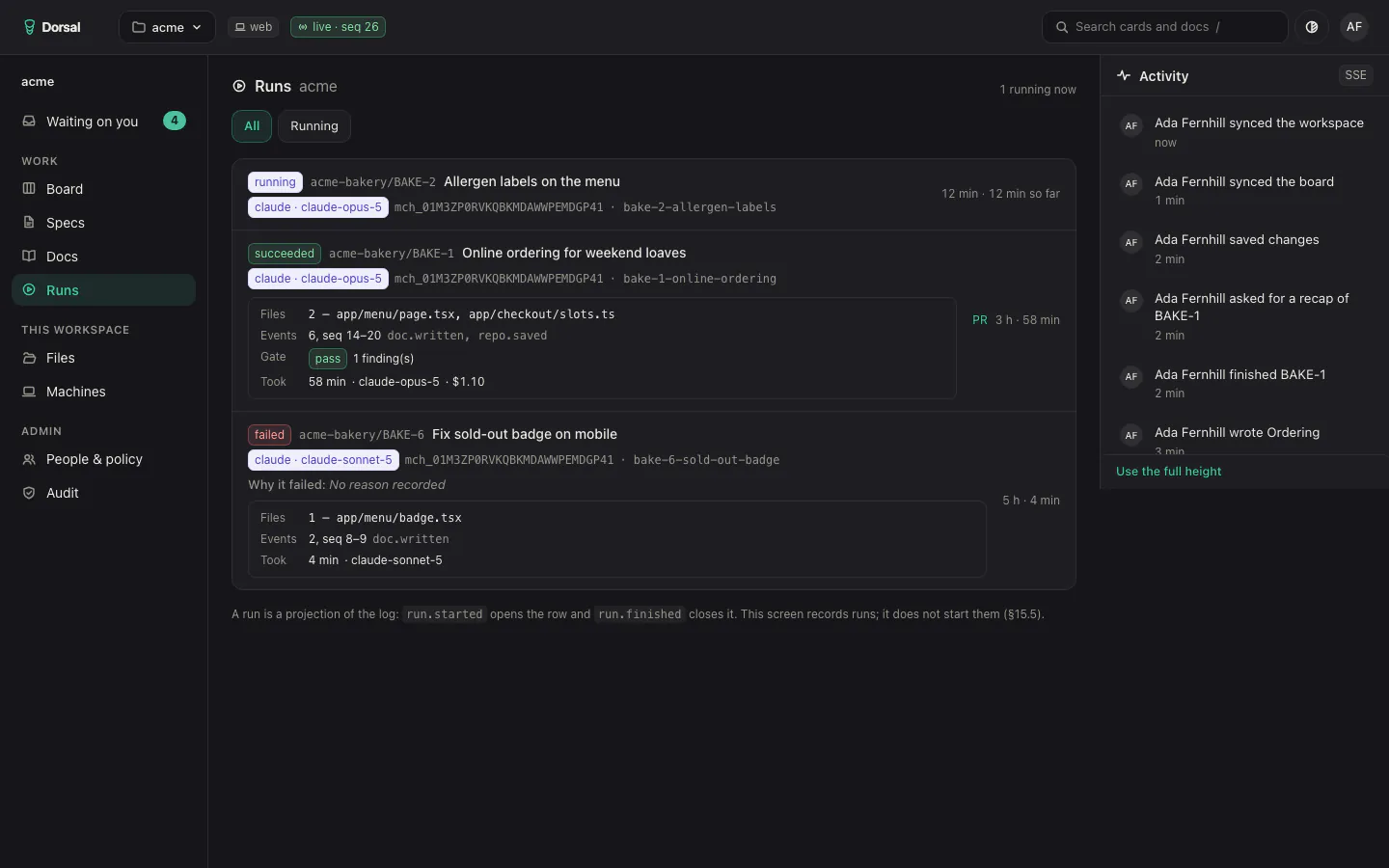
  • Dorsal's record of agent runs: one running, one that succeeded with its files, gate and cost, and one that failed.Dorsal's record of agent runs: one running, one that succeeded with its files, gate and cost, and one that failed.
    Runs
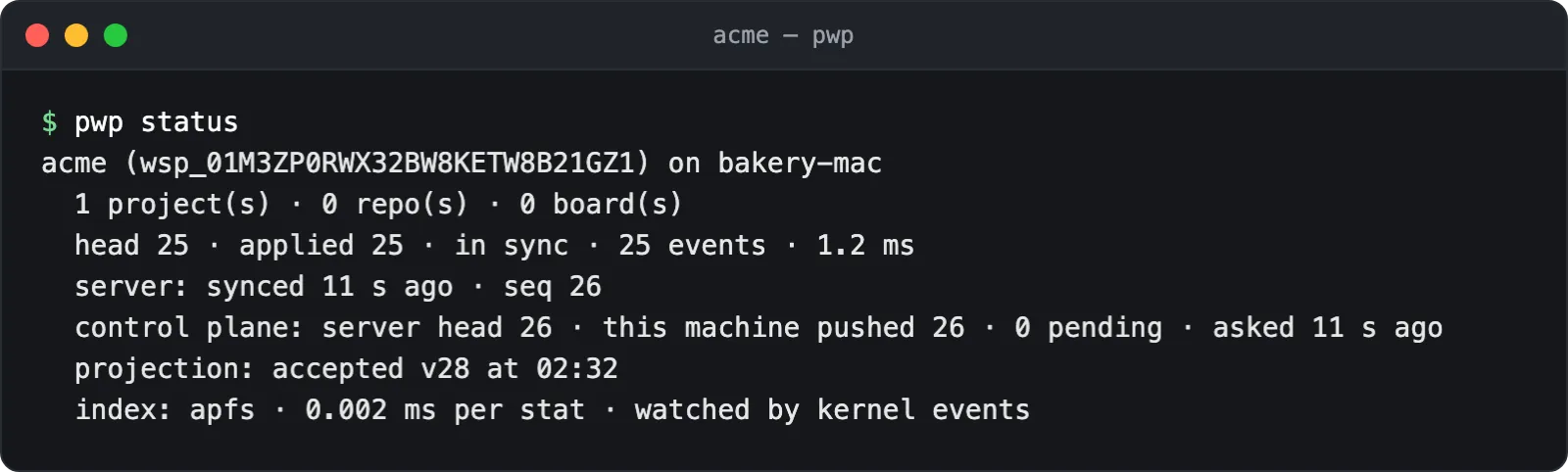
  • Terminal: pwp status reports the demo workspace in sync with the control plane.
    Status, in the terminal
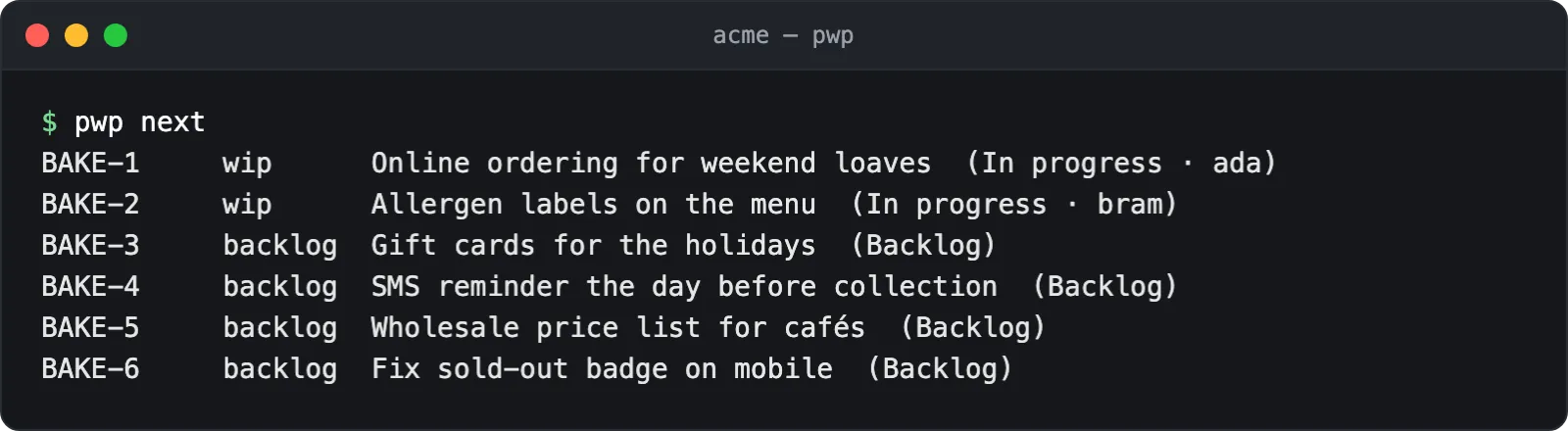
  • Terminal: pwp next lists the cards in progress and in the backlog.
    Next up, in the terminal
  • Terminal: pwp questions lists the open questions with their file and line.
    Questions, in the terminal
More

  • scent

    Score every job offer the same way, and tailor the CV to match. In development.CareersDocuments
  • snout

    Collect web research and keep the pages on your own drive. In development.ResearchData
  • Sign-in

    One sign-in across the studio's products and services. Live.IdentitySecurity
    Screens (3)
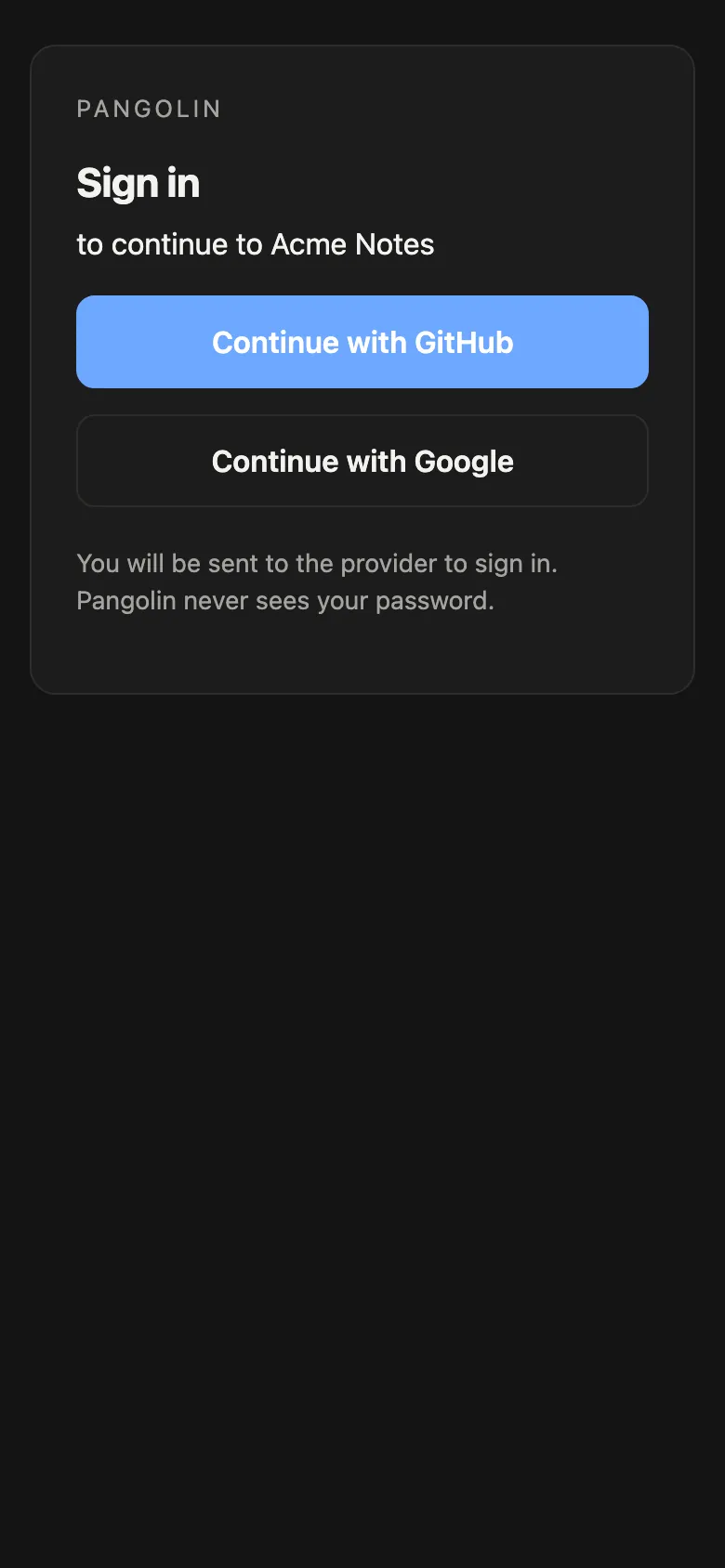
    • The Pangolin sign-in card on a phone: continue to a demo app with GitHub or Google.The Pangolin sign-in card on a phone: continue to a demo app with GitHub or Google.
      Sign in
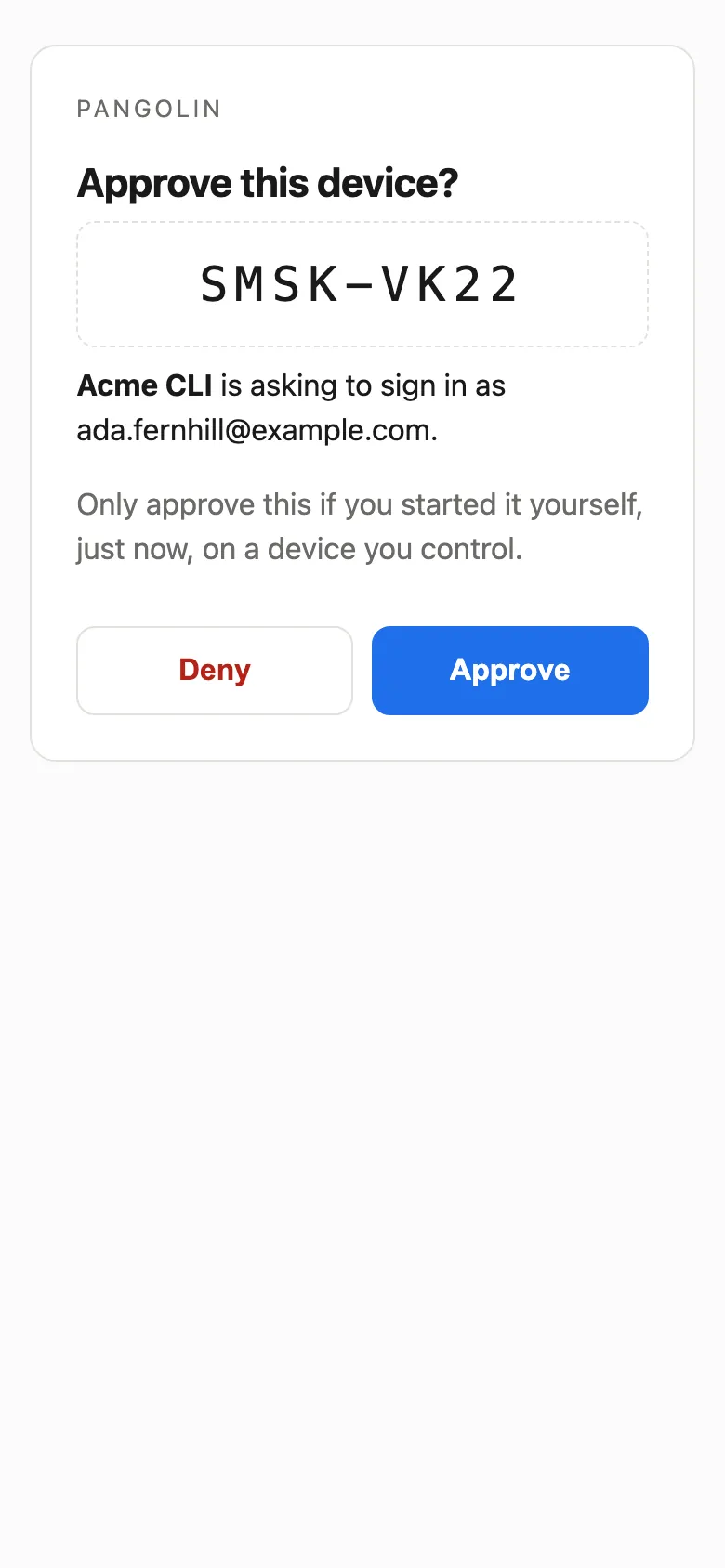
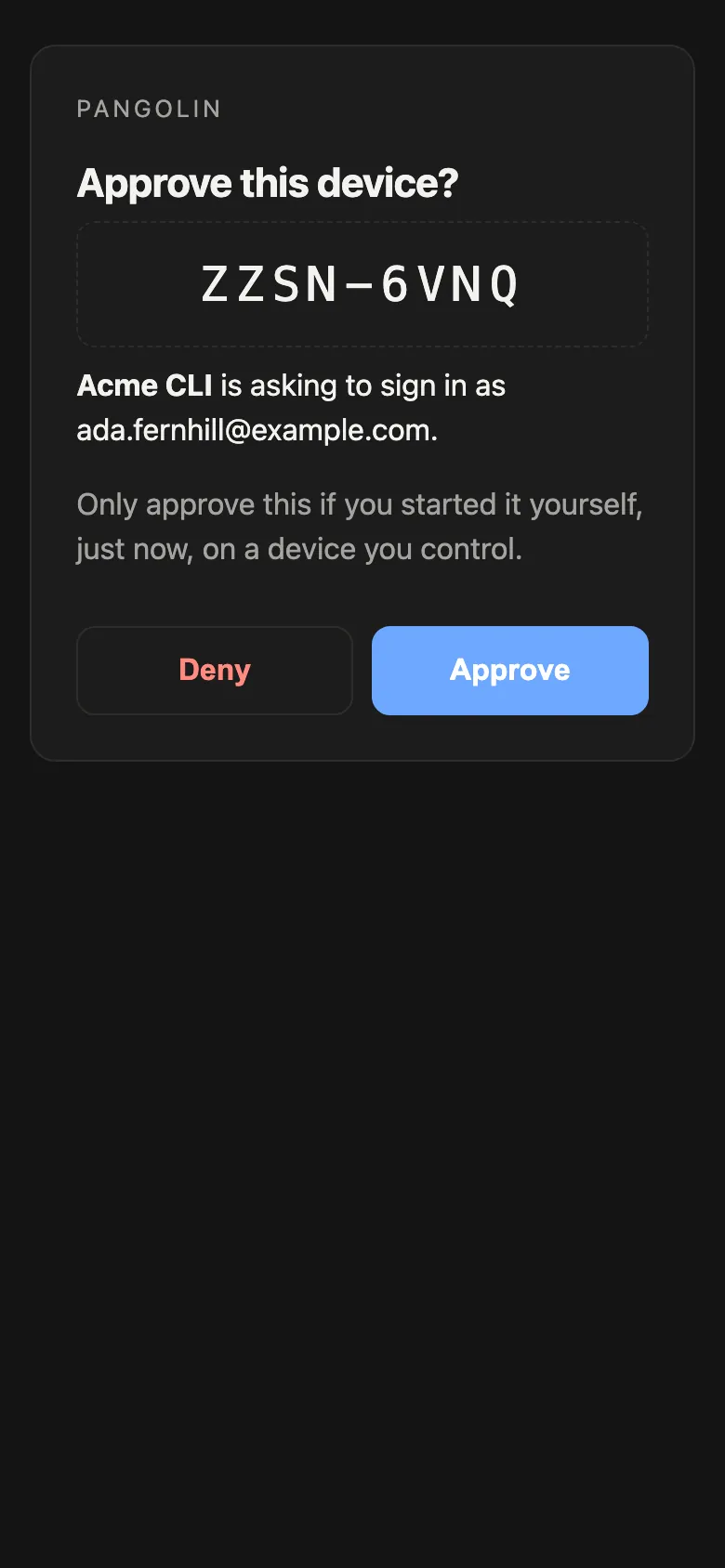
    • Approve this device: a command-line tool asks to sign in as a demo user.Approve this device: a command-line tool asks to sign in as a demo user.
      Approve a device
    • Device connected: go back to your terminal.Device connected: go back to your terminal.
      Connected

Oxpecker

Planned

The first install is our own home.

Oxpecker, for homes: Technology that belongs in the room, or is not seen at all.

Oxpecker will quietly run the alarms, the voice assistant and the sense of who is home, with nothing on show unless you want it. The technology is built once and tested once. The object and the service are bespoke: each visible device is housed to match its room, in oak, brass or plaster, or hidden entirely.

  • Nothing leaves the house unless you ask for it in writing.
  • A physical mute on every device that listens.
  • A check and lock-down of your home network in every install, part of the fee.

How it works

  1. 1
    Survey. Your home, your routines and what must never be recorded.
  2. 2
    Design. Drawings and a material sample for anything you will see.
  3. 3
    Install. Network check, hardening and handover.
  4. 4
    Care. Updates, device checks and a yearly review.

Happy to meet through your interior designer, architect or house manager.

Work with us

Every route starts with a coffee, in person or on a call.

Client projects

Software made for you, in your own accounts.

A commission for a home, a club or a small business. You own the code, the domain and the hosting from day one, and you can have us look after it afterwards. If you are unsure it will work, start with a written feasibility study.

Partnerships

Co-founders, agencies and investors.

You bring the idea, the customers or the capital; we bring the build. On a partnership you pay part of the development cost and we invest the rest, so we share the early risk.

Let's grab a coffee

Ways to work

Commission

We build the software you need, and you own everything from day one.

You have a clear project in mind and want an experienced engineer to build it. We set up the code, the domain and the hosting in your own accounts from the start. When the build is finished you can run it yourself, or choose an optional service contract so we look after it for you.
Good for
Businesses, clubs and individuals who know what they want and want to own it.
You leave with
Working software in your own accounts, the source code, and no lock-in.

Partnership

You cover part of the build cost, and we invest in your idea.

You have an early product and want a technical partner with skin in the game. You pay part of the development cost and Pangolin Technology invests the rest. We build it together, share the early risk, and stay invested in how it performs.
Good for
Founders who want an aligned technical partner rather than an outside agency.
You leave with
A launched product and a partner who is still there after launch.

Technical feasibility study

A written answer on whether your idea will work, before you build it.

You have an idea and are not sure it would work, or what it should cost. Let's grab a coffee and talk it through. The first conversation costs the price of a coffee. After that it is a standard hourly rate while we look closely at the systems involved and write up an honest answer.

Good for
Anyone who wants a technical verdict before spending real money.
You leave with
A written answer: what it takes, what it costs, and whether we would build it.

What happens next

  1. 1
    The coffee. We sit down, listen to what you want to achieve, and work out whether software is the right answer.
  2. 2
    The plan. You receive a short written proposal: what we will build, roughly how long it takes, and what it costs.
  3. 3
    The build. We build in your own accounts and share private preview links as each piece starts working, so you can try it.
  4. 4
    The handover. We test everything with you on your own devices and hand over the accounts. Then it runs quietly in the background.

Questions people ask

Who owns the code?

On a commission, you do. The code is written in your own repository and is yours from the start, so you are never locked in. In a partnership, ownership is part of what we agree together before any work begins.

Where is it hosted?

In your own accounts. We set up the hosting, the database and the domain in your name, so you pay the providers directly and hold the keys. If we ever part ways, your software stays online and untouched.

What if you get hit by a bus?

Your software lives in your own accounts, built with standard tools and written documentation. Any competent developer can read the repository and carry on. You hold the logins, so your business never depends on one person.

Do you use AI, and is my data safe?

Yes, we work with AI agents, and Johannes approves every change they make before it reaches you. What we build for you is private by construction: where your software uses a language model, we choose with you where it runs and what it may see, and the default is that your data stays on your own hardware.

How long does it take?

It depends on the size of the thing, and the coffee is where we find out. Work is delivered in stages you can try on your own phone or laptop as we go, so you are never waiting on one big reveal.

What does it cost?

The first conversation costs the price of a coffee. A feasibility study is charged at a standard hourly rate. For a commission you get a written quote once we understand the scope, and in a partnership you pay part of the build cost and we invest the rest.

About

Pangolin Technology is an independent product studio led by Johannes van der Merwe, a lead software engineer. It works with founders, small businesses and households who want software shaped around how they already live and work.

Johannes sets the direction and approves every change. AI agents do much of the typing. You get the pace of a larger team and one accountable person from the first coffee to the handover.

How we build

  • Agents work inside clear permissions, and no change lands until a person approves it.
  • Everything is written down: decisions, specs and the reason behind each change.
  • We say what is live and what is not. The labels above are kept up to date.
Size
One engineer and the agents he directs

Specialties

  • TypeScript, React and Next.js
  • Go and Hono
  • Postgres
  • Vercel
  • IoT and on-device processing
  • AI orchestration and review tooling
  • Secure integration with systems you do not control

Start with a coffee

Tell us what you are trying to do, or what you would like to build together. The first conversation costs the price of a coffee, in person or on a call.

Let's grab a coffee

hello@pangolin.technology